Skip to content
DayZ

Documentation: events.xml editor

Editor for the DayZ Standalone events.xml file (dynamic events of the central economy). Set nominal, min, max, lifetime, safe radii, flags, position, limit and the child list of each event, import your existing file, spot inconsistencies and export clean XML.

Last updated: 10/9/2026

Open the tool

events.xml (mpmissions/<map>/db) describes DayZ's dynamic events: heli crashes, military convoys, infected zones, animals, vehicles. Each event has a target count (nominal), bounds (min/max), a lifetime, radii and “children” (the objects or entities spawned).

How to use the tool

  1. Import your events.xml (recommended): each event becomes an editable card.

  2. Adjust nominal, min, max, lifetime and the radii; disable an event with active.

  3. Describe the children, one line per child: type,min,max,lootmin,lootmax.

  4. Check the “Checks” panel and fix the reported errors.

  5. Download events.xml, replace it in mpmissions/<map>/db/, delete storage_1 if you need a clean start, and restart.

Main fields

  • nominal / min / max: target number and bounds of simultaneous event instances.
  • lifetime: event lifetime in seconds; saferadius / distanceradius / cleanupradius: radii in metres.
  • Actual positions of “fixed” events are defined in cfgeventspawns.xml, not in this file.

Frequently asked questions

Are tags the tool does not know kept?
No: only nominal, min, max, lifetime, restock, the radii, flags, position, limit, active, secondary and children are read. Compare the result with your file if you use special tags.
Is my data sent to a server?
No, everything stays in your browser (localStorage for your settings).
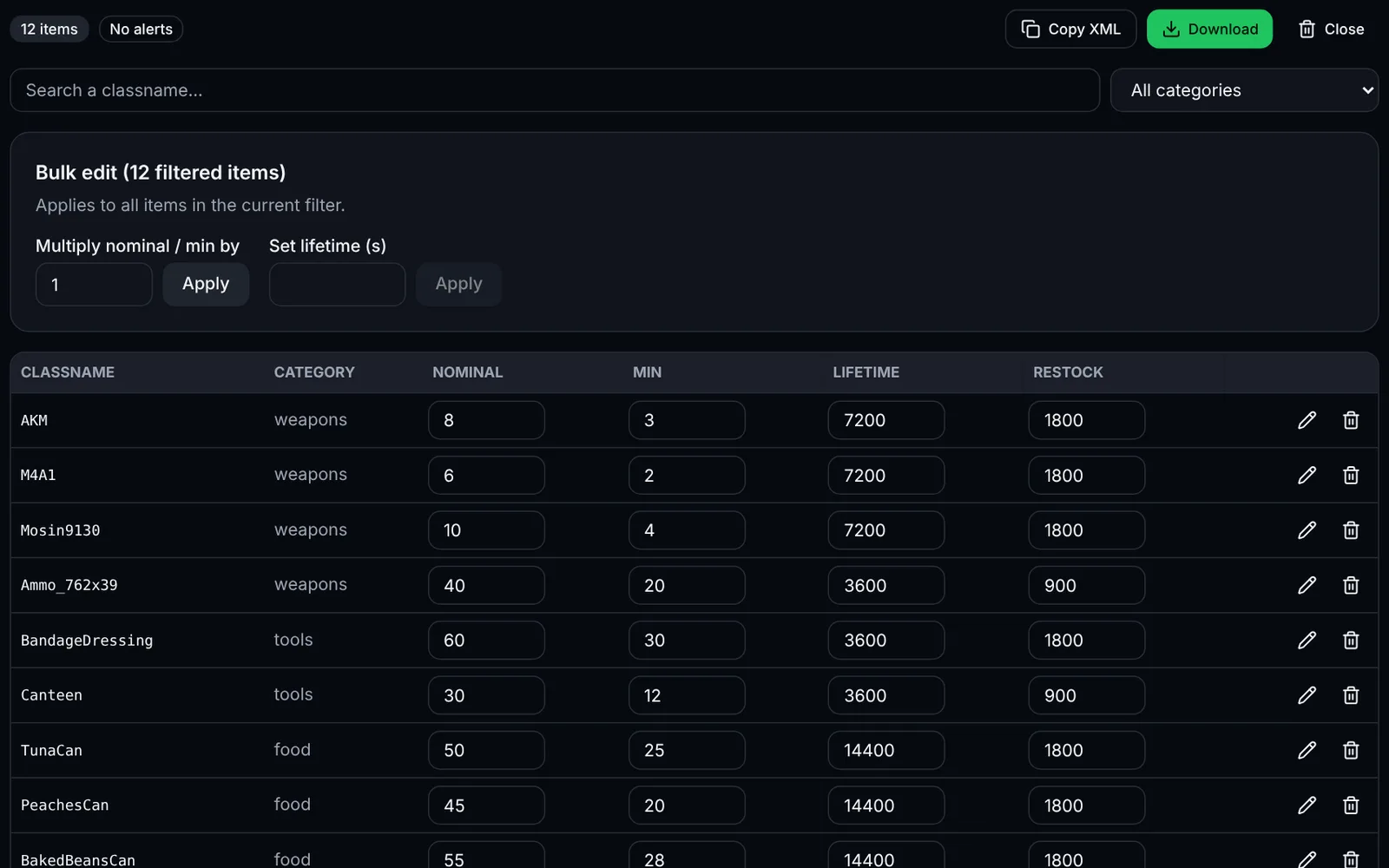
Screenshot of the types.xml editor toolDayZSign-in required
Edit nominal, min, lifetime and usages of your DayZ items with search, bulk editing and validation.
LootXMLEconomyOpen
Documentation
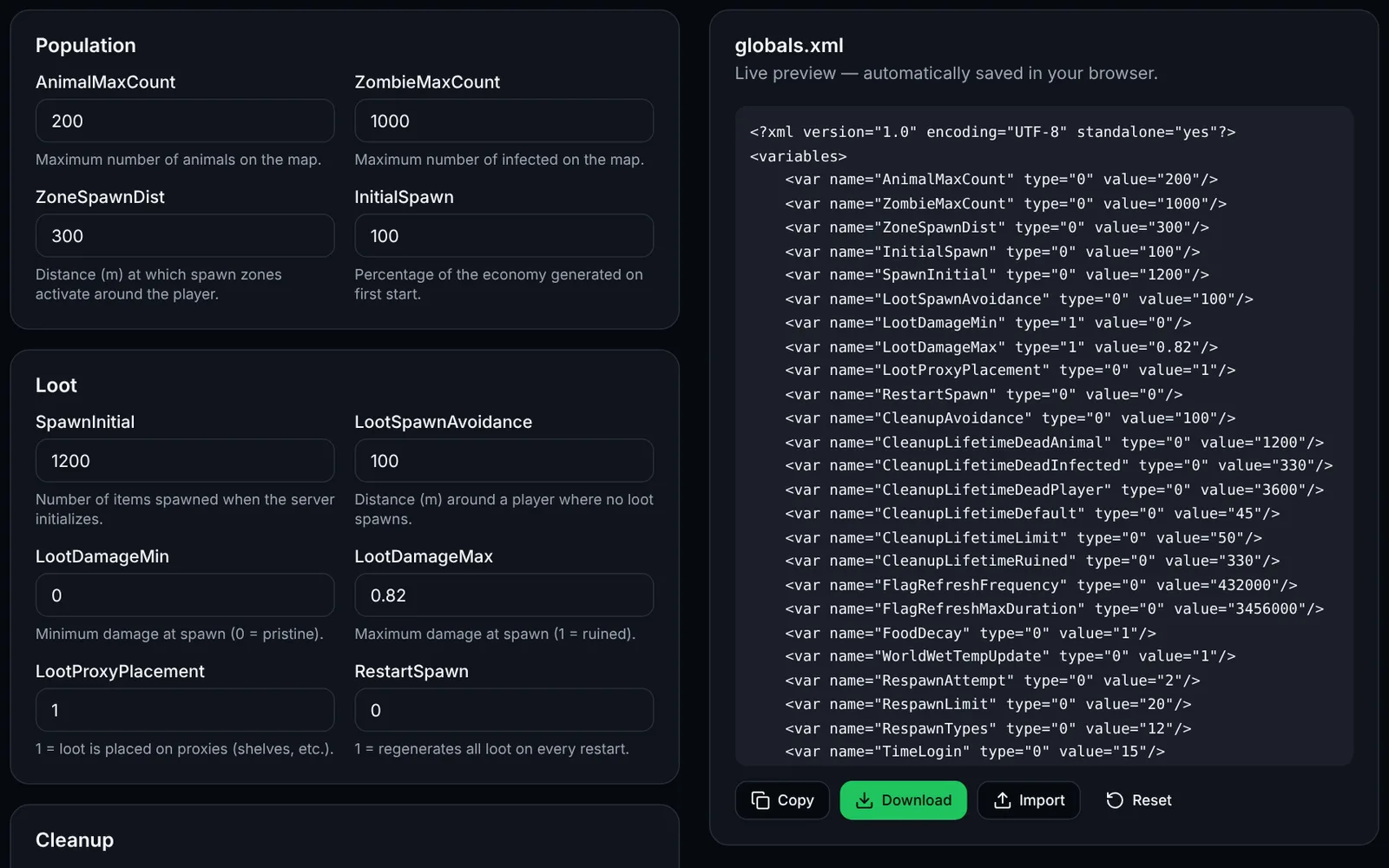
Screenshot of the globals.xml editor (economy) toolDayZSign-in required
Tune your DayZ server economy: zombies, loot, cleanup and bases.
EconomyXMLOpen
Documentation
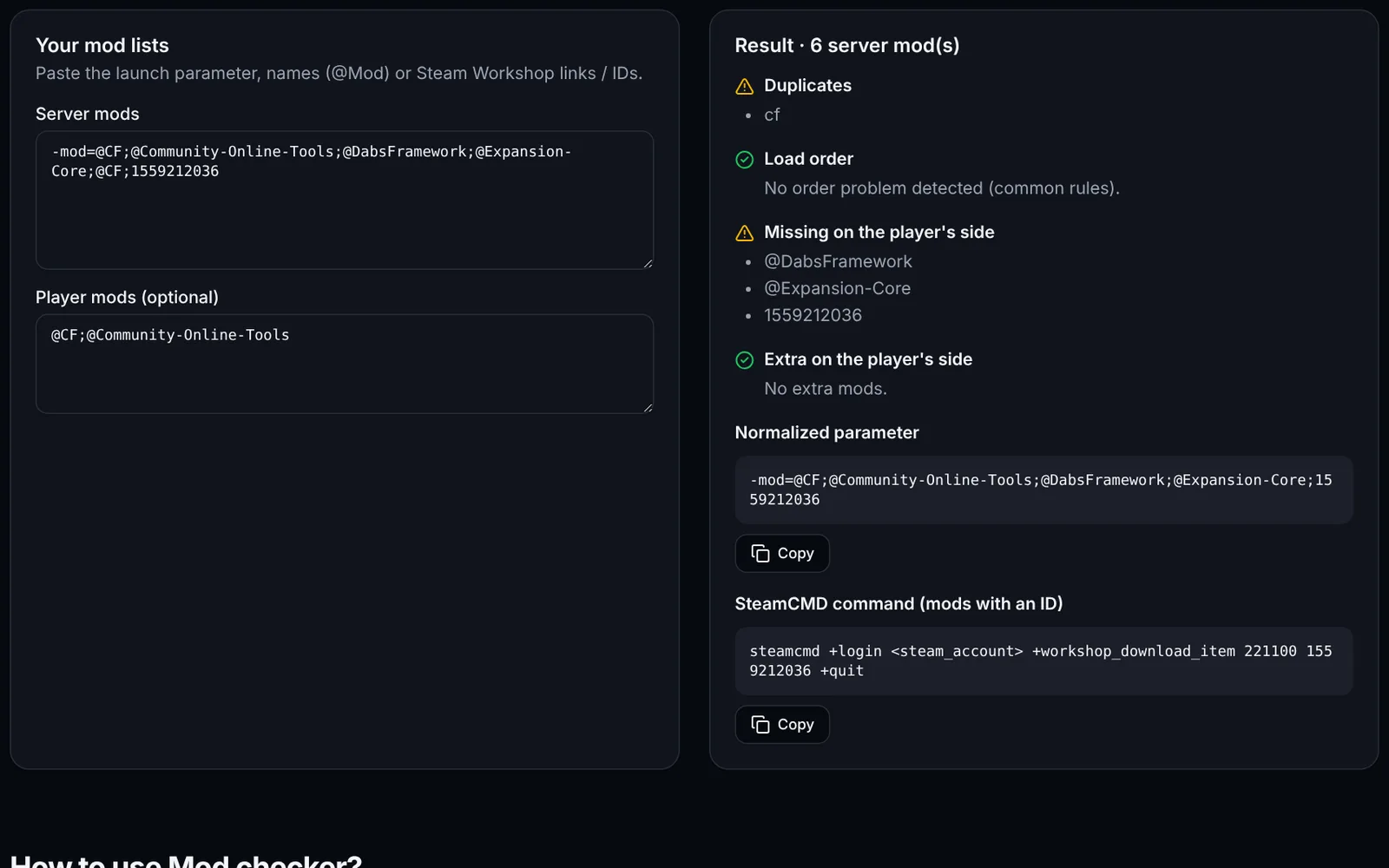
Screenshot of the Mod checker toolDayZSign-in required
Detect duplicates, missing mods and wrong load order on your DayZ server.
ModsDiagnosticsOpen
Documentation
DayZ
DayZSign-in required
Edit cfgeconomycore.xml: root classes, central economy logs and custom CE folders, with validity checks.
EconomyXMLOpen
Documentation
DayZ
DayZSign-in required
Generate cfgspawnabletypes.xml (attachments, cargo, condition) and the init.c code for players' starting gear, with chance checks.
LootLoadoutXMLOpen
Documentation
DayZ
DayZOpen access
Generate serverDZ.cfg: name, passwords, slots, BattlEye, day/night, login queue and map, with live preview and import.
ConfigurationServerOpen
Documentation
DayZ
DayZSign-in required
Cross-check types.xml, mapgroupproto.xml and cfglimitsdefinition.xml: unknown usages, tiers, categories and tags, and loot that cannot spawn.
ValidationEconomyXMLOpen
Documentation
DayZ
DayZOpen access
Build the DayZ server launch line: -config, -port, -profiles, -mod, -serverMod, -BEpath, logs, and a ready-to-use .bat or .sh script.
LaunchModsOpen
Documentation
DayZ
DayZSign-in required
Edit DayZ Expansion Market categories: items, min/max prices, stock, JSON import and export with consistency checks.
MarketTradersJSONOpen
Documentation
DayZ
DayZSign-in required
Visualise the density of your map's loot points from mapgrouppos.xml: filter by building or usage, PNG export.
LootMapVisualisationOpen
Documentation