FiveM 100% localFree
fxmanifest.lua generator
Create the fxmanifest.lua of your FiveM / RedM resources in a few clicks.
Last updated: 10/9/2026
100% local processing — saved in your browser.
Basics
Metadata
Files
fxmanifest.lua
Live preview — automatically saved in your browser.
fx_version 'cerulean'
game 'gta5'
lua54 'yes'

name 'ma_ressource'
version '1.0.0'

client_scripts {
    'client/*.lua',
}

server_scripts {
    'server/*.lua',
}
How to use fxmanifest.lua generator?
Every FiveM or RedM resource must contain a fxmanifest.lua that declares its scripts and files. This tool avoids syntax errors and reminds you of the usual fields.
Choose the game (gta5 or rdr3) and the manifest version (cerulean recommended).
Fill in name, author, description and version.
List your client, server and shared scripts; wildcards like client/*.lua are accepted.
Add your NUI files, the ui_page and any dependencies.
Download fxmanifest.lua and place it in the root of your resource folder.
Frequently asked questions
More FiveM tools
 FiveM
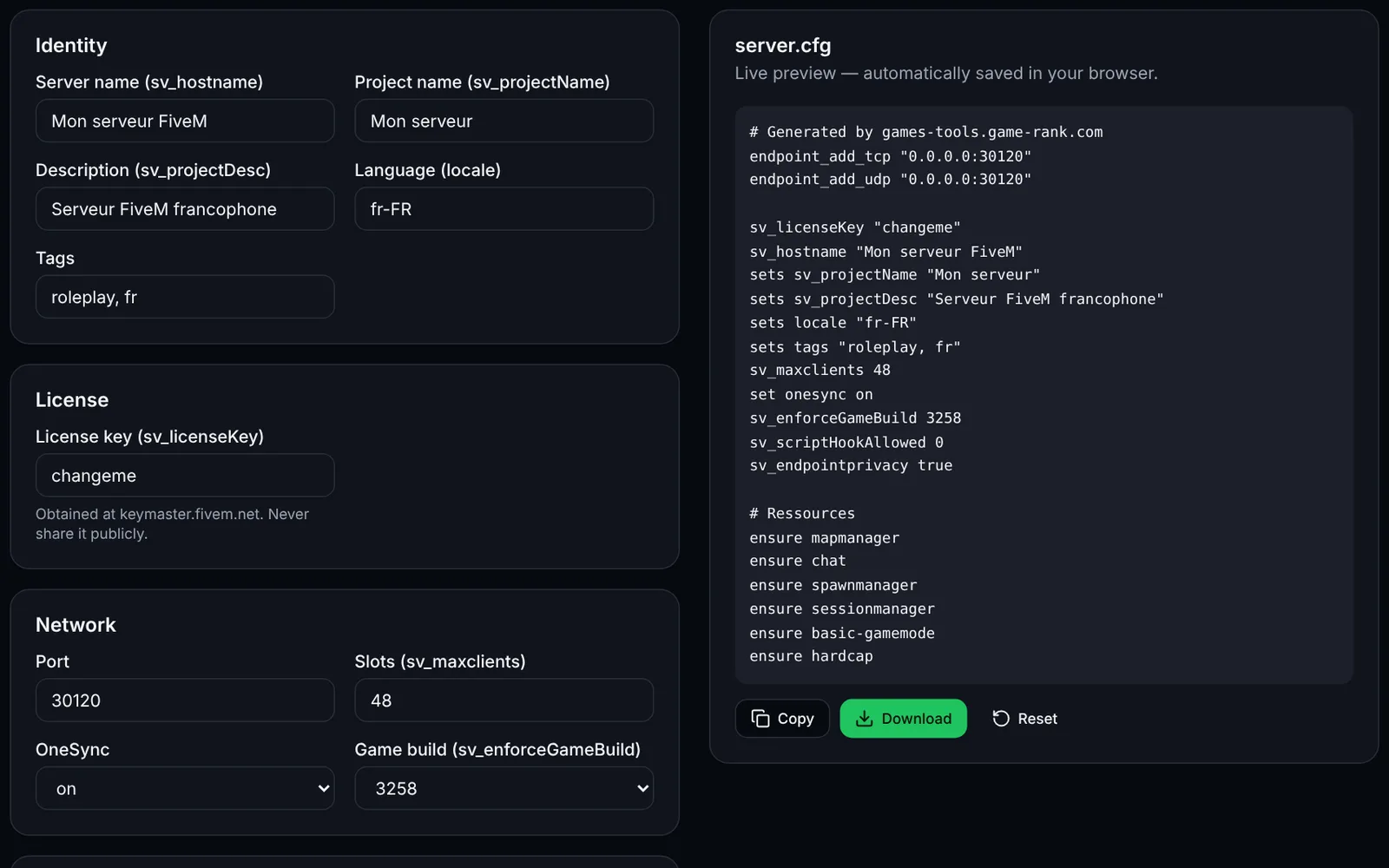
FiveMGenerate a complete FiveM server.cfg: network, OneSync, security, resources and permissions.
ConfigurationCFGOpen
Documentation