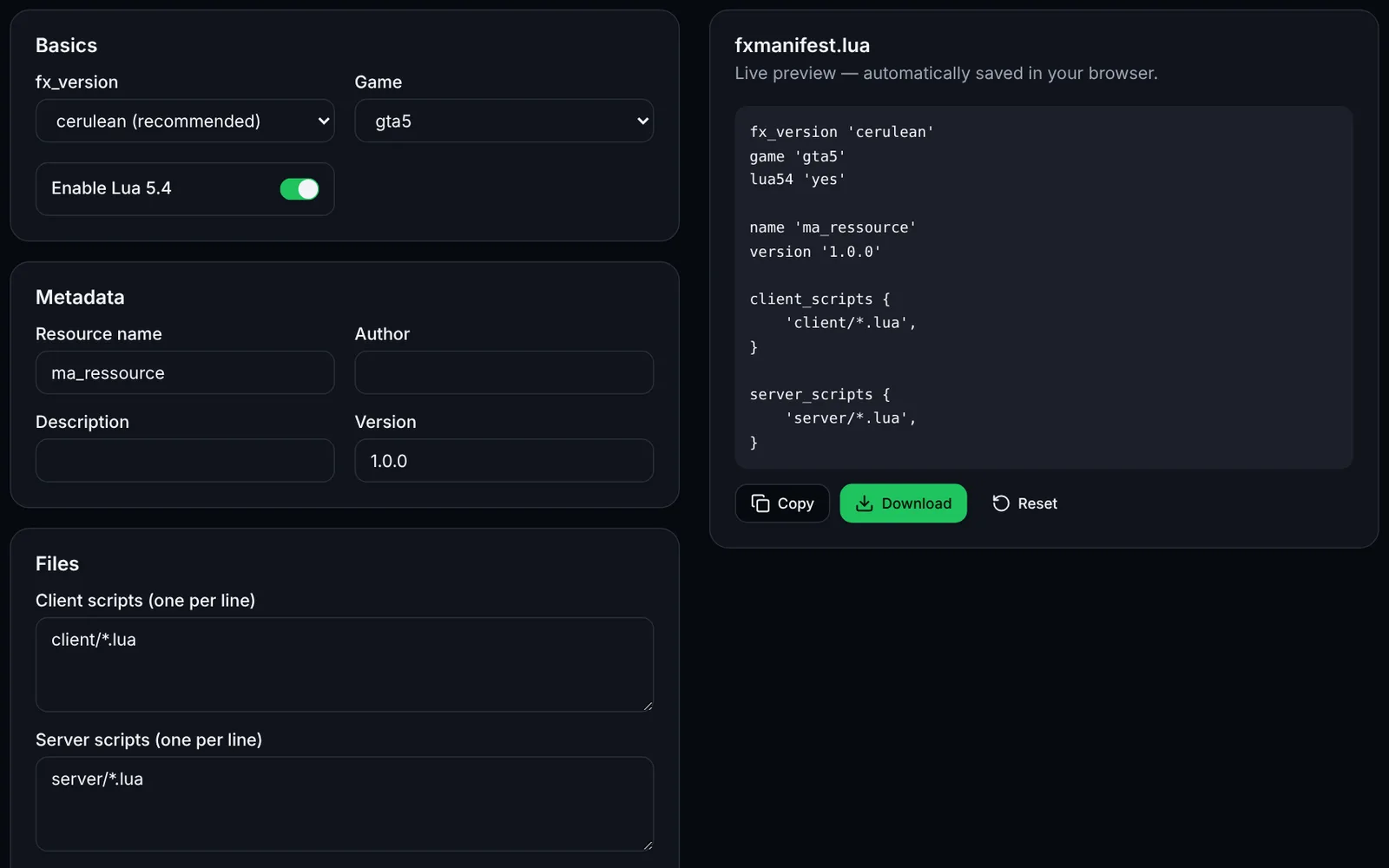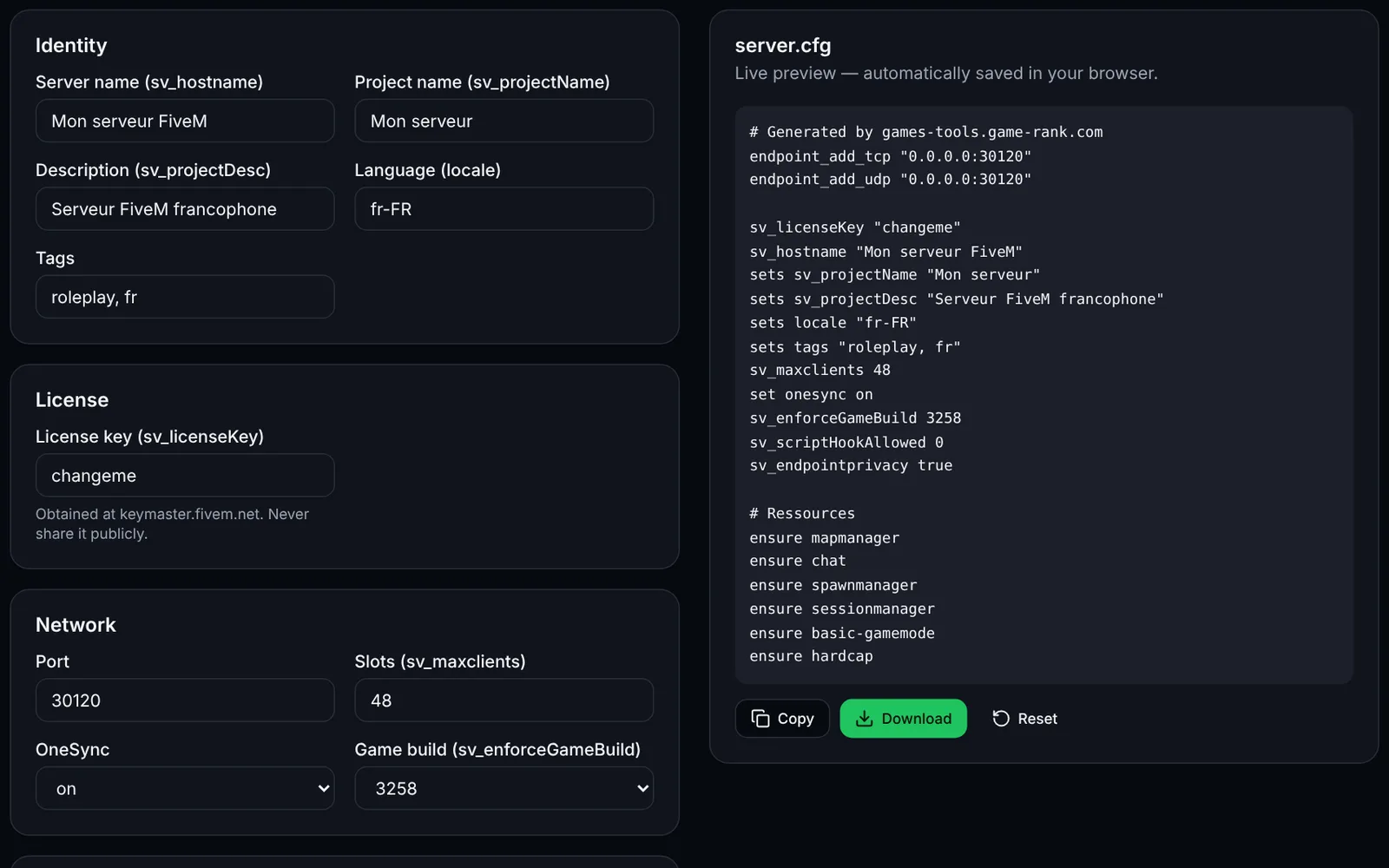
server.cfg is the main configuration file of a FiveM server. This tool produces a valid file from a form, with safe defaults.
How to use the tool
Enter your server's name, description, language and tags.
Paste your license key obtained from keymaster.fivem.net.
Choose the port, number of slots, OneSync and game build.
List your resources (one per line): they will start in that order with ensure.
Add the admins' identifiers (identifier.fivem:..., identifier.discord:...) to generate the ACE rules.
Download the file and place it in your server folder's root.
Resource order
FiveM starts resources in the order of the ensure commands: put dependencies (frameworks, databases) before the scripts that use them.
Security
- Never publish your sv_licenseKey or Steam key.
- Leave ScriptHook disabled unless you specifically need it.
- Keep sv_endpointprivacy true to hide player IPs.
Frequently asked questions
- Where do I get the license key?
- On keymaster.fivem.net, with your Cfx.re account.
- Is my license key sent anywhere?
- No. It stays in your browser (localStorage). Erase it from the My data page if needed.