
ACE permissions editor
Edit your FiveM add_ace and add_principal rules with validation, conflict detection and a group preview, then export a permissions.cfg.
Last updated: 10/9/2026
100% local processing — saved in your browser.
How to use ACE permissions editor?
FiveM controls permissions with ACEs (Access Control Entries): add_ace grants or denies a right to a "principal" (group, identifier or resource), and add_principal makes one principal inherit from another. This tool avoids syntax and logic mistakes.
Create or import your add_ace rules: principal (e.g. group.admin), object (e.g. command or command.kick) and allow/deny.
Add the add_principal lines: a player identifier (identifier.fivem:..., identifier.discord:...) or a child group, and its parent group.
Fix the reported problems (duplicates, conflicts, cycles, placeholder identifiers).
Check the group preview: members, inherited groups and rules of each.
Download permissions.cfg, put it in the server folder and add "exec permissions.cfg" to server.cfg.
Frequently asked questions
More FiveM tools
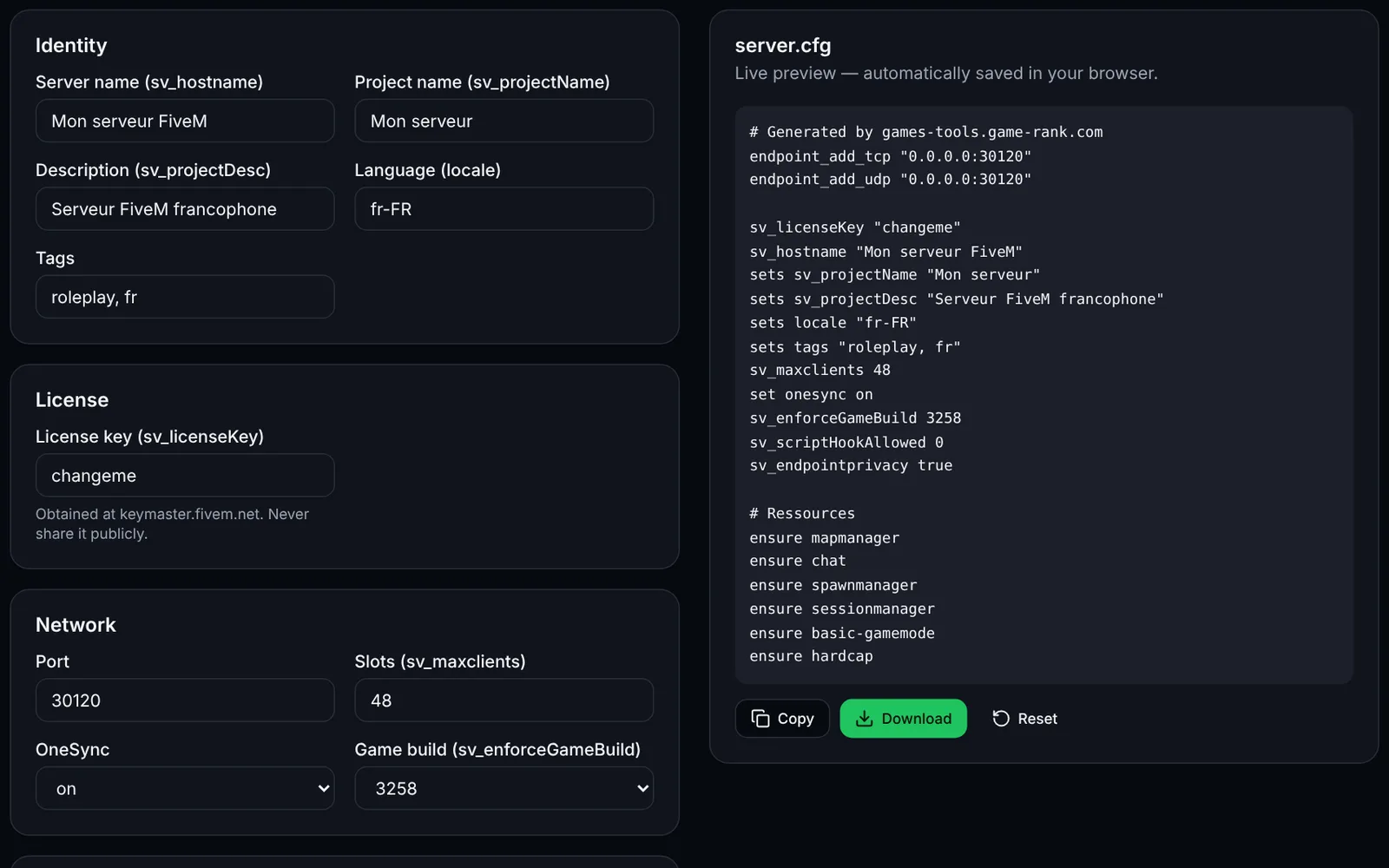 FiveMOpen access
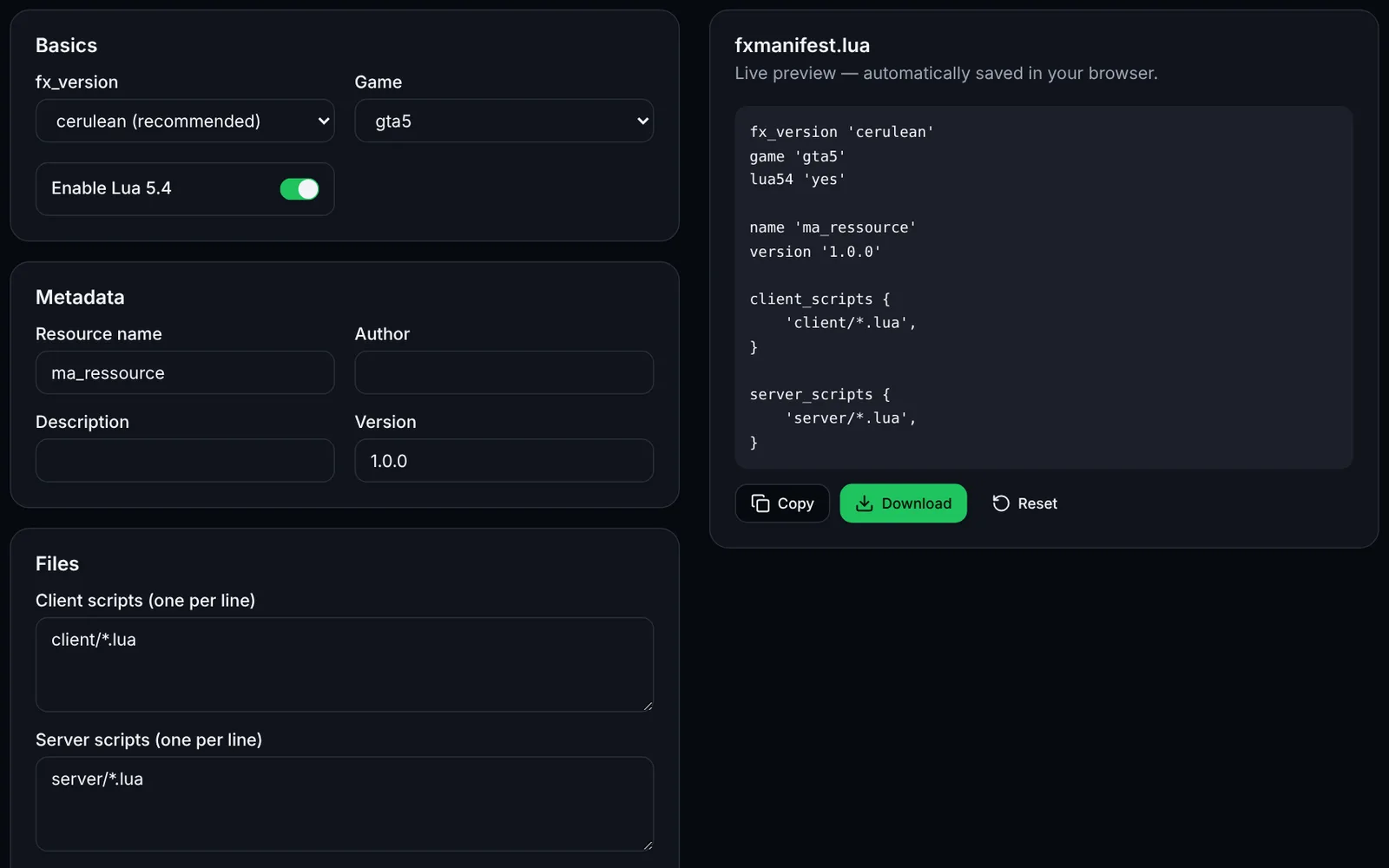 FiveMOpen access