Skip to content
FiveM

Documentation: ACE permissions editor

Visual editor for FiveM ACE permissions: add_ace <principal> <object> allow|deny and add_principal <child> <parent>. Validates principals (group.*, identifier.*:*, resource.*), detects duplicates, allow/deny conflicts, inheritance cycles and empty groups, shows each group's members and inheritance, imports your existing lines and exports a permissions.cfg to load with exec.

Last updated: 10/9/2026

Open the tool

FiveM controls permissions with ACEs (Access Control Entries): add_ace grants or denies a right to a "principal" (group, identifier or resource), and add_principal makes one principal inherit from another. This tool avoids syntax and logic mistakes.

How to use the tool

  1. Create or import your add_ace rules: principal (e.g. group.admin), object (e.g. command or command.kick) and allow/deny.

  2. Add the add_principal lines: a player identifier (identifier.fivem:..., identifier.discord:...) or a child group, and its parent group.

  3. Fix the reported problems (duplicates, conflicts, cycles, placeholder identifiers).

  4. Check the group preview: members, inherited groups and rules of each.

  5. Download permissions.cfg, put it in the server folder and add "exec permissions.cfg" to server.cfg.

Syntax

The official documentation describes add_ace [principal] [object] [allow|deny], add_principal [child] [parent], remove_ace, remove_principal and test_ace (to check a right). Groups are written group.name; the official example puts a player in group.admin with add_principal identifier.fivem:1 group.admin and grants all command rights with add_ace group.admin command allow. ACEs are not persisted: they are reloaded from your file at every start.

Precautions

  • Grant as few rights as possible: avoid "command allow" for everyone.
  • Test in game or in the console with test_ace <principal> <object>. This tool does not simulate the server's permission resolution.
  • Do not publish your players' identifiers.

Frequently asked questions

Which identifiers can I use?
The official documentation cites identifier.steam:<id> as an example and the sample file uses identifier.fivem:<id>. The tool accepts the identifier.<type>:<value> format for other types (discord, license...); verify them with test_ace on your server.
Is my data sent anywhere?
No. The rules stay in your browser (localStorage); erase them from the My data page.
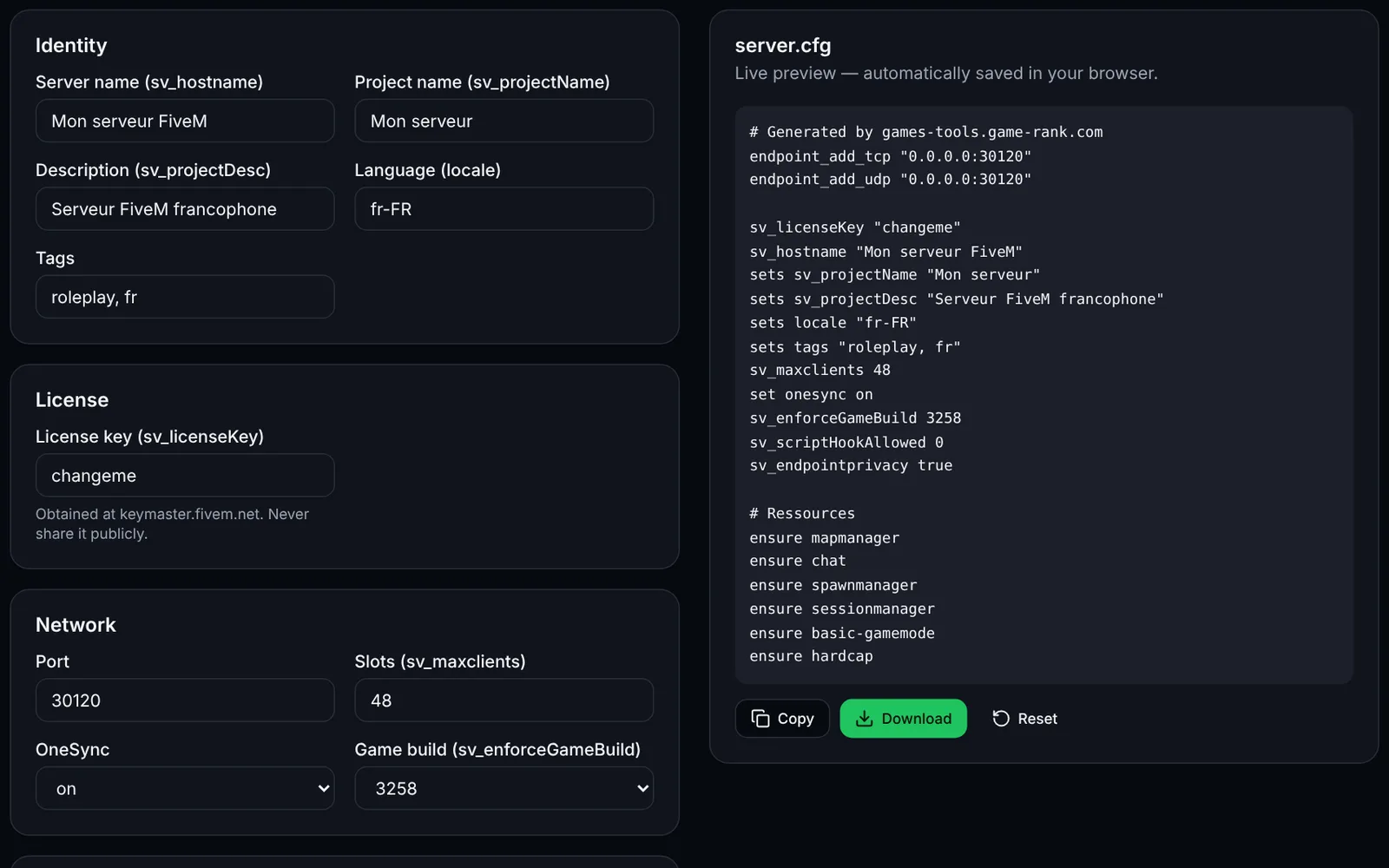
Screenshot of the server.cfg generator toolFiveMOpen access
Generate a complete FiveM server.cfg: network, OneSync, security, resources and permissions.
ConfigurationCFGOpen
Documentation
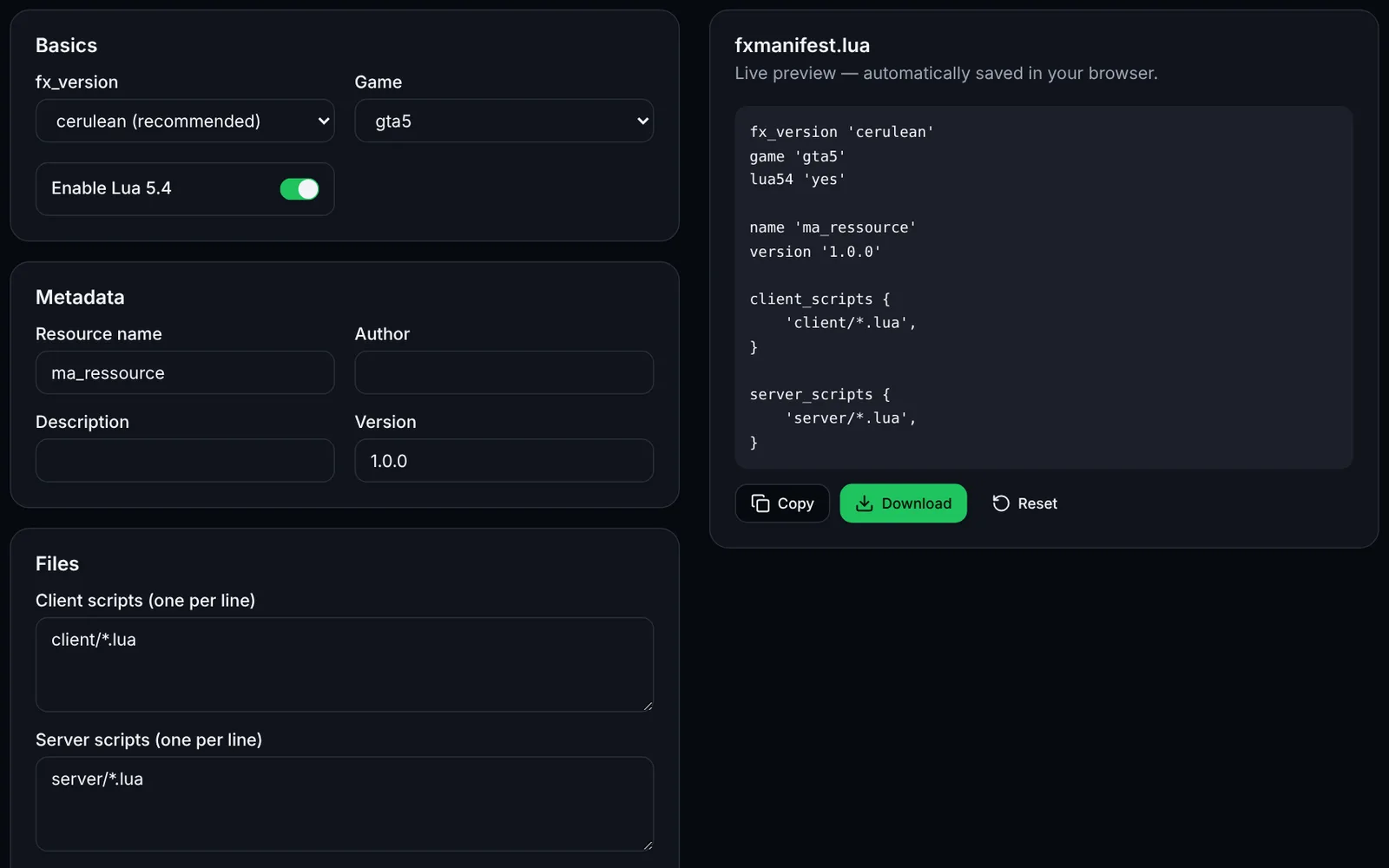
Screenshot of the fxmanifest.lua generator toolFiveMOpen access
Create the fxmanifest.lua of your FiveM / RedM resources in a few clicks.
DevelopmentLuaOpen
Documentation
FiveM
FiveMOpen access
Paste a fxmanifest.lua (and the file list): fx_version, game, missing files, undeclared ui_page and missing dependencies.
ValidationLuaDevelopmentOpen
Documentation
FiveM
FiveMOpen access
Build a txAdmin recipe.yaml: GitHub resource downloads, server.cfg with deployer variables, OneSync and database.
txAdminYAMLDeploymentOpen
Documentation
FiveM
FiveMOpen access
Generate the Linux (bash) or Windows (PowerShell) script that downloads a recommended, latest or specific FXServer build, with backup.
UpdateArtifactsOpen
Documentation
FiveM
FiveMSign-in required
Load a handling.meta or vehicles.meta, edit a vehicle's values and compare before/after before exporting the XML.
VehiclesXMLEditingOpen
Documentation
FiveM
FiveMOpen access
Paste your server.cfg: detects missing TCP/UDP endpoints, license key, slots vs OneSync, set/setr/sets duplicates and gives firewall rules.
ValidationNetworkOpen
Documentation
FiveM
FiveMSign-in required
Create a FiveM loading screen (HTML/CSS/JS) with progress bar, tips and colours, plus the ready-to-drop fxmanifest.lua.
UINUIHTMLOpen
Documentation