
txAdmin recipe generator
Build a txAdmin recipe.yaml: GitHub resource downloads, server.cfg with deployer variables, OneSync and database.
Last updated: 10/9/2026
100% local processing — saved in your browser.
0 = no minimum enforced.
Ideally a commit hash.
name: 'My Recipe'
version: 'v1.0.0'

$onesync: on

tasks:
  - action: download_github
    src: https://github.com/citizenfx/cfx-server-data
    ref: 'master'
    subpath: resources
    dest: ./resources
  - action: write_file
    file: ./server.cfg
    data: |
      {{serverEndpoints}}

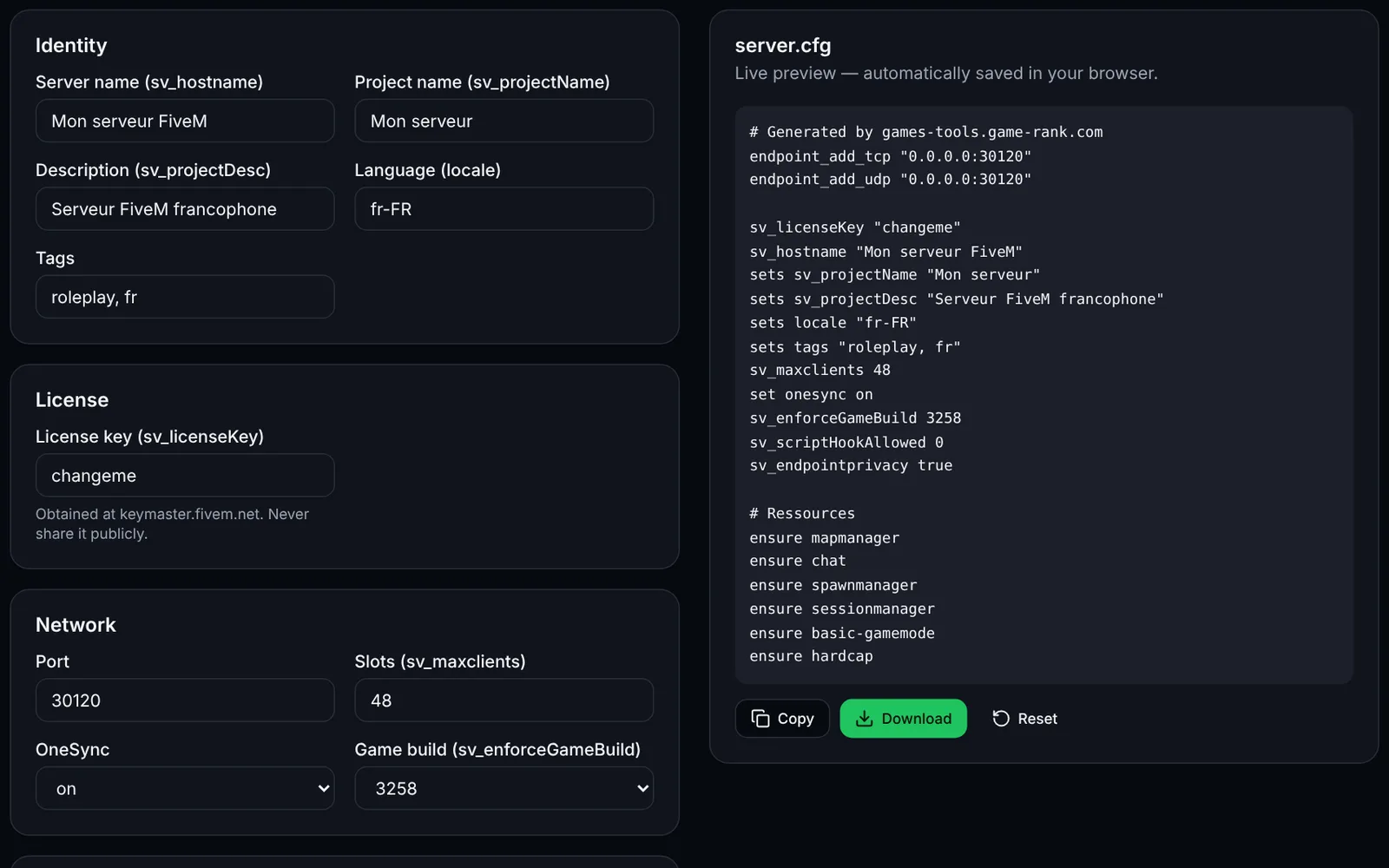
      sv_hostname "{{serverName}} built with {{recipeName}} by {{recipeAuthor}}!"
      sv_maxclients {{maxClients}}
      set onesync on

      ensure mapmanager
      ensure chat
      ensure spawnmanager
      ensure sessionmanager
      ensure basic-gamemode
      ensure hardcap
      ensure rconlog

      sv_licenseKey {{svLicense}}
How to use txAdmin recipe generator?
A txAdmin recipe is a YAML file (recipe.yaml) that the Recipe Deployer runs to set up a FiveM server: it downloads resources and then writes server.cfg. This tool builds the recipe from a form.
Fill in name, version, author and description (name and author: 24 characters max, description: 256 max).
Choose OneSync and, if needed, the minimum FXServer version ($minFxVersion).
Add your GitHub repositories (one per line, "owner/repo" or "owner/repo@ref"): each one is downloaded into resources/[local].
List the resources to start (ensure) and, if needed, extra lines for server.cfg.
Save recipe.yaml, host it (for example in a GitHub repository), then paste its URL in the Recipe Deployer's custom template step, or paste its content.
Frequently asked questions
More FiveM tools
 FiveMOpen access
 FiveMOpen access