Skip to content
FiveM

Documentation: txAdmin recipe generator

txAdmin recipe (recipe.yaml) generator for the Recipe Deployer: metadata, $minFxVersion, $onesync, download_github actions, write_file with {{serverEndpoints}}, {{maxClients}} and {{svLicense}}, database connection. Everything is generated in your browser.

Last updated: 10/9/2026

Open the tool

A txAdmin recipe is a YAML file (recipe.yaml) that the Recipe Deployer runs to set up a FiveM server: it downloads resources and then writes server.cfg. This tool builds the recipe from a form.

How to use the tool

  1. Fill in name, version, author and description (name and author: 24 characters max, description: 256 max).

  2. Choose OneSync and, if needed, the minimum FXServer version ($minFxVersion).

  3. Add your GitHub repositories (one per line, "owner/repo" or "owner/repo@ref"): each one is downloaded into resources/[local].

  4. List the resources to start (ensure) and, if needed, extra lines for server.cfg.

  5. Save recipe.yaml, host it (for example in a GitHub repository), then paste its URL in the Recipe Deployer's custom template step, or paste its content.

Deployer variables

The generated server.cfg uses variables that txAdmin replaces at the end of deployment: {{serverEndpoints}} (default 0.0.0.0:30120), {{maxClients}} (default 48), {{svLicense}} (the key entered in step 2), {{serverName}}, {{recipeName}}, {{recipeAuthor}} and, with a database, {{dbConnectionString}}.

Good practice

  • Pin "ref" to a commit or tag for reproducible deployments.
  • Execution stops at the first failing task: test the recipe on an empty server.
  • Never put passwords or keys in the recipe: use the deployer variables.

Frequently asked questions

Which txAdmin actions are generated?
download_github, connect_database (if enabled) and write_file for server.cfg. For other actions (download_file, unzip, move_path, replace_string, query_database...), add them by hand following the txAdmin documentation.
Why is the license key not in the recipe?
The deployer asks for the key in step 2 and replaces {{svLicense}} in server.cfg at the end: it must never appear in a shared file.
Is my data uploaded?
No, everything stays in your browser (localStorage).
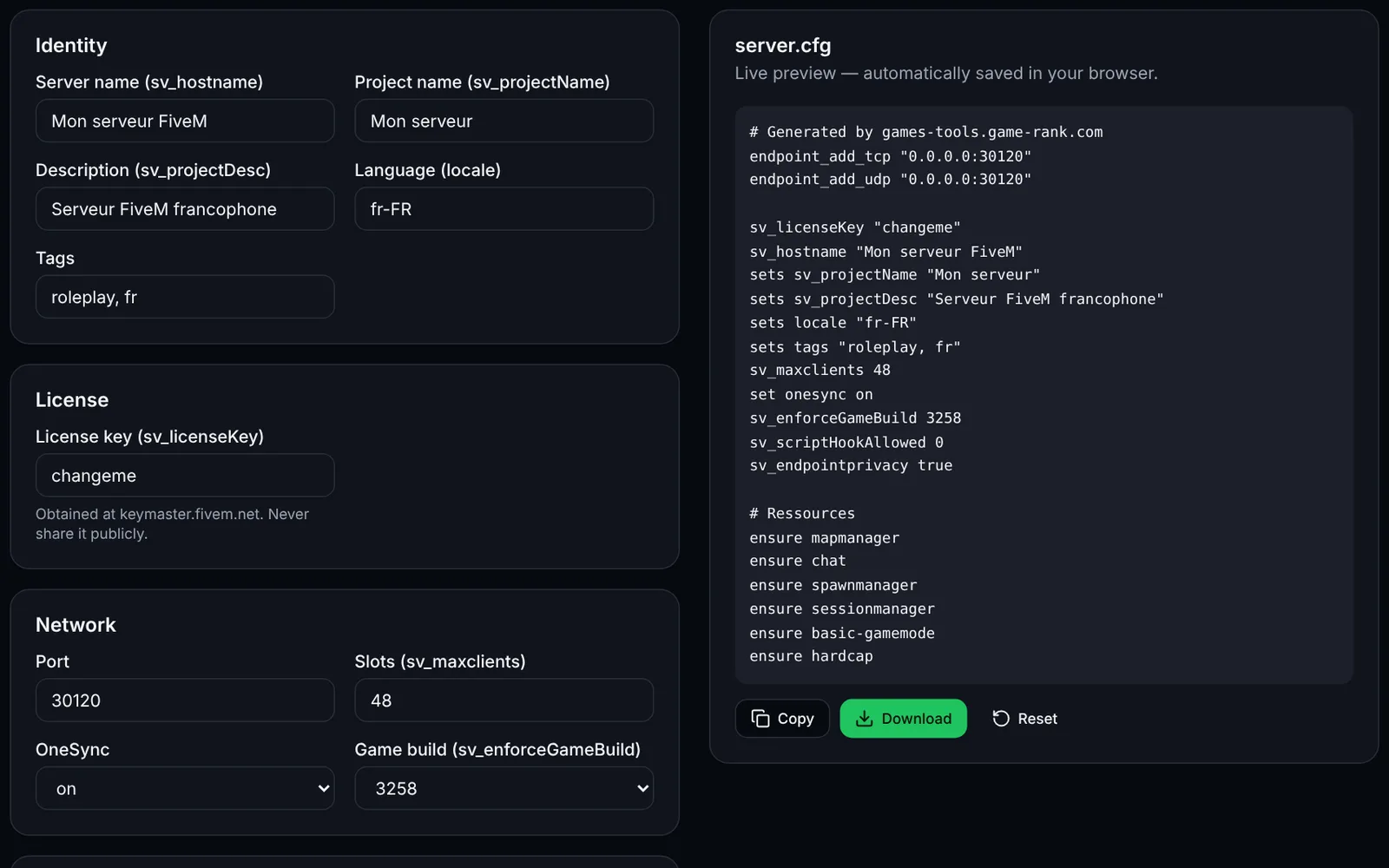
Screenshot of the server.cfg generator toolFiveMOpen access
Generate a complete FiveM server.cfg: network, OneSync, security, resources and permissions.
ConfigurationCFGOpen
Documentation
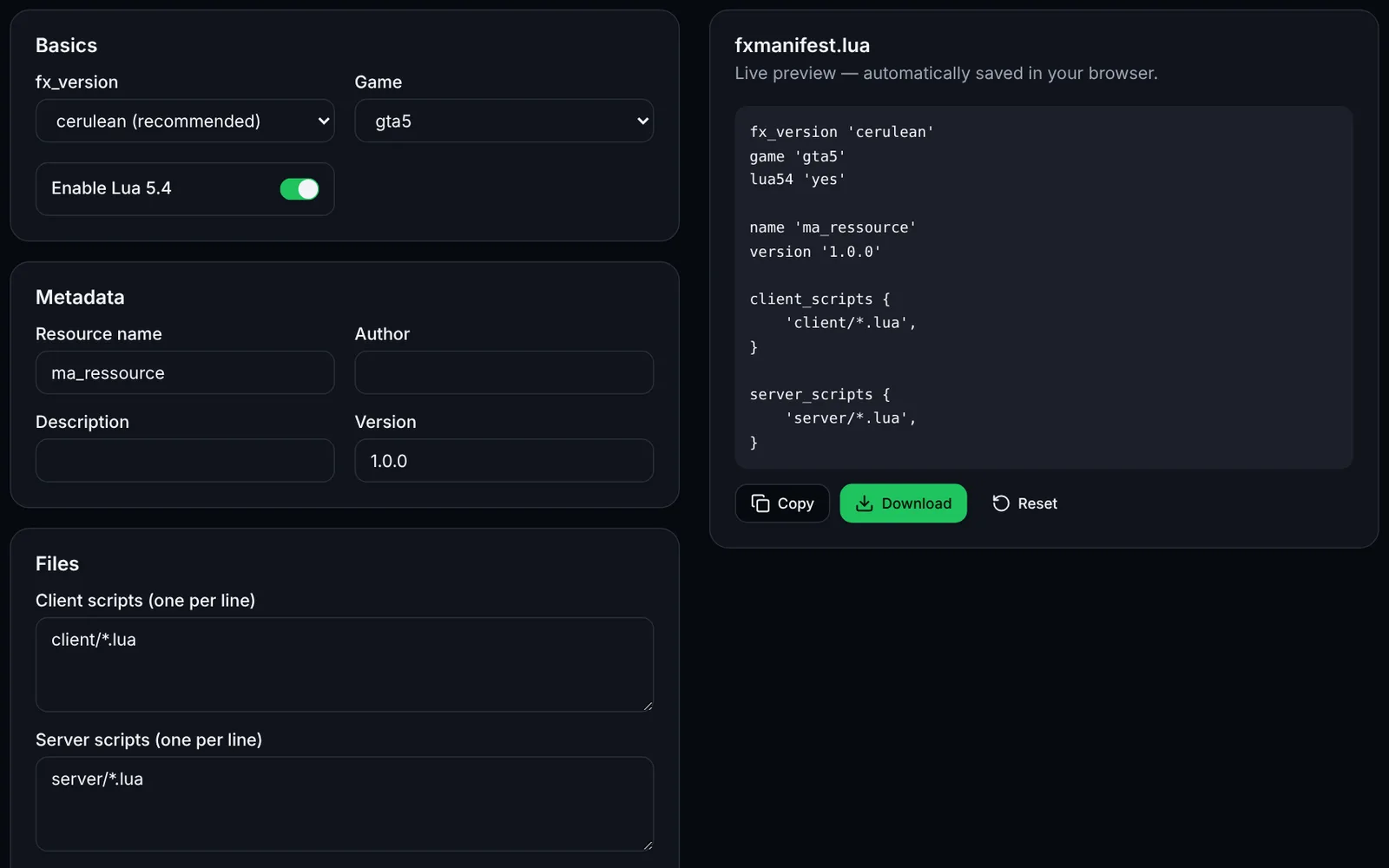
Screenshot of the fxmanifest.lua generator toolFiveMOpen access
Create the fxmanifest.lua of your FiveM / RedM resources in a few clicks.
DevelopmentLuaOpen
Documentation
FiveM
FiveMOpen access
Paste a fxmanifest.lua (and the file list): fx_version, game, missing files, undeclared ui_page and missing dependencies.
ValidationLuaDevelopmentOpen
Documentation
FiveM
FiveMSign-in required
Edit your FiveM add_ace and add_principal rules with validation, conflict detection and a group preview, then export a permissions.cfg.
PermissionsAdministrationOpen
Documentation
FiveM
FiveMOpen access
Generate the Linux (bash) or Windows (PowerShell) script that downloads a recommended, latest or specific FXServer build, with backup.
UpdateArtifactsOpen
Documentation
FiveM
FiveMSign-in required
Load a handling.meta or vehicles.meta, edit a vehicle's values and compare before/after before exporting the XML.
VehiclesXMLEditingOpen
Documentation
FiveM
FiveMOpen access
Paste your server.cfg: detects missing TCP/UDP endpoints, license key, slots vs OneSync, set/setr/sets duplicates and gives firewall rules.
ValidationNetworkOpen
Documentation
FiveM
FiveMSign-in required
Create a FiveM loading screen (HTML/CSS/JS) with progress bar, tips and colours, plus the ready-to-drop fxmanifest.lua.
UINUIHTMLOpen
Documentation