
Loading screen generator
Create a FiveM loading screen (HTML/CSS/JS) with progress bar, tips and colours, plus the ready-to-drop fxmanifest.lua.
Last updated: 10/9/2026
100% local processing — saved in your browser.
How to use Loading screen generator?
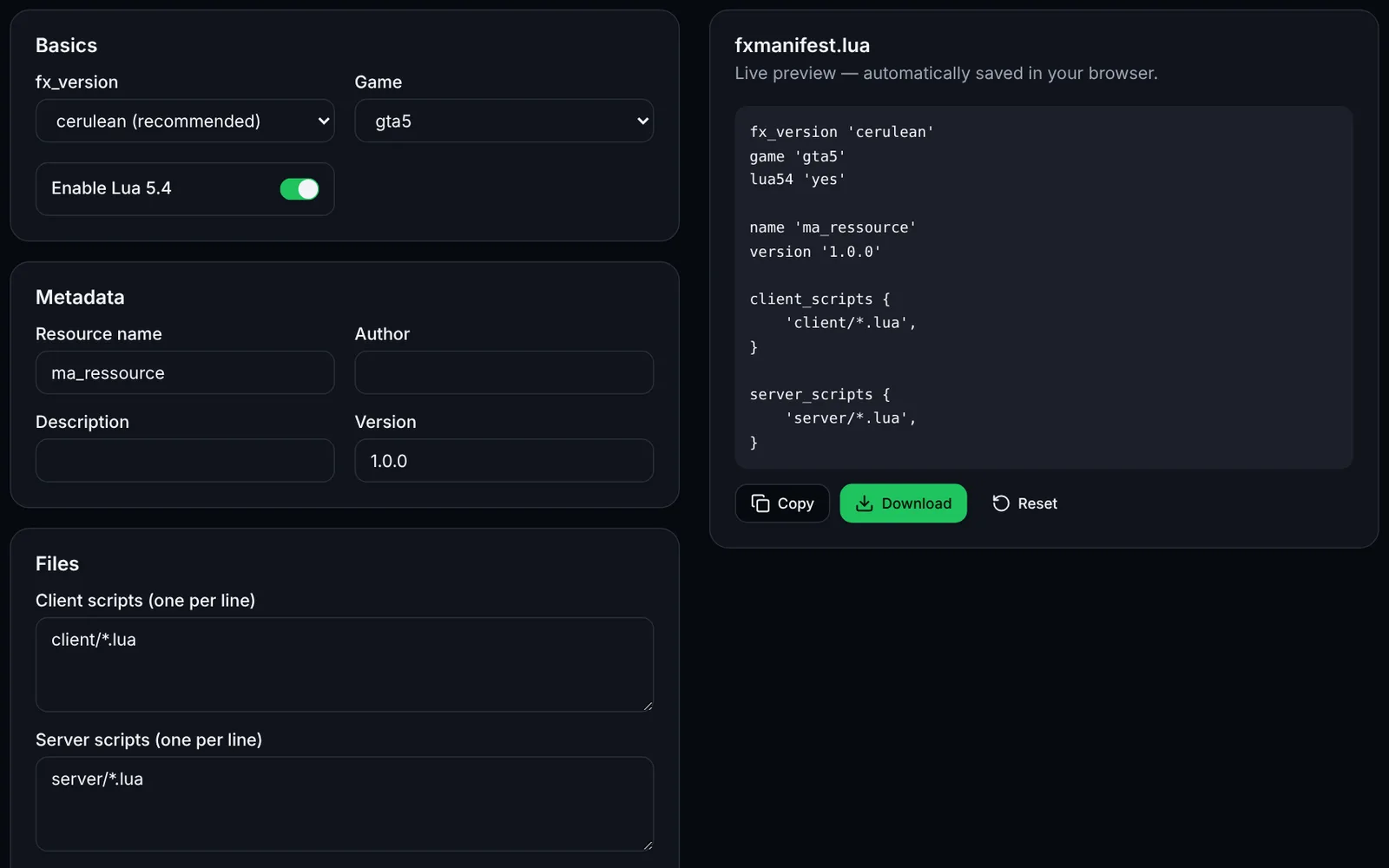
The loading screen is a small web page (NUI) shown while a player joins your server. This tool produces a standalone page and the fxmanifest.lua that declares it.
Enter the server name, tagline, tips (one per line) and Discord link.
Choose the colours (#rrggbb format) and, if needed, a relative background image (e.g. bg.jpg).
Download index.html into a new resource folder, for example resources/[local]/loadscreen/.
Copy the displayed fxmanifest.lua into the same folder (add the background image to files if you use one).
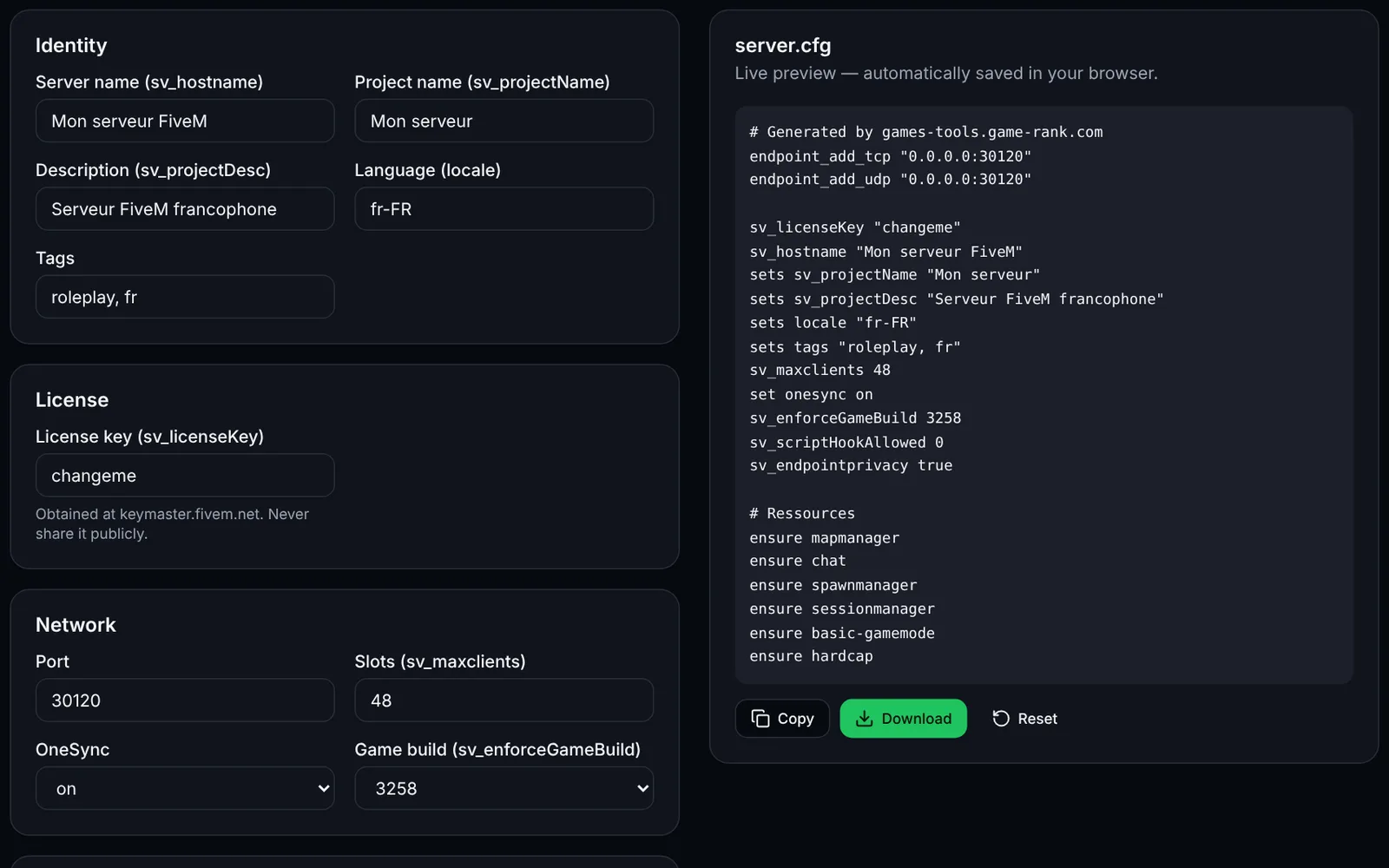
Add "ensure loadscreen" to server.cfg (or your folder name), restart and reconnect to test.
Frequently asked questions
More FiveM tools
 FiveMOpen access
 FiveMOpen access