Skip to content
FiveM

Documentation: Loading screen generator

FiveM loading screen generator: a standalone index.html page (no CDN) that listens to the loadProgress NUI event for the progress bar and shows name, tagline, rotating tips and a custom background, with the matching fxmanifest.lua (loadscreen + files). All text is escaped.

Last updated: 10/9/2026

Open the tool

The loading screen is a small web page (NUI) shown while a player joins your server. This tool produces a standalone page and the fxmanifest.lua that declares it.

How to use the tool

  1. Enter the server name, tagline, tips (one per line) and Discord link.

  2. Choose the colours (#rrggbb format) and, if needed, a relative background image (e.g. bg.jpg).

  3. Download index.html into a new resource folder, for example resources/[local]/loadscreen/.

  4. Copy the displayed fxmanifest.lua into the same folder (add the background image to files if you use one).

  5. Add "ensure loadscreen" to server.cfg (or your folder name), restart and reconnect to test.

Manifest options

  • loadscreen_cursor 'yes' enables the mouse cursor (off by default).
  • loadscreen_manual_shutdown 'yes' lets your scripts close the screen when they decide.
  • setr sv_showBusySpinnerOnLoadingScreen false in server.cfg hides the default busy spinner.

Frequently asked questions

Can I use music or a video?
Yes, by adding the files to the page and to the files directive, but the generator does not produce them: keep them light so they do not slow the connection.
Why no external font or library?
The page is standalone: it loads faster and depends on no third-party service (GDPR). Text is escaped to prevent HTML injection.
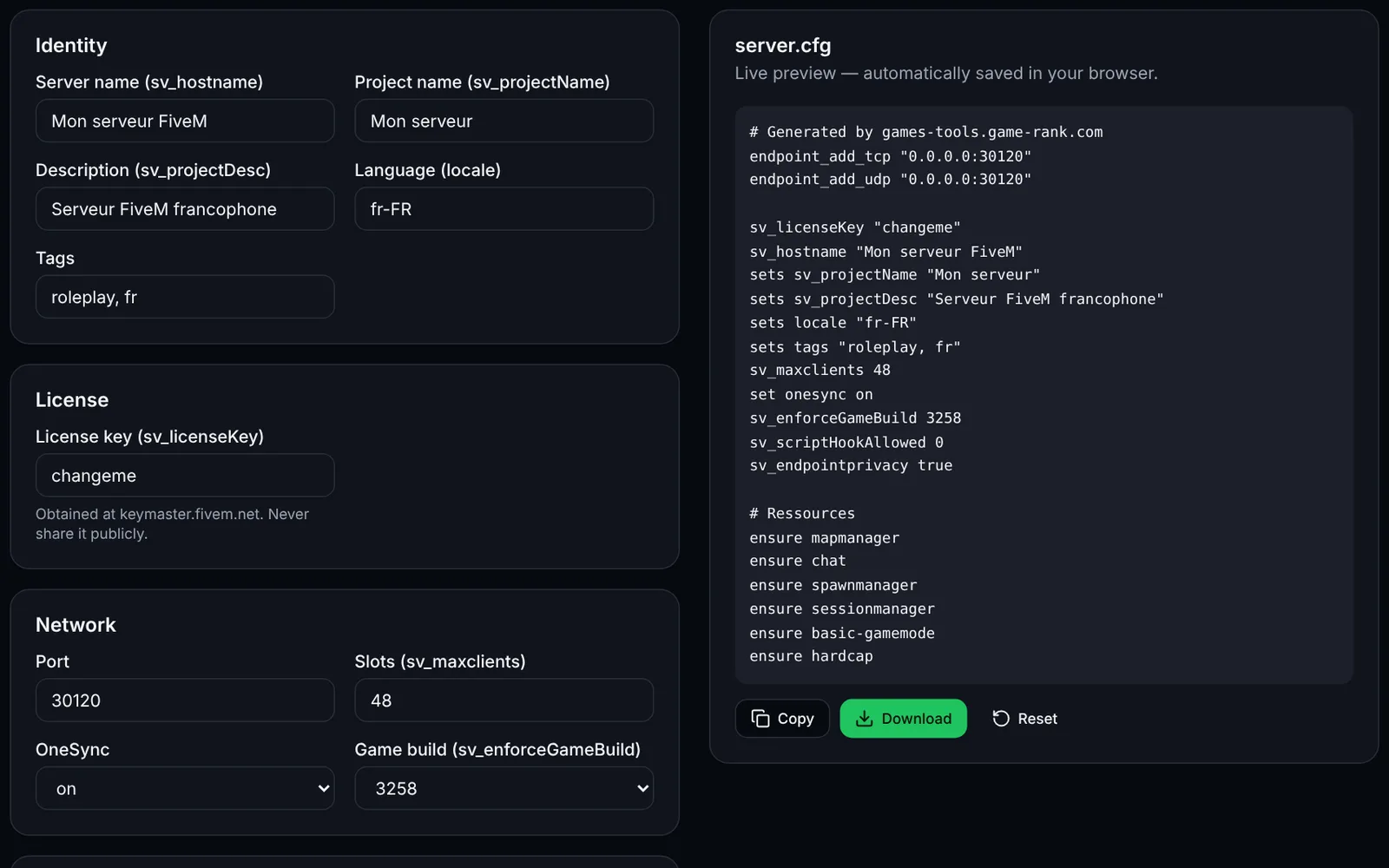
Screenshot of the server.cfg generator toolFiveMOpen access
Generate a complete FiveM server.cfg: network, OneSync, security, resources and permissions.
ConfigurationCFGOpen
Documentation
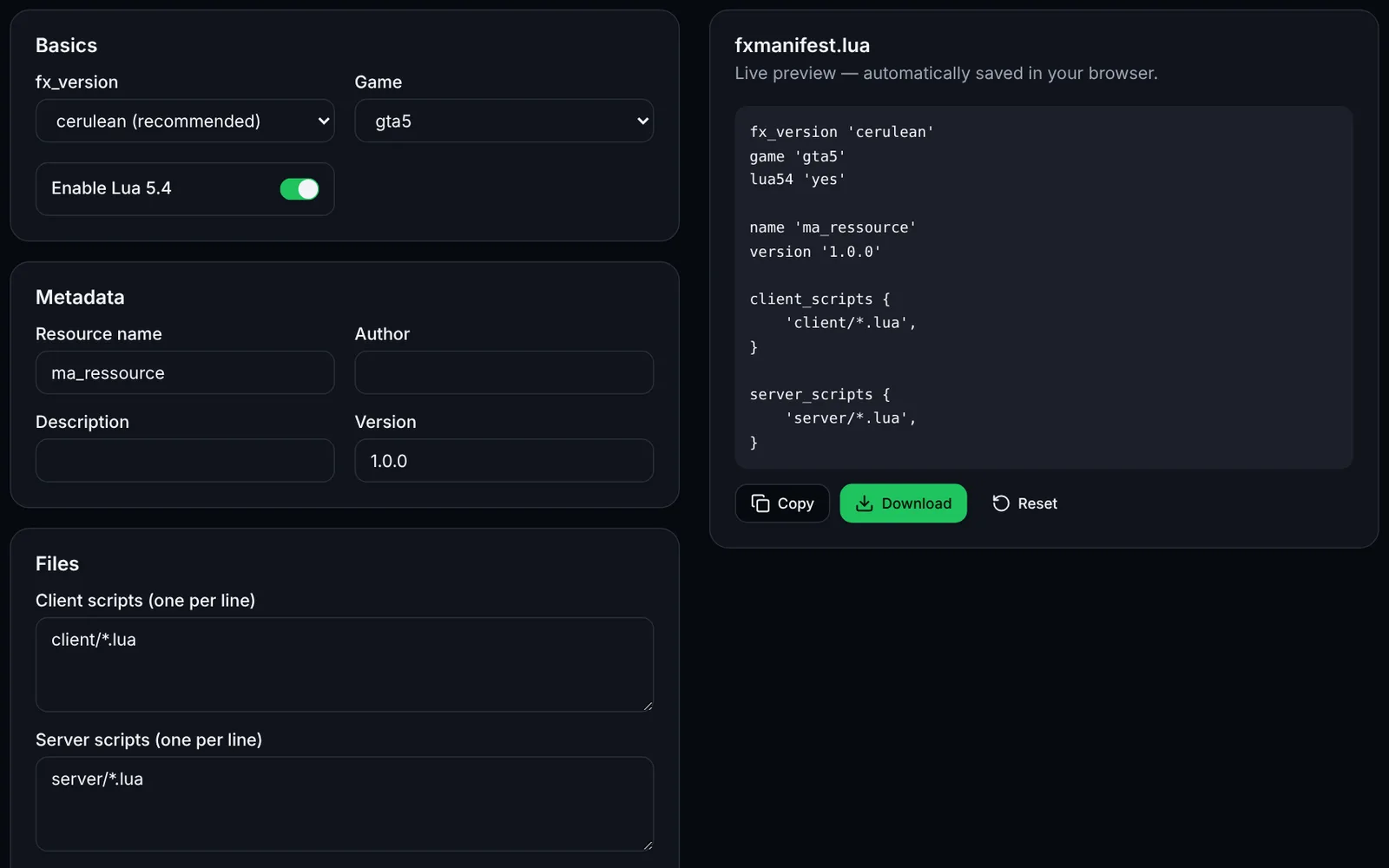
Screenshot of the fxmanifest.lua generator toolFiveMOpen access
Create the fxmanifest.lua of your FiveM / RedM resources in a few clicks.
DevelopmentLuaOpen
Documentation
FiveM
FiveMOpen access
Paste a fxmanifest.lua (and the file list): fx_version, game, missing files, undeclared ui_page and missing dependencies.
ValidationLuaDevelopmentOpen
Documentation
FiveM
FiveMOpen access
Build a txAdmin recipe.yaml: GitHub resource downloads, server.cfg with deployer variables, OneSync and database.
txAdminYAMLDeploymentOpen
Documentation
FiveM
FiveMSign-in required
Edit your FiveM add_ace and add_principal rules with validation, conflict detection and a group preview, then export a permissions.cfg.
PermissionsAdministrationOpen
Documentation
FiveM
FiveMOpen access
Generate the Linux (bash) or Windows (PowerShell) script that downloads a recommended, latest or specific FXServer build, with backup.
UpdateArtifactsOpen
Documentation
FiveM
FiveMSign-in required
Load a handling.meta or vehicles.meta, edit a vehicle's values and compare before/after before exporting the XML.
VehiclesXMLEditingOpen
Documentation
FiveM
FiveMOpen access
Paste your server.cfg: detects missing TCP/UDP endpoints, license key, slots vs OneSync, set/setr/sets duplicates and gives firewall rules.
ValidationNetworkOpen
Documentation