
Convar and port checker
Paste your server.cfg: detects missing TCP/UDP endpoints, license key, slots vs OneSync, set/setr/sets duplicates and gives firewall rules.
Last updated: 10/9/2026
100% local processing — saved in your browser.
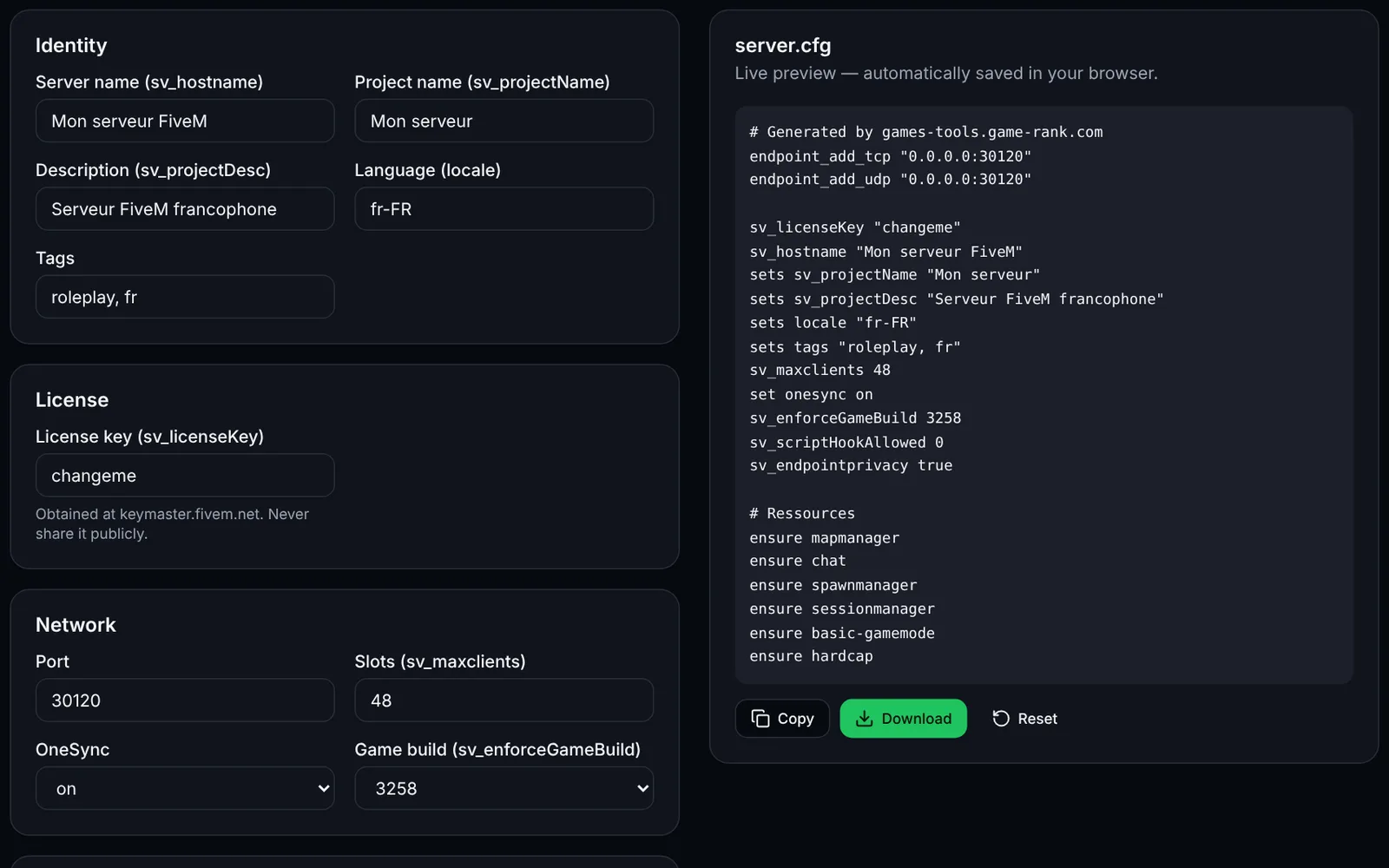
No endpoint_add_tcp / endpoint_add_udp: add them (port 30120 in the official docs).
sv_licenseKey missing or still "changeme": the server will refuse to start.
No sv_hostname: the server will have no name in the list.
How to use Convar and port checker?
A badly written server.cfg is the first cause of an unreachable FiveM server. This tool reads your file locally and reports common mistakes with the line number.
Open your server.cfg and copy all of its content.
Paste it in the text area: the analysis updates as you type.
Fix the errors (red) first, then the warnings (orange).
Copy the generated firewall commands for the detected ports (ufw or Windows).
Restart the server and check that it shows up in the list or answers a direct connection.
Frequently asked questions
More FiveM tools
 FiveMOpen access
 FiveMOpen access