Skip to content
FiveM

Documentation: FXServer artifact updater

FXServer build selector (FiveM artifacts): paste a build number and hash or a download link, or choose recommended/latest, and get the update commands for Linux (fx.tar.xz, systemd) or Windows (server.zip). The tool makes no network call: the script downloads on your own server.

Last updated: 10/9/2026

Open the tool

Artifacts are the FiveM server (FXServer) builds. Cfx.re publishes a stable "recommended" build; this tool writes the script that downloads the one you choose and restarts the service.

How to use the tool

  1. Choose your system: Linux (bash + systemd) or Windows (PowerShell).

  2. "manual" mode: copy the "recommended" build link from docs.fivem.net/docs/server-download and paste it (or its "number-hash"). "recommended" / "latest" modes: the script queries the changelog API itself when it runs.

  3. Enter the server folder (the one containing run.sh or FXServer.exe) and, on Linux, the systemd service name.

  4. Copy or download the script, read it, then run it (Linux: rename it to .sh; Windows: .ps1).

  5. Check the version in the server console or in txAdmin, then test a connection.

Which build to choose?

  • "recommended": the build Cfx.re considers stable, preferred for production.
  • "latest": the newest one, useful for testing, riskier.
  • The automatic modes use the changelogs-live.fivem.net API (also used by txAdmin), which is not officially documented: check the resulting link.

Frequently asked questions

Where do I find a build link?
On docs.fivem.net/docs/server-download: copy the "recommended" build link (it contains "number-hash").
Are my resources and server.cfg affected?
No, as long as the binaries folder is separate from the data folder (server-data). The script still backs up the binaries folder if the option is ticked.
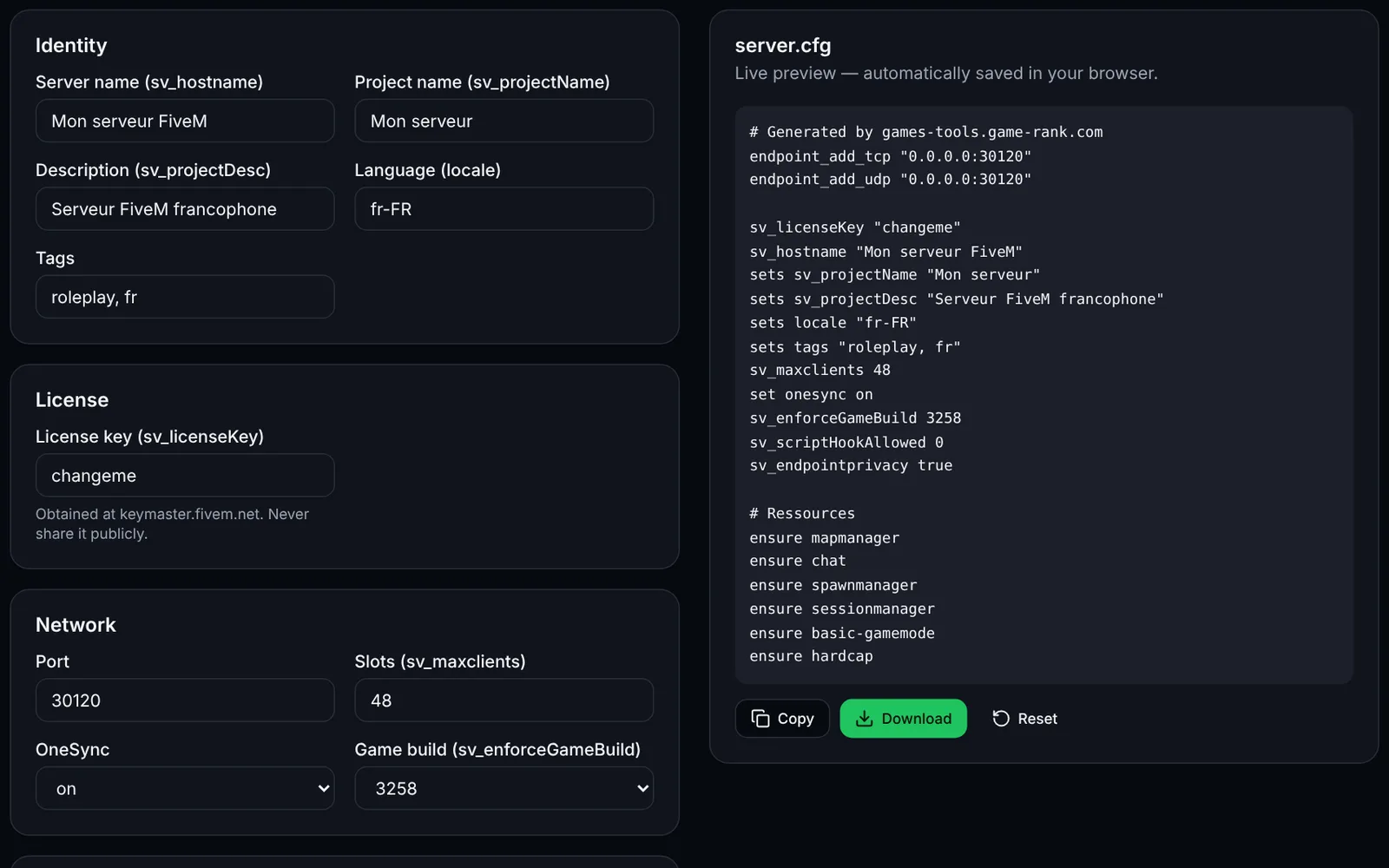
Screenshot of the server.cfg generator toolFiveMOpen access
Generate a complete FiveM server.cfg: network, OneSync, security, resources and permissions.
ConfigurationCFGOpen
Documentation
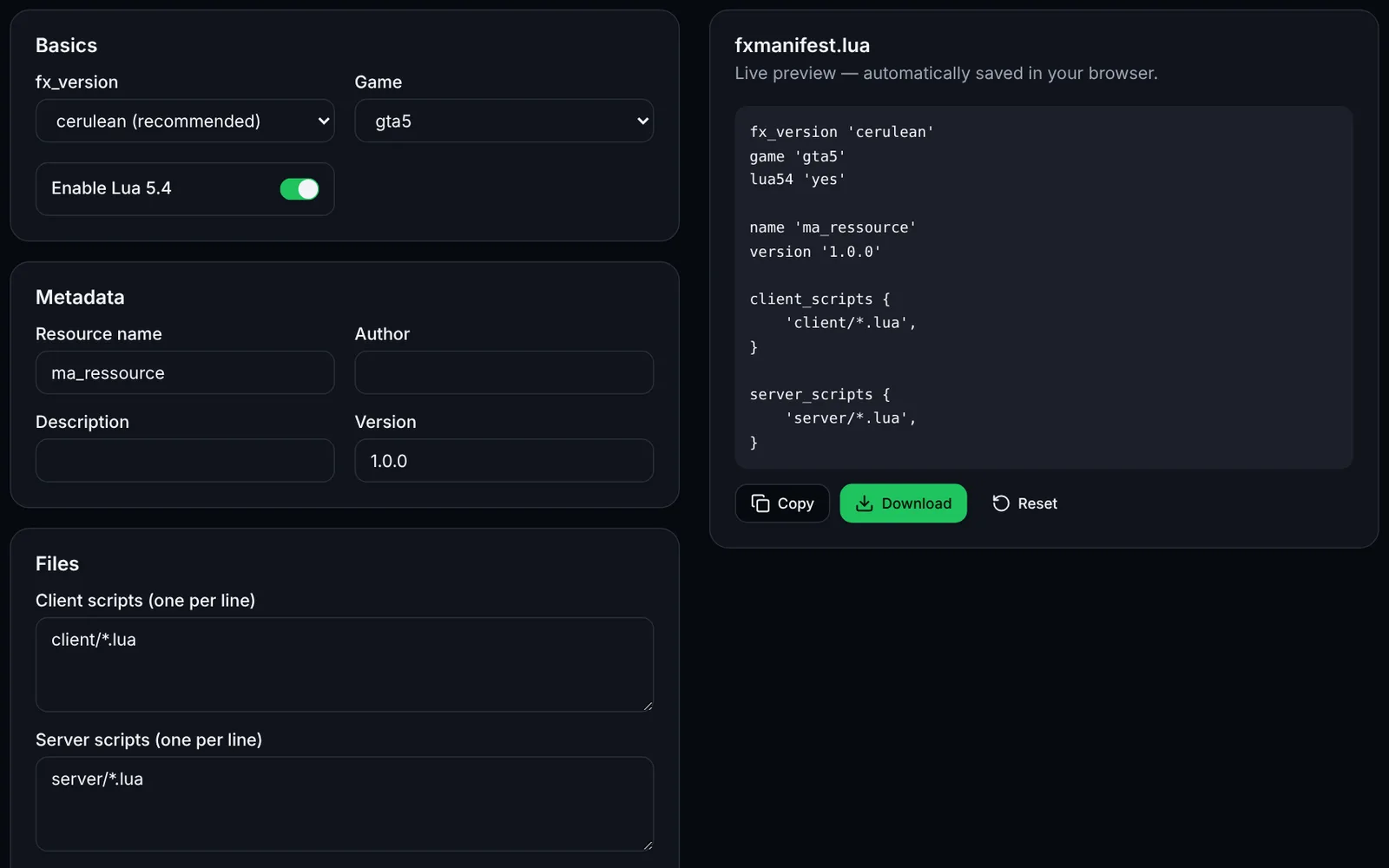
Screenshot of the fxmanifest.lua generator toolFiveMOpen access
Create the fxmanifest.lua of your FiveM / RedM resources in a few clicks.
DevelopmentLuaOpen
Documentation
FiveM
FiveMOpen access
Paste a fxmanifest.lua (and the file list): fx_version, game, missing files, undeclared ui_page and missing dependencies.
ValidationLuaDevelopmentOpen
Documentation
FiveM
FiveMOpen access
Build a txAdmin recipe.yaml: GitHub resource downloads, server.cfg with deployer variables, OneSync and database.
txAdminYAMLDeploymentOpen
Documentation
FiveM
FiveMSign-in required
Edit your FiveM add_ace and add_principal rules with validation, conflict detection and a group preview, then export a permissions.cfg.
PermissionsAdministrationOpen
Documentation
FiveM
FiveMSign-in required
Load a handling.meta or vehicles.meta, edit a vehicle's values and compare before/after before exporting the XML.
VehiclesXMLEditingOpen
Documentation
FiveM
FiveMOpen access
Paste your server.cfg: detects missing TCP/UDP endpoints, license key, slots vs OneSync, set/setr/sets duplicates and gives firewall rules.
ValidationNetworkOpen
Documentation
FiveM
FiveMSign-in required
Create a FiveM loading screen (HTML/CSS/JS) with progress bar, tips and colours, plus the ready-to-drop fxmanifest.lua.
UINUIHTMLOpen
Documentation