Skip to content
FiveM

Documentation: Convar and port checker

In-browser analysis of a FiveM server.cfg: endpoint_add_tcp and endpoint_add_udp on the same port (30120 by default), port 40120 reserved for txAdmin, sv_licenseKey, sv_maxclients (1 to 2048, 32+ needs OneSync on or legacy, over 64 needs on), repeated convars or mixed set, setr and sets, weak RCON. Generates ufw and netsh commands.

Last updated: 10/9/2026

Open the tool

A badly written server.cfg is the first cause of an unreachable FiveM server. This tool reads your file locally and reports common mistakes with the line number.

How to use the tool

  1. Open your server.cfg and copy all of its content.

  2. Paste it in the text area: the analysis updates as you type.

  3. Fix the errors (red) first, then the warnings (orange).

  4. Copy the generated firewall commands for the detected ports (ufw or Windows).

  5. Restart the server and check that it shows up in the list or answers a direct connection.

What is checked

  • endpoint_add_tcp and endpoint_add_udp present on the same port (30120 in the official documentation).
  • sv_licenseKey set and different from "changeme".
  • sv_maxclients between 1 and 2048; from 32 slots OneSync must be on or legacy, above 64 it must be on.
  • No port 40120 for FXServer (reserved for txAdmin), strong RCON, ScriptHook and sv_lan flagged.

Frequently asked questions

What is the difference between set, setr and sets?
set defines a server-side convar; setr also replicates it to clients; sets adds it to the server's public info (listing). The official docs do not detail these rules: this tool only flags a mix on the same convar.
Why open the port for both TCP and UDP?
The official documentation declares the endpoint in both TCP and UDP on the same port (30120); the firewall must therefore allow both protocols.
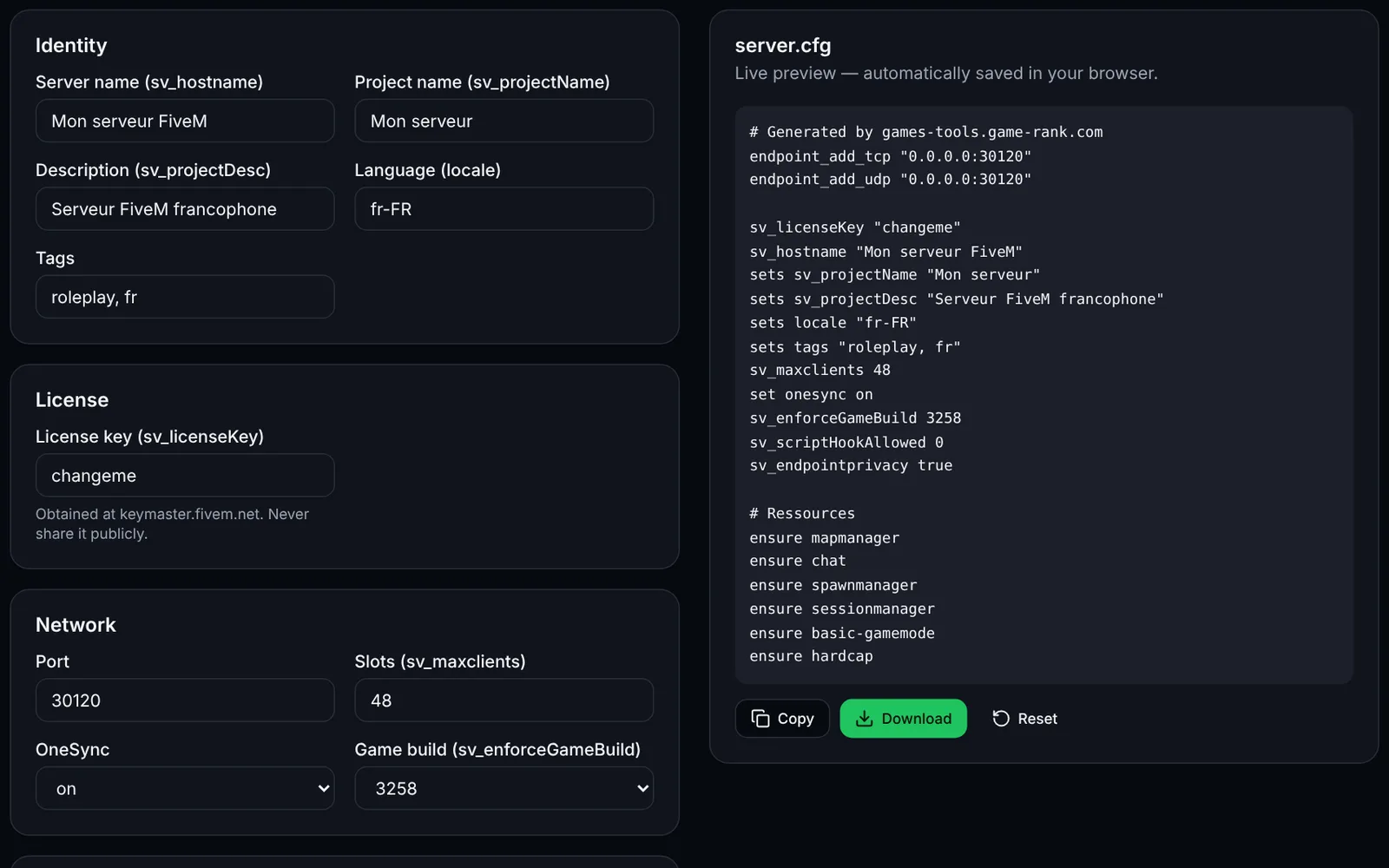
Screenshot of the server.cfg generator toolFiveMOpen access
Generate a complete FiveM server.cfg: network, OneSync, security, resources and permissions.
ConfigurationCFGOpen
Documentation
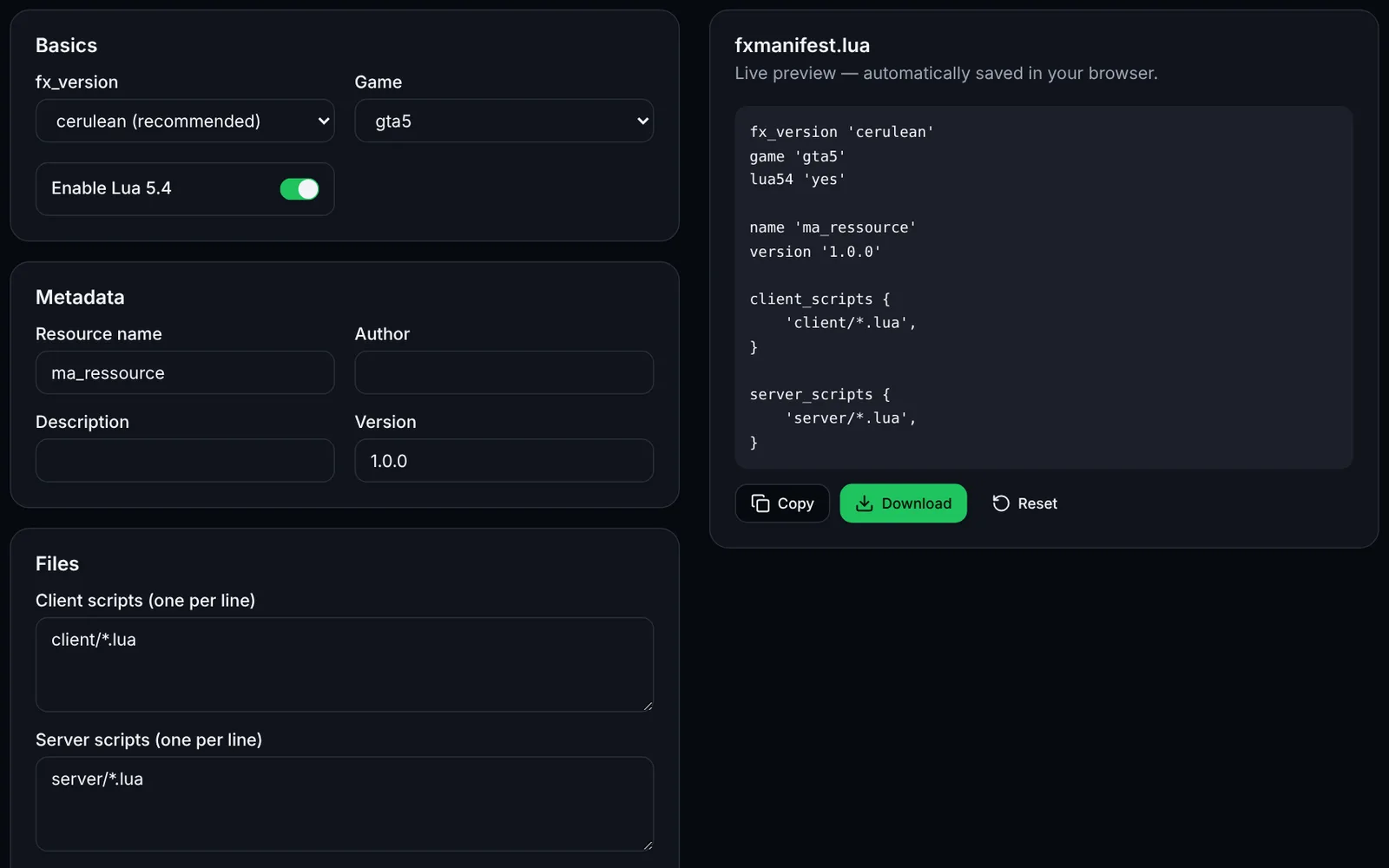
Screenshot of the fxmanifest.lua generator toolFiveMOpen access
Create the fxmanifest.lua of your FiveM / RedM resources in a few clicks.
DevelopmentLuaOpen
Documentation
FiveM
FiveMOpen access
Paste a fxmanifest.lua (and the file list): fx_version, game, missing files, undeclared ui_page and missing dependencies.
ValidationLuaDevelopmentOpen
Documentation
FiveM
FiveMOpen access
Build a txAdmin recipe.yaml: GitHub resource downloads, server.cfg with deployer variables, OneSync and database.
txAdminYAMLDeploymentOpen
Documentation
FiveM
FiveMSign-in required
Edit your FiveM add_ace and add_principal rules with validation, conflict detection and a group preview, then export a permissions.cfg.
PermissionsAdministrationOpen
Documentation
FiveM
FiveMOpen access
Generate the Linux (bash) or Windows (PowerShell) script that downloads a recommended, latest or specific FXServer build, with backup.
UpdateArtifactsOpen
Documentation
FiveM
FiveMSign-in required
Load a handling.meta or vehicles.meta, edit a vehicle's values and compare before/after before exporting the XML.
VehiclesXMLEditingOpen
Documentation
FiveM
FiveMSign-in required
Create a FiveM loading screen (HTML/CSS/JS) with progress bar, tips and colours, plus the ready-to-drop fxmanifest.lua.
UINUIHTMLOpen
Documentation