handling.meta describes how a vehicle drives (mass, power, braking, suspension...) and vehicles.meta its models and references. This tool lets you change them without hand-editing the XML, with a before/after comparison table.
How to use the tool
Open your handling.meta or vehicles.meta file (or paste its content and click Load).
Pick the vehicle in the list (handlingName or modelName).
Edit the values (use the filter to find fMass, fBrakeForce, etc.): changed fields are highlighted.
Review the before/after table and warnings.
Download the file, replace the original in the vehicle resource and restart it (ensure).
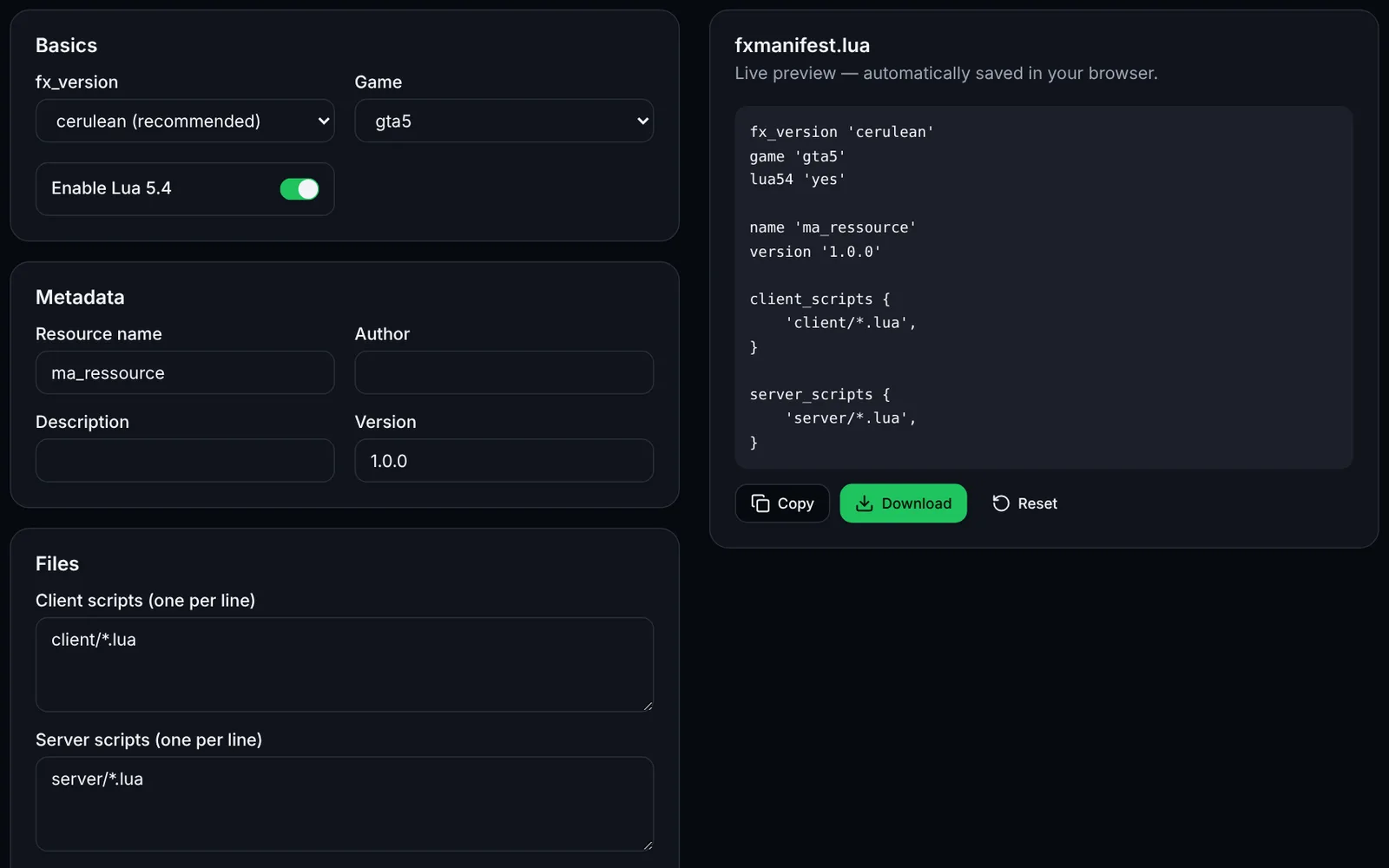
Declaring the files in fxmanifest.lua
Each file must be listed with file then declared with data_file (types HANDLING_FILE and VEHICLE_METADATA_FILE).
files {
    'handling.meta',
    'vehicles.meta',
}

data_file 'HANDLING_FILE' 'handling.meta'
data_file 'VEHICLE_METADATA_FILE' 'vehicles.meta'
Frequently asked questions
- Which values can I edit?
- The simple elements of each entry (value attribute, x/y/z vectors, text such as modelName). Nested blocks such as SubHandlingData are not shown but are kept unchanged in the export.
- Which handling values are recommended?
- The tool does not set "ideal" values: they depend on the vehicle and play style. It only flags invalid numbers and zero masses; always test in game and keep the original file.