
DayZ 100% localFreeSign-in required
globals.xml editor (economy)
Tune your DayZ server economy: zombies, loot, cleanup and bases.
Last updated: 10/9/2026
100% local processing — saved in your browser.
Checking your session…
How to use globals.xml editor (economy)?
globals.xml (in mpmissions/<map>/db) controls the global variables of DayZ's central economy: infected and animal population, initial loot amount, cleanup timers and connection rules.
Click “Import” to load your current globals.xml (optional) or start from vanilla values.
Adjust the variables by group (Population, Loot, Cleanup, Bases, Player, Connection, Server).
Check the XML preview on the right: it updates live.
Click “Download” or “Copy”, then replace the file in mpmissions/<your_map>/db/.
Restart the server: the economy reads globals.xml at startup.
Frequently asked questions
More DayZ tools
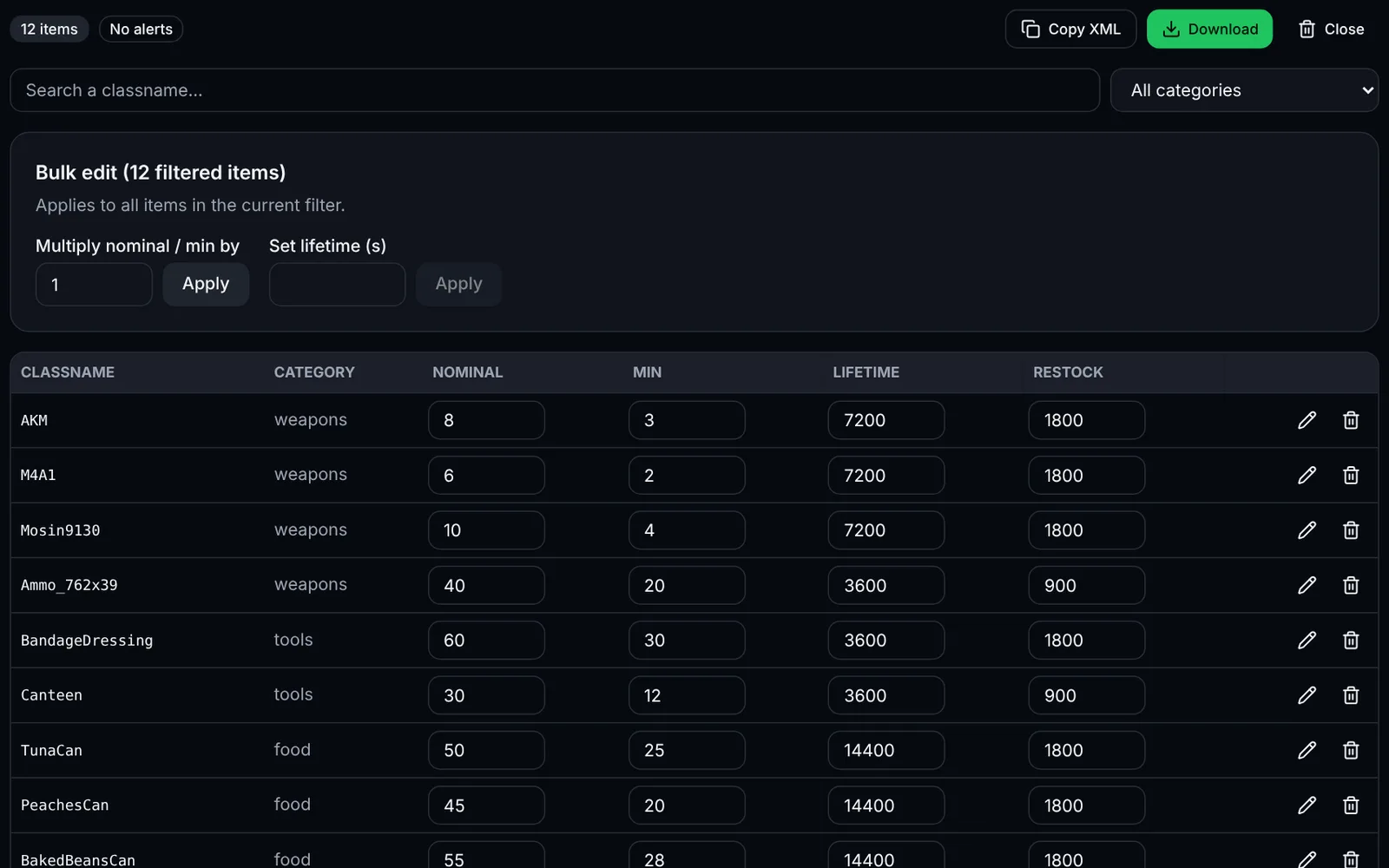 DayZSign-in required
Edit nominal, min, lifetime and usages of your DayZ items with search, bulk editing and validation.
LootXMLEconomyOpen
Documentation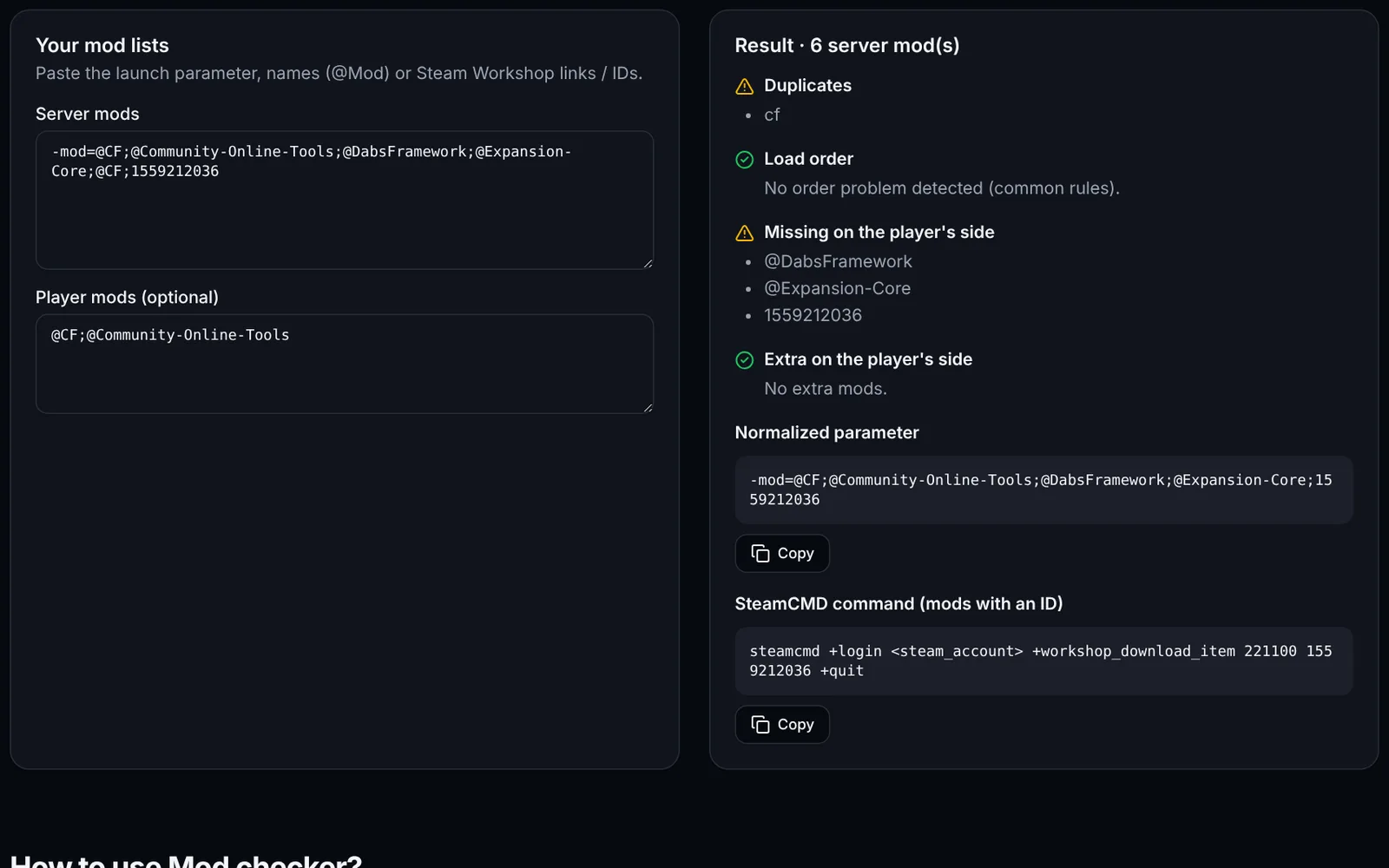 DayZSign-in required
Detect duplicates, missing mods and wrong load order on your DayZ server.
ModsDiagnosticsOpen
Documentation