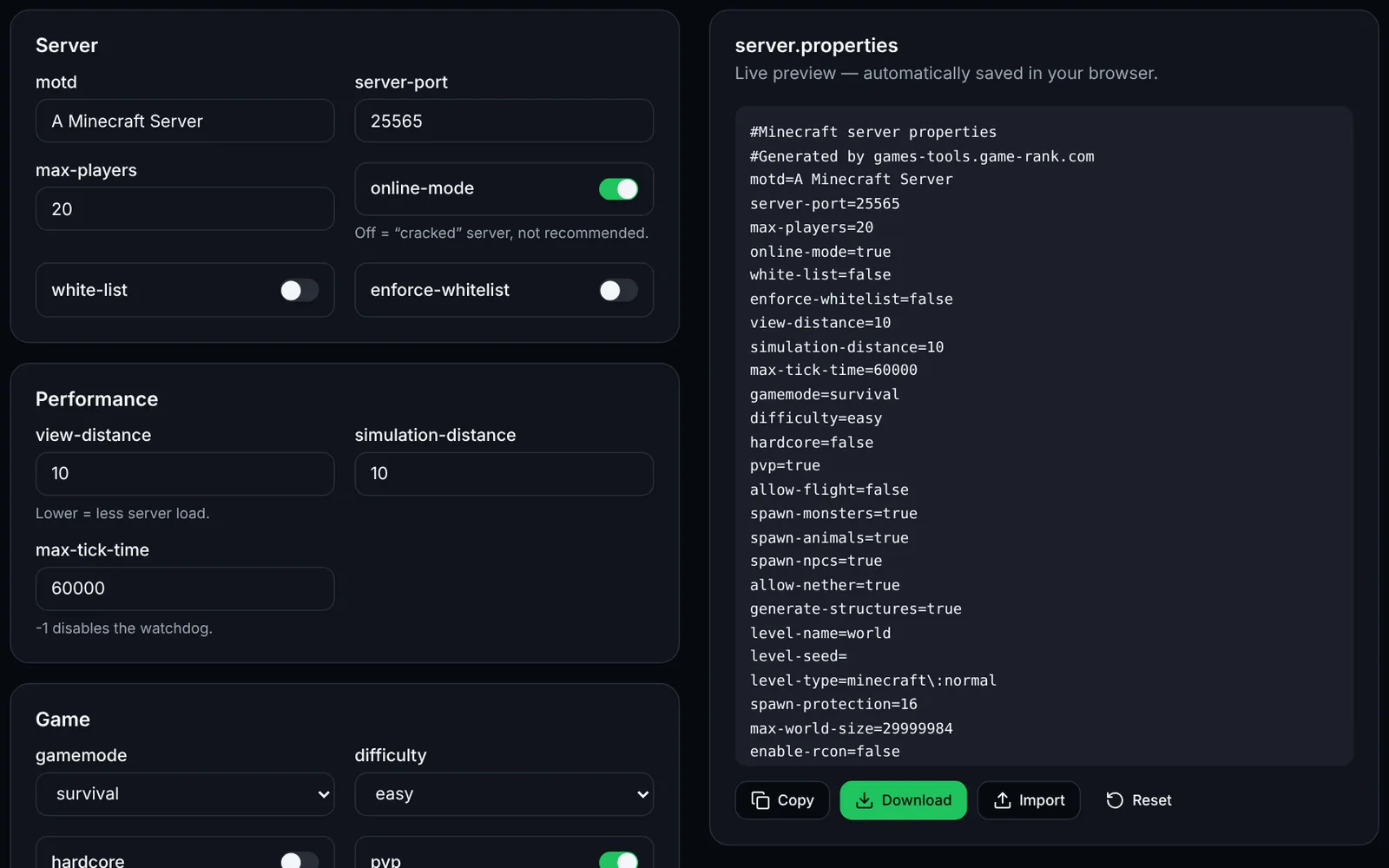
server.properties holds the basic settings of a Minecraft Java Edition server. This editor shows the common options by theme, with a preview of the generated file.
How to use the tool
Import your current server.properties with “Import” (optional).
Edit the options by group: Server, Performance, Game, World, Administration.
Check the preview on the right, then click “Download”.
Stop the server, replace the file in its folder and start it again.
Optimizing performance
- Lower view-distance and simulation-distance (8 to 10 is enough for most servers).
- Keep online-mode true to secure authentication.
Frequently asked questions
- Are options not in the tool kept?
- No: only the listed options are exported. Copy over any options specific to your version or plugins manually.
- Must I stop the server before editing the file?
- Yes, the server rewrites server.properties on shutdown and would overwrite your changes.