A DayZ server is configured in two places: serverDZ.cfg for the rules and the command line for files, mods and logging. This tool builds that line and a ready-to-use start script.
How to use the tool
Choose the output format (.bat, shell script or single line) and the executable name.
Fill in -config, -port, -profiles and, if needed, -BEpath.
List your mods, one per line (@Mod folder): -mod= ones are required on the player side, -serverMod= ones stay server-side.
Enable the logs you want, then copy or download the script.
Put the script in the server folder, copy the mods' .bikey files into keys/, then run it.
What the parameters do
- -config: configuration file (serverDZ.cfg); -port: UDP game port (2302 by default); -profiles: folder where logs (.RPT, .ADM) are written.
- -BEpath: BattlEye folder if different from the default; -adminlog: player action log (.ADM); -dologs: logs activity; -freezecheck: handles server freezes.
- These are the commonly documented parameters; check the full list on Bohemia's official DayZ wiki before adding others.
Frequently asked questions
- Why quotes around -mod=?
- The semicolon separates mods; inside quotes, the shell or .bat does not split it into several commands.
- Are my mods validated?
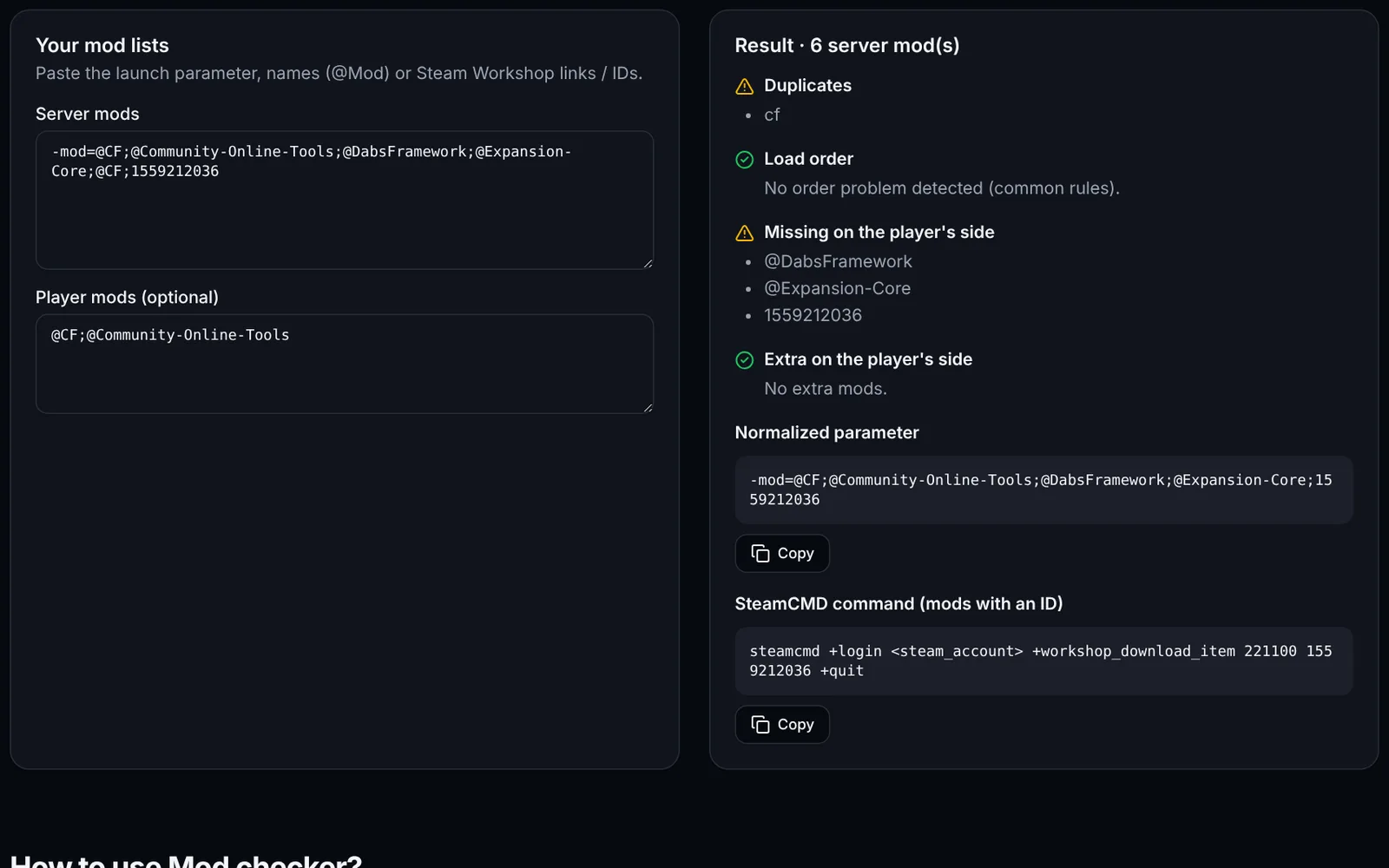
- No, this tool only formats. For load order and duplicates, use the Mod checker.