
DayZ mission validator
Cross-check types.xml, mapgroupproto.xml and cfglimitsdefinition.xml: unknown usages, tiers, categories and tags, and loot that cannot spawn.
Last updated: 10/9/2026
100% local processing — saved in your browser.
How to use DayZ mission validator?
When an item never spawns, the cause is often a mismatch between types.xml (what should spawn), mapgroupproto.xml (where buildings can hold it) and cfglimitsdefinition.xml (the allowed usages, tiers, categories and tags). This validator compares the three files.
Load types.xml (the mission's db/ folder) with the “Choose” button.
Load mapgroupproto.xml and cfglimitsdefinition.xml (mission root), then cfglimitsdefinitionuser.xml if it exists.
Read the errors (red): undeclared values or invalid XML — those entries will not load properly.
Read the warnings (orange): these are items that may never spawn on this map.
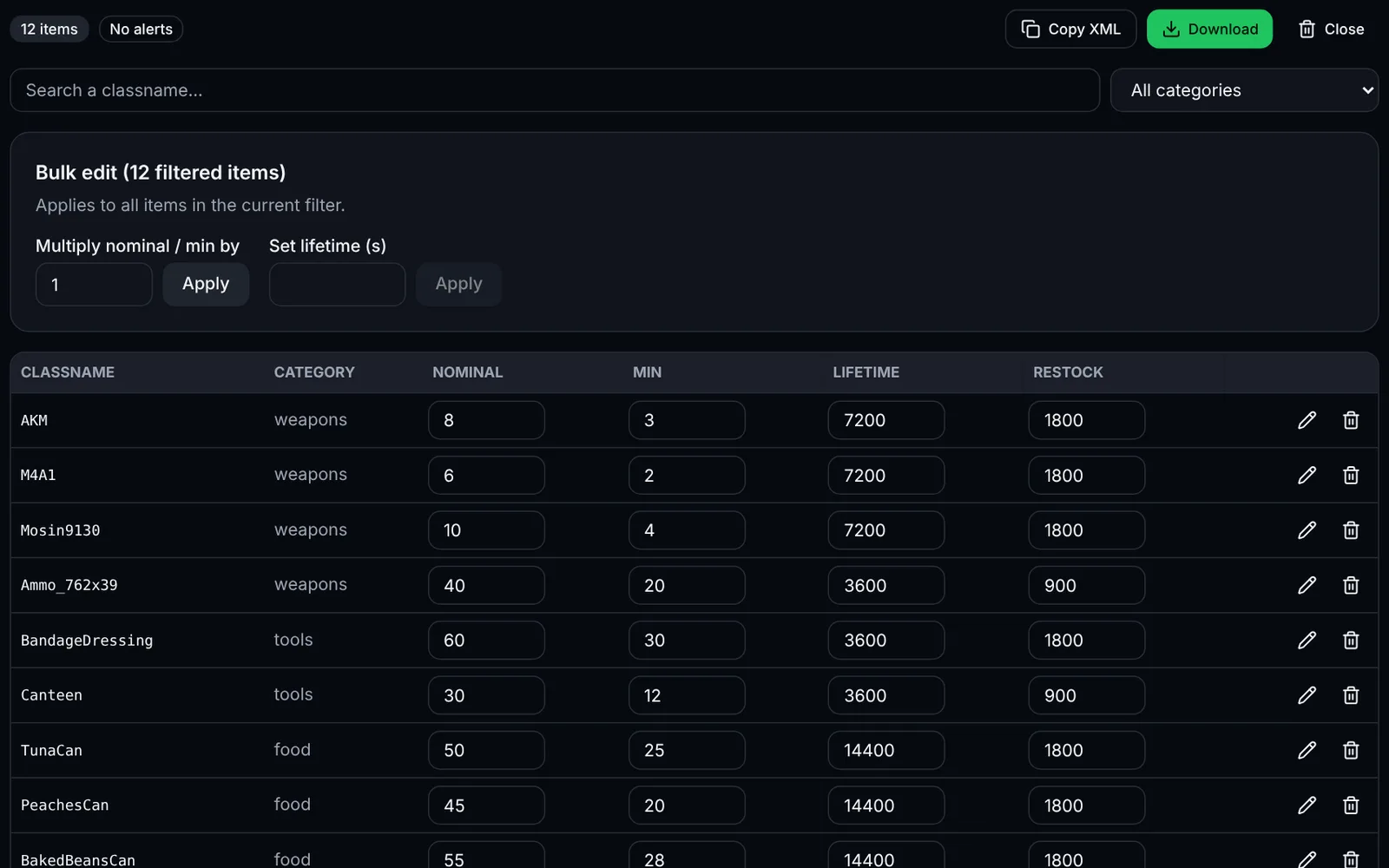
Fix your files (e.g. with the types.xml editor), reload them and repeat until there are no errors.
Frequently asked questions
More DayZ tools
 DayZSign-in required
 DayZSign-in required
 DayZSign-in required