A DayZ Standalone dedicated server is installed with SteamCMD (app 223350) and officially runs on Windows; the executable is DayZServer_x64.exe. Allow 30 to 60 minutes, a Steam account that owns DayZ and a machine with an SSD and a good upload connection. This guide covers local Windows, a Windows or Linux VPS, ports, firewall, BattlEye, mods and maintenance.
Step-by-step installation
Check the machine and the Steam account that owns DayZ (see “Requirements”).
Download SteamCMD and install the server (app 223350) in a dedicated folder.
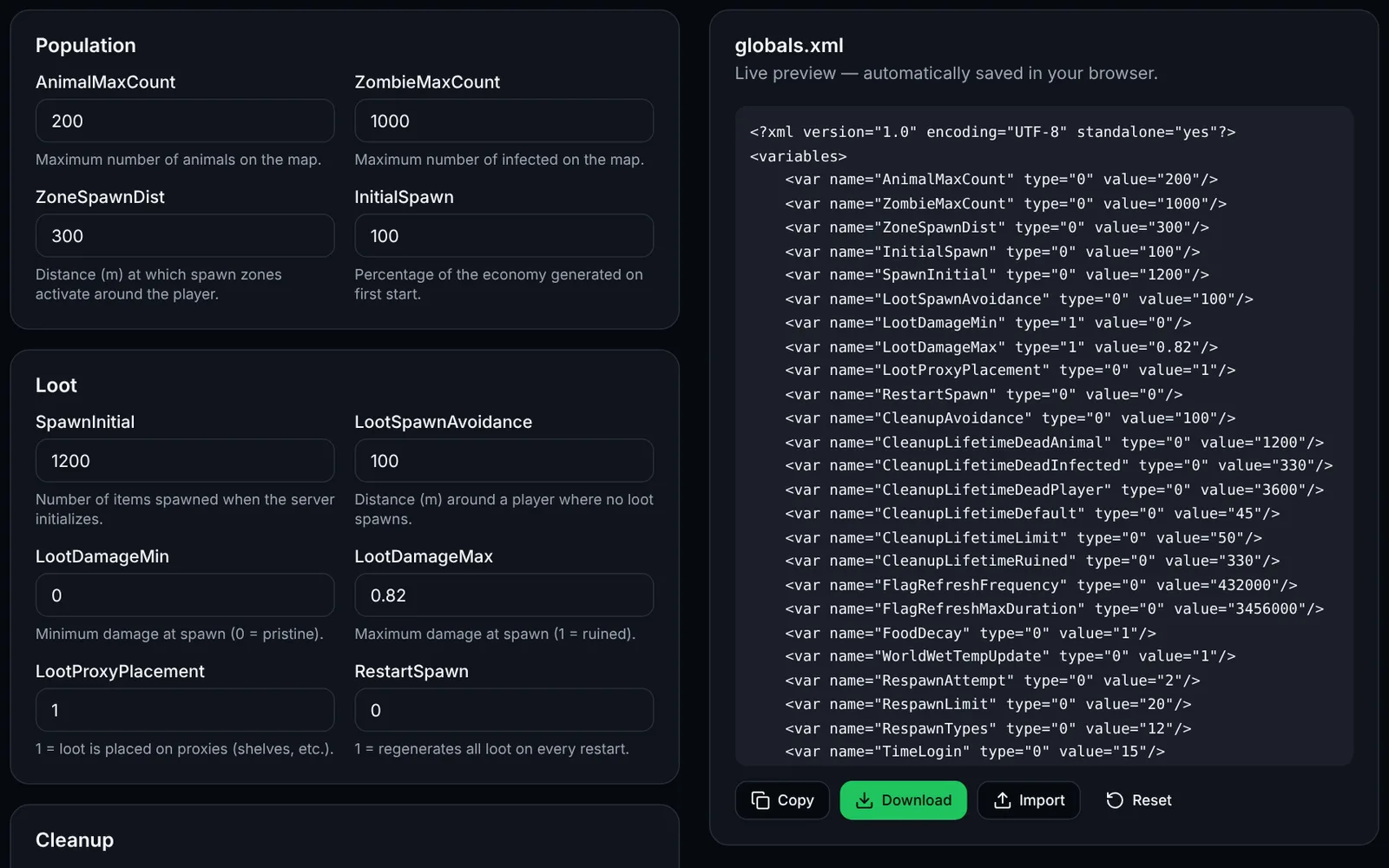
Create serverDZ.cfg (“serverDZ.cfg generator” tool) and pick the mission in mpmissions/.
Generate the launch line (“Launch parameters” tool) and start the server.
Test locally (127.0.0.1) with the DayZ client, then from another Internet connection.
Open the UDP ports in the system firewall, the provider firewall and on the router (NAT).
Configure BattlEye (RCon) and install your mods (.bikey keys into keys/).
Start the server automatically at boot (Windows scheduled task or systemd service).
Schedule updates, storage_1 backups and regular restarts.
Add your server on game-rank.com/jeux/dayz so players can find it.
Requirements
The hardware values below are rules of thumb commonly quoted by the community, not official Bohemia minimums.
- OS: Windows 10/11 or Windows Server (officially supported). Linux: see the dedicated section.
- CPU: strong single-core performance (4+ cores); RAM: about 8 GB for a small server, 16 GB or more for 60 slots and mods.
- Disk: SSD, several tens of GB free (server, mods, storage_1); network: good upload bandwidth and a public IP.
- A Steam account that owns DayZ: SteamCMD needs it for the server (app 223350) and to download Workshop mods (app 221100). Most guides report that anonymous login does not work.
- Windows: if DayZServer_x64.exe closes immediately, install the Microsoft Visual C++ Redistributable x64.
Local installation (Windows): SteamCMD
Extract SteamCMD into C:\steamcmd, then run the following in a command prompt (replace <steam_account>; enter the password and Steam Guard code when SteamCMD asks).
C:\steamcmd\steamcmd.exe +force_install_dir C:\dayz-server +login <steam_account> +app_update 223350 validate +quitFirst launch and local test
Put serverDZ.cfg in C:\dayz-server, create start-server.bat with the line below and run it. Wait until the log in the profiles folder shows the server is ready, then in the DayZ client add 127.0.0.1:2302 to favourites (or use direct connect). The first start builds the economy and can take a while.
cd /d C:\dayz-server
start "DayZ Server" /wait "DayZServer_x64.exe" -config=serverDZ.cfg -port=2302 -profiles=profiles -dologs -adminlog -freezecheck
VPS or dedicated server on Windows Server
- Connect with Remote Desktop, create a folder (e.g. C:\dayz-server) and follow the same steps as the local install.
- Use a dedicated admin account, change the RDP port or restrict it by IP, and keep Windows updated.
Linux (Ubuntu/Debian): support status
Bohemia ships the DayZ server as a Windows application; we could not confirm an official native Linux server for the stable branch (third-party guides mention an experimental build that only accepts experimental clients, not verified here). On a Linux VPS the community method is to run the Windows server through Wine: it is not officially supported, so test before going live. A Windows VPS remains the most reliable choice.
Example commands (Ubuntu): non-root user, Wine and SteamCMD (from the multiverse repository; on Debian it comes from non-free). The +@sSteamCmdForcePlatformType windows parameter downloads the Windows build of the server.
sudo adduser --disabled-password --gecos "" dayz
sudo dpkg --add-architecture i386
sudo apt update && sudo apt install -y wine64 wine32 steamcmd
sudo -u dayz -i
steamcmd +@sSteamCmdForcePlatformType windows +force_install_dir /home/dayz/server +login <steam_account> +app_update 223350 validate +quit
Ports to open
The sources we checked disagree on the Steam query port (27016 in many examples, 2305 in others): set it explicitly with steamQueryPort in serverDZ.cfg and open that one. Opening the UDP range 2302-2305 plus the query port and the RCon port covers the usual cases.
- 2302/UDP — game (default; change with -port=)
- 2303-2305/UDP — neighbouring ports used by the server and Steam (open with the range)
- steamQueryPort/UDP — Steam query, server browser (27016 or 2305 depending on your serverDZ.cfg)
- RConPort (e.g. 2306)/UDP — BattlEye RCon, set in BEServer_x64.cfg; only open it for remote admin and restrict it to your IP
- Changing ports: -port= (game) and steamQueryPort (cfg); keep them distinct and update the firewall.
Linux firewall (ufw)
Allow SSH before enabling ufw, then open the UDP ports (adapt 27016 to your steamQueryPort).
sudo ufw allow OpenSSH
sudo ufw allow 2302:2305/udp
sudo ufw allow 27016/udp
sudo ufw enable
sudo ufw status
Windows firewall (netsh)
In an administrator command prompt:
netsh advfirewall firewall add rule name="DayZ game" dir=in action=allow protocol=UDP localport=2302-2305
netsh advfirewall firewall add rule name="DayZ Steam query" dir=in action=allow protocol=UDP localport=27016
Provider firewall and router (NAT)
- OVH, Hetzner, Scaleway…: open the same UDP ports in the network firewall / “security group” of the provider's panel, in addition to the system firewall.
- Home hosting: forward (NAT) the same UDP ports from the router to the machine's local IP, using a fixed local IP or a DHCP reservation.
- Test: from an outside network (mobile data), look the server up by IP:port in the client; an online UDP port check can help too. The server only shows up in the browser after a few minutes.
BattlEye and RCon
BattlEye is enabled with BattlEye = 1 in serverDZ.cfg. BEServer_x64.cfg is in the server's battleye folder, next to BEServer_x64.dll (on Linux, respect the file name's case). Example (placeholder password, replace it):
RConPassword ChangeMe!
RConPort 2306
RestrictRCon 0
Installing mods (Workshop, keys, -mod=)
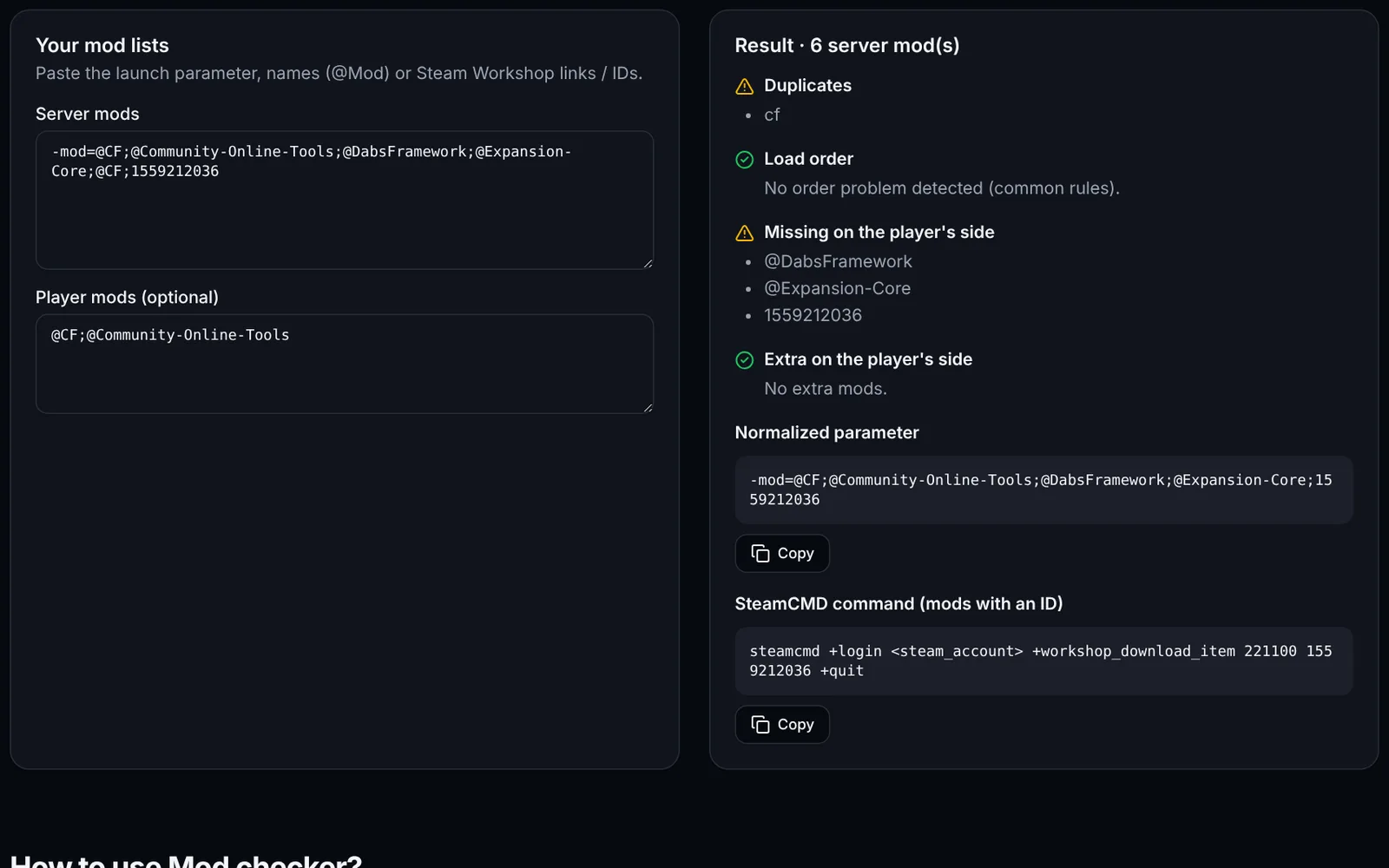
Download the mod with the client app 221100 and the Workshop ID, copy the downloaded folder into the server folder as @ModName, copy the mod's .bikey key (the mod's keys or key folder) into the server's keys folder, then add the mod to -mod=@ModName (separated by semicolons, dependencies first). Use the “Mod checker” and “Launch parameters” tools.
C:\steamcmd\steamcmd.exe +force_install_dir C:\dayz-server +login <steam_account> +workshop_download_item 221100 <workshop_id> +quit
:: Mod téléchargé dans C:\dayz-server\steamapps\workshop\content\221100\<workshop_id>
:: Copiez-le en C:\dayz-server\@ModName puis sa clé .bikey dans C:\dayz-server\keys
Auto-start: systemd (Linux)
Unit /etc/systemd/system/dayz.service for the Wine method (see above; unofficial, validate it on your machine), then: sudo systemctl daemon-reload && sudo systemctl enable --now dayz.
[Unit]
Description=DayZ server (Wine, community method)
After=network-online.target
Wants=network-online.target

[Service]
User=dayz
WorkingDirectory=/home/dayz/server
Environment=WINEPREFIX=/home/dayz/.wine WINEDEBUG=-all
ExecStart=/usr/bin/wine64 DayZServer_x64.exe -config=serverDZ.cfg -port=2302 -profiles=profiles -dologs -adminlog -freezecheck
Restart=on-failure
RestartSec=15

[Install]
WantedBy=multi-user.target
Auto-start: Windows
Create a scheduled task that runs start-server.bat at machine startup, under the SYSTEM account (run as administrator):
schtasks /Create /TN "DayZ Server" /TR "C:\dayz-server\start-server.bat" /SC ONSTART /RU SYSTEM /RL HIGHESTServer updates
Stop the server, re-run the install command (it updates without touching your configuration), then restart. After a game update, forceSameBuild = 1 requires clients to have the same version; update your mods too.
C:\steamcmd\steamcmd.exe +force_install_dir C:\dayz-server +login <steam_account> +app_update 223350 validate +quitBackups and scheduled restarts
Persistence (bases, vehicles, inventories) lives in the mission's storage_1 folder, e.g. mpmissions/dayzOffline.chernarusplus/storage_1. Back it up with the server stopped, along with your configuration files. Restart regularly (every 4 to 6 hours is common): stop the process cleanly, back up, then relaunch. Windows example:
taskkill /IM DayZServer_x64.exe
timeout /t 30
robocopy "C:\dayz-server\mpmissions\dayzOffline.chernarusplus\storage_1" "D:\backups\dayz\%date:~-4%-%date:~3,2%-%date:~0,2%" /E
start-server.bat
List and find your server
Add your server on game-rank.com/jeux/dayz to get discovered. In game it appears in the server browser (community) a few minutes after start, provided the Steam query port is open; otherwise use direct connect or IP:port favourites.
Troubleshooting
- Server not in the list: Steam query port (steamQueryPort) closed or different from the one opened, missing NAT or provider firewall rule; wait a few minutes and test by IP:port.
- Server closes immediately or ignores the config: a serverDZ.cfg line without the trailing semicolon or a missing quote; check the .RPT log in profiles and the Visual C++ Redistributable.
- Players kicked (signature / BattlEye): the mod's .bikey is missing from keys/, or the player does not have the same mod and version as the server.
- Mods crash or loading hangs: wrong order in -mod= (dependencies such as CF first); verify with the Mod checker.
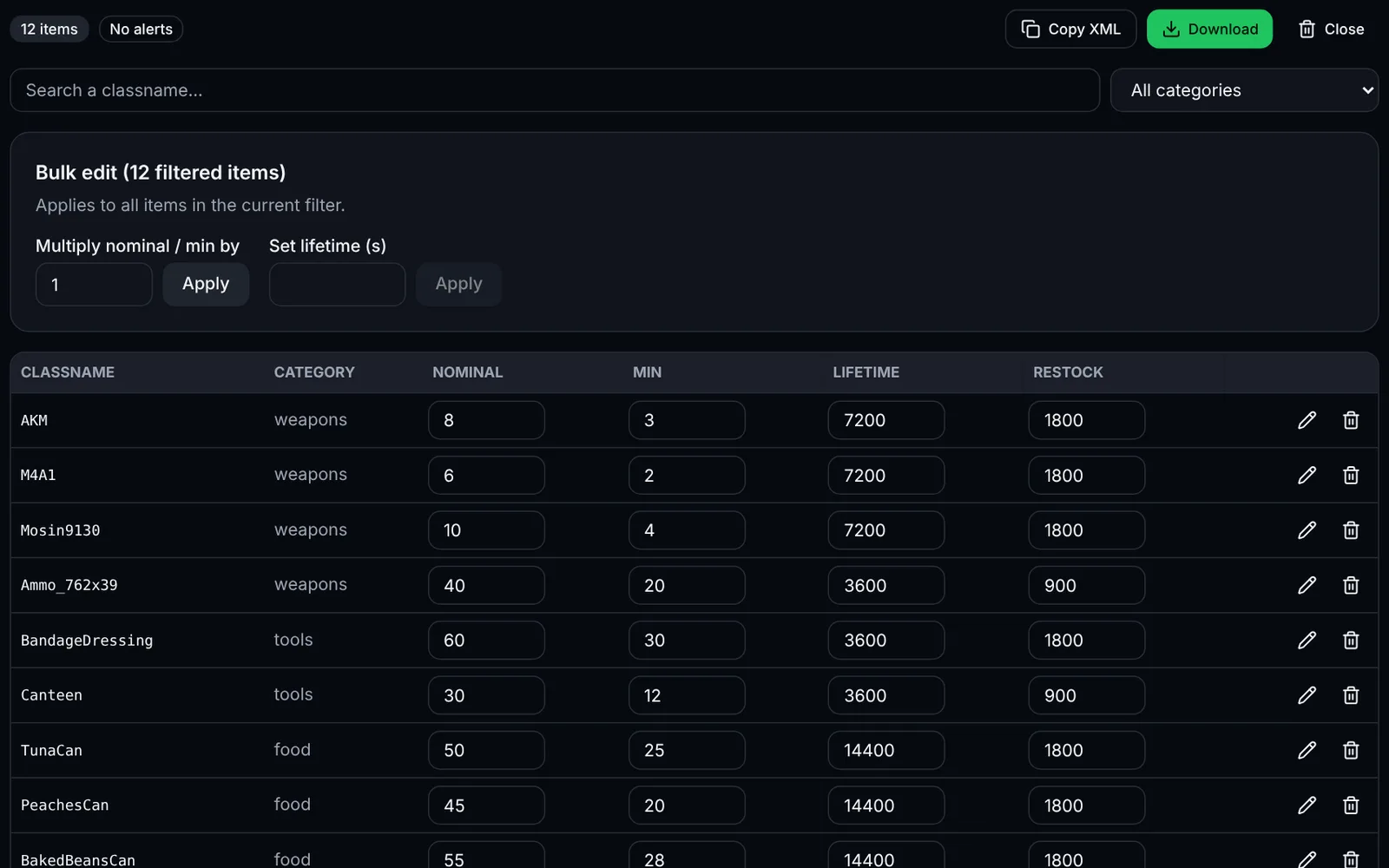
- No loot or empty economy after an edit: invalid XML in db/ or cfgeconomycore.xml; validate the files (“Mission validator” tool), read the log and, if needed, delete storage_1 for a clean start (persistence is lost).
- SteamCMD refuses login or says “No subscription”: the account must own DayZ; enter the Steam Guard code and do not use anonymous login.
Frequently asked questions
- Do I need to own DayZ to host a server?
- According to the guides we checked, SteamCMD asks for a Steam account that owns DayZ to download the server (223350) and Workshop mods. Anonymous login is generally reported as not working; check Bohemia's official wiki in case that changed.
- Which ports does DayZ use by default?
- The game port is 2302/UDP. The Steam query port is set with steamQueryPort (27016 or 2305 depending on guides) and BattlEye RCon with RConPort in BEServer_x64.cfg. Open the UDP range 2302-2305 plus those ports.
- Can I host a DayZ server on Linux?
- No official native Linux server could be confirmed for the stable branch. The community method uses Wine (unofficial). For reliable use, prefer Windows or Windows Server.
- Where is persistence stored and how do I start fresh?
- In the mission's storage_1 folder (mpmissions/<mission>/storage_1). With the server stopped, back it up then delete it for a full wipe; the server recreates it at startup.