
Skip to content
Rust

Documentation: Rust map size calculator

Calculator for Rust servers: area in km² of a procedural map, recommended population for a target density (indicative estimate), suggested size for a given slot count, range checks for server.worldsize (1000-6000) and server.seed (0-2147483647).

Last updated: 10/9/2026

Open the tool

Rust's procedural map is defined by server.worldsize (1000 to 6000) and server.seed (0 to 2147483647). The larger the map, the more disk and memory it uses. This tool computes the area and an indicative population.

How to use the tool

  1. Enter the map size (server.worldsize) and the seed.

  2. Enter the slot count and the player density you want.

  3. Read the area, indicative population and suggested size; fix any range warnings.

  4. Copy the +server.worldsize / +server.seed / +server.maxplayers arguments into your launch line.

What is official and what is an estimate

Official (Facepunch wiki): worldsize from 1000 to 6000, seed from 0 to 2147483647, about 12 GB of free RAM and 15 GB of disk for a server, more for a 6000 map. Estimate: the densities (5, 8 or 12 players/km²) are community rules of thumb, not a Facepunch rule; adjust to your CPU, plugins and the experience you want.

Frequently asked questions

Which map size should I choose?
3500 is the common value for around a hundred players; go smaller for a small server and test performance before enlarging.
Does the same seed always give the same map?
The map depends on seed, size and game version: changing any of them (or a major update) can produce a different map.
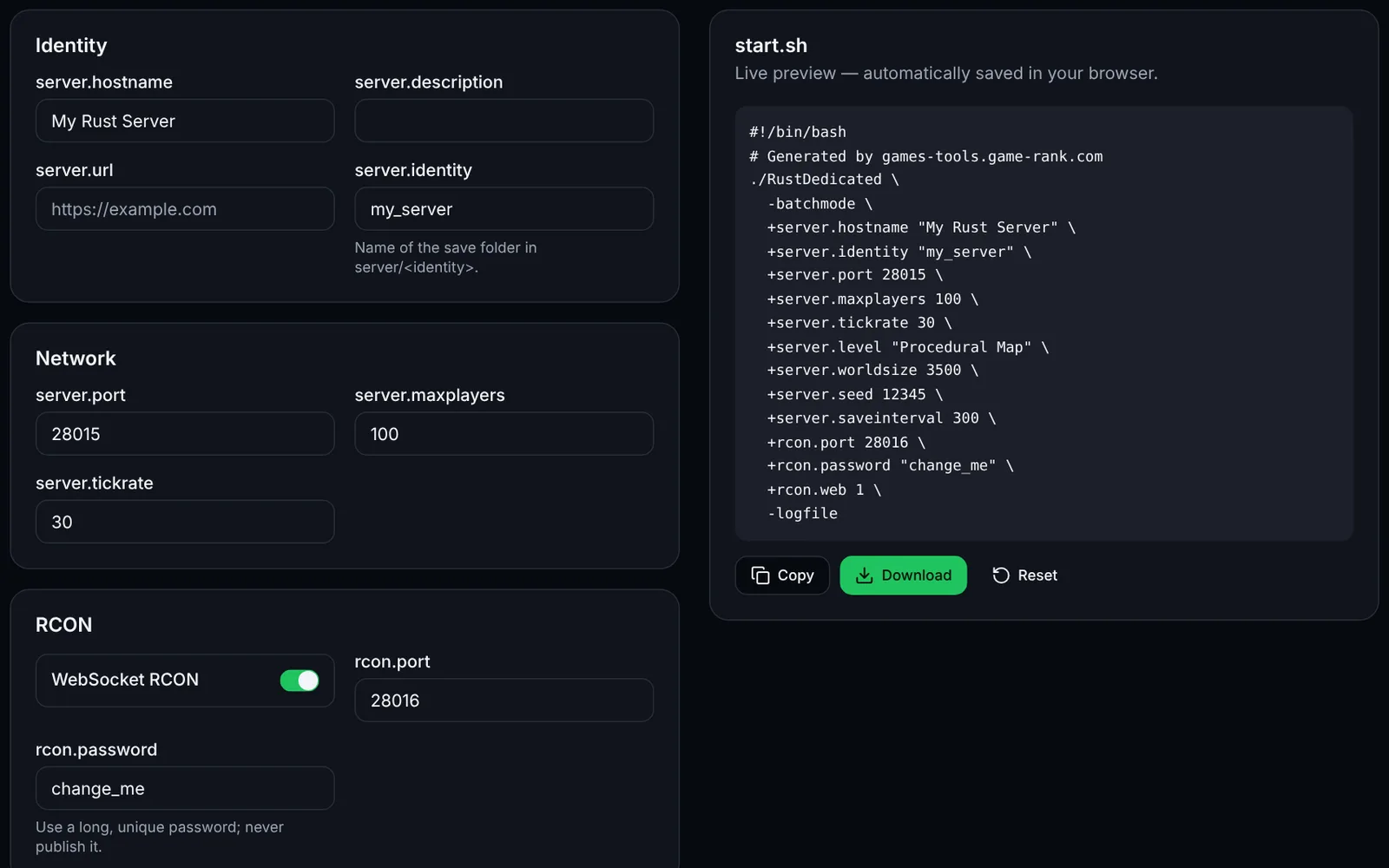
Screenshot of the Launch command generator toolRustOpen access
Generate your Rust server launch script: network, RCON, map, seed and rules.
LaunchConfigurationOpen
Documentation
Rust
RustOpen access
Generate your Rust server.cfg: name, slots, save interval, PvE, decay, stability and RCON.
Configurationserver.cfgOpen
Documentation
Rust
RustSign-in required
Build Oxide/uMod groups, members and permissions: ready-to-paste oxide.group, oxide.usergroup and oxide.grant commands, with import.
PermissionsOxideuModOpen
Documentation
Rust
RustSign-in required
Compose Rust kits (items, amounts, containers, cooldown, permission) and export clean JSON to adapt to your kits plugin.
KitsPluginsJSONOpen
Documentation
Rust
RustOpen access
Plan your Rust wipes: monthly force wipe, weekly or biweekly wipe, BP wipe, shown per time zone.
WipeSchedulingOpen
Documentation
Rust
RustSign-in required
Edit and validate Oxide/uMod and Carbon plugin JSON config files: raw JSON, fields, formatting.
PluginsJSONValidationOpen
Documentation