
Skip to content
Rust

Documentation: Rust kit editor

Visual kit editor for Rust servers: several kits, items by shortname with amount, container (main, belt, wear) and skin, cooldown, use limit and permission. The JSON follows a neutral schema of this tool: field names vary between kit plugins and are not verified against a specific version; adjust them with the plugin config editor.

Last updated: 10/9/2026

Open the tool

Oxide/uMod or Carbon kit plugins store their kits as JSON, each with its own field names. This editor lets you compose kits visually and export a neutral structure that is easy to adapt.

How to use the tool

  1. Create a kit (name, description, permission, cooldown in seconds, use limit).

  2. Add items by shortname (e.g. rifle.ak), with amount, container and skin.

  3. Copy or download kits.json, then adapt the field names to your plugin's schema (plugin config editor).

  4. Reload the plugin (oxide.reload <plugin>) after replacing its data or configuration file.

Neutral schema and compatibility

The exported JSON holds for each kit: name, description, permission, cooldownSeconds, maxUses and items (shortname, amount, container, skin). This schema is specific to this tool: it has not been verified against a particular “Kits” plugin, whose fields and data folder (oxide/data or carbon/data) may differ. Back up the original file before any change and test on a staging server.

Frequently asked questions

Where do I find an item's shortname?
In community item lists (e.g. rifle.ak for the AK-47) or, depending on your version, with the server console command “find <name>”.
Is the JSON directly compatible with my plugin?
Not guaranteed: the schema is neutral. Compare with the file your plugin generated and rename fields with the plugin config editor.
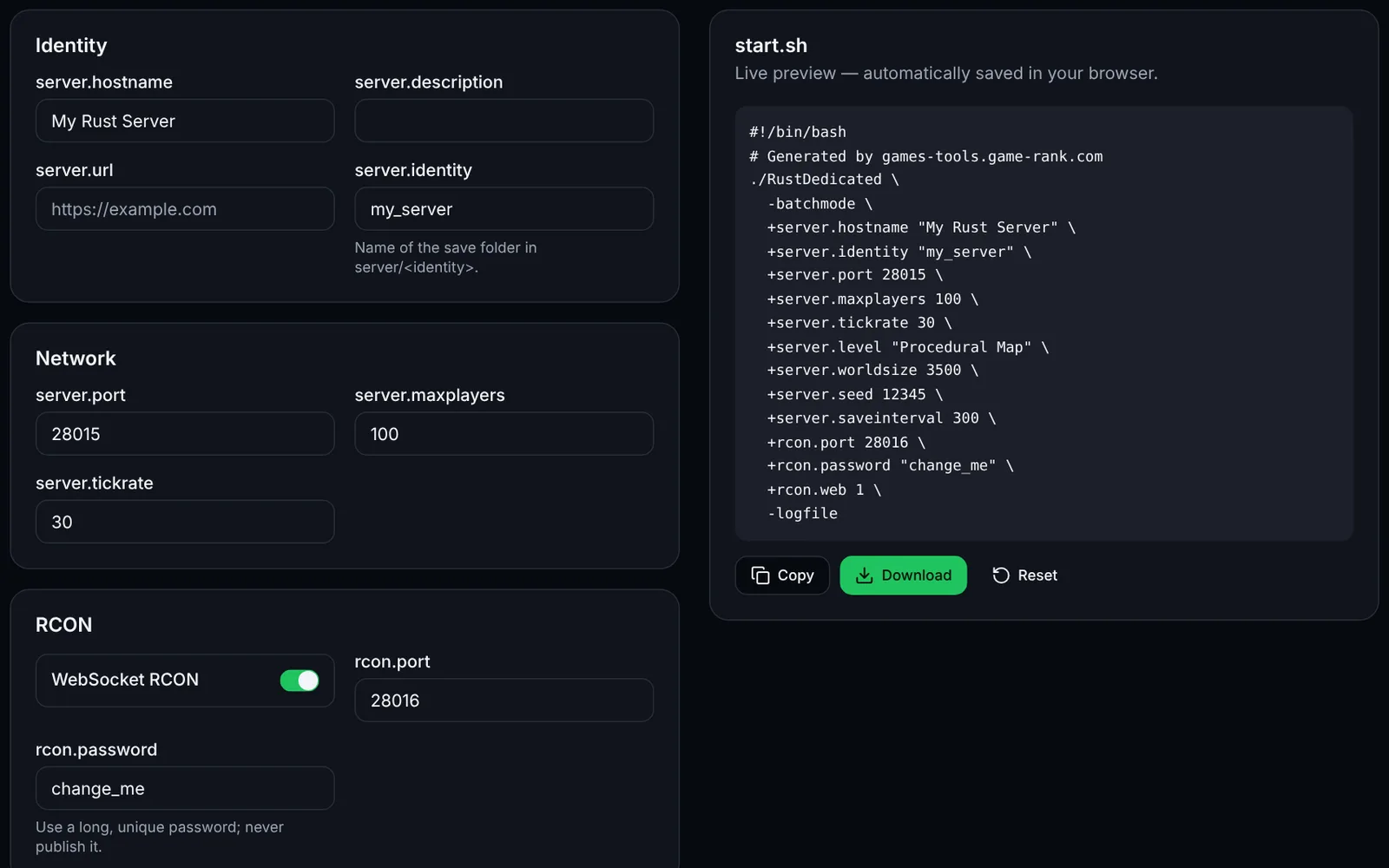
Screenshot of the Launch command generator toolRustOpen access
Generate your Rust server launch script: network, RCON, map, seed and rules.
LaunchConfigurationOpen
Documentation
Rust
RustOpen access
Generate your Rust server.cfg: name, slots, save interval, PvE, decay, stability and RCON.
Configurationserver.cfgOpen
Documentation
Rust
RustSign-in required
Build Oxide/uMod groups, members and permissions: ready-to-paste oxide.group, oxide.usergroup and oxide.grant commands, with import.
PermissionsOxideuModOpen
Documentation
Rust
RustOpen access
Estimate the population that suits a Rust map size (1000-6000), validate the seed and copy the launch arguments.
MapCalculatorOpen
Documentation
Rust
RustOpen access
Plan your Rust wipes: monthly force wipe, weekly or biweekly wipe, BP wipe, shown per time zone.
WipeSchedulingOpen
Documentation
Rust
RustSign-in required
Edit and validate Oxide/uMod and Carbon plugin JSON config files: raw JSON, fields, formatting.
PluginsJSONValidationOpen
Documentation