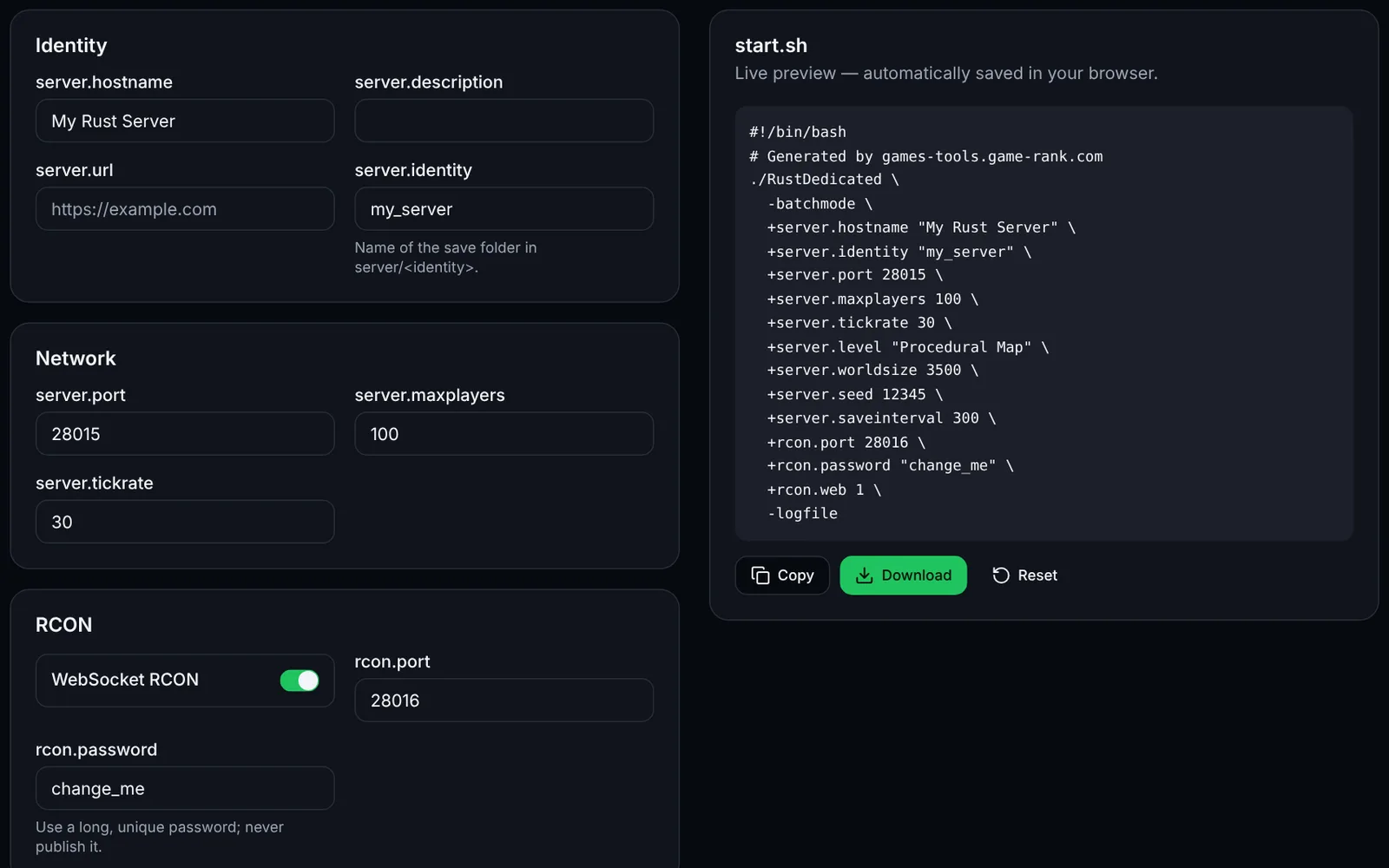
A Rust dedicated server is configured through command-line arguments (+server.hostname, +rcon.port…). This tool builds a clean, readable Linux launch script, one argument per line.
How to use the tool
Enter the server's name, identity (save folder) and port.
Set a long, unique RCON password.
Pick the map, its size and seed; add custom arguments if needed.
Download start.sh, put it next to RustDedicated and make it executable (chmod +x start.sh).
Example plugin of the module system
This tool serves as a template: it fits in a few files (index.ts for metadata, text.ts for translations, tool.tsx for the field schema and render function). Copy the src/modules/rust/startup-command folder to create your own.
Frequently asked questions
- Does it work on Windows?
- The arguments are identical; simply replace “./RustDedicated \” with “RustDedicated.exe” and join the lines in a .bat file.