
Rust server.cfg generator
Generate your Rust server.cfg: name, slots, save interval, PvE, decay, stability and RCON.
Last updated: 10/9/2026
100% local processing — saved in your browser.
Long, unique password; never publish it.
Defaults vary between sources: enable only if you want to force it.
1 = standard, 0 = decay off (best kept for PvE servers that wipe regularly).
// server.cfg — generated by games-tools.game-rank.com
// Place in: <rust>/server/<server.identity>/cfg/server.cfg (no leading + or -; values here override the command line)
server.hostname "My Rust Server"
server.maxplayers 100
server.saveinterval 300
server.pve false
server.stability true
server.radiation true
decay.scale 1
decay.upkeep true
rcon.password "ChangeMe!"
How to use Rust server.cfg generator?
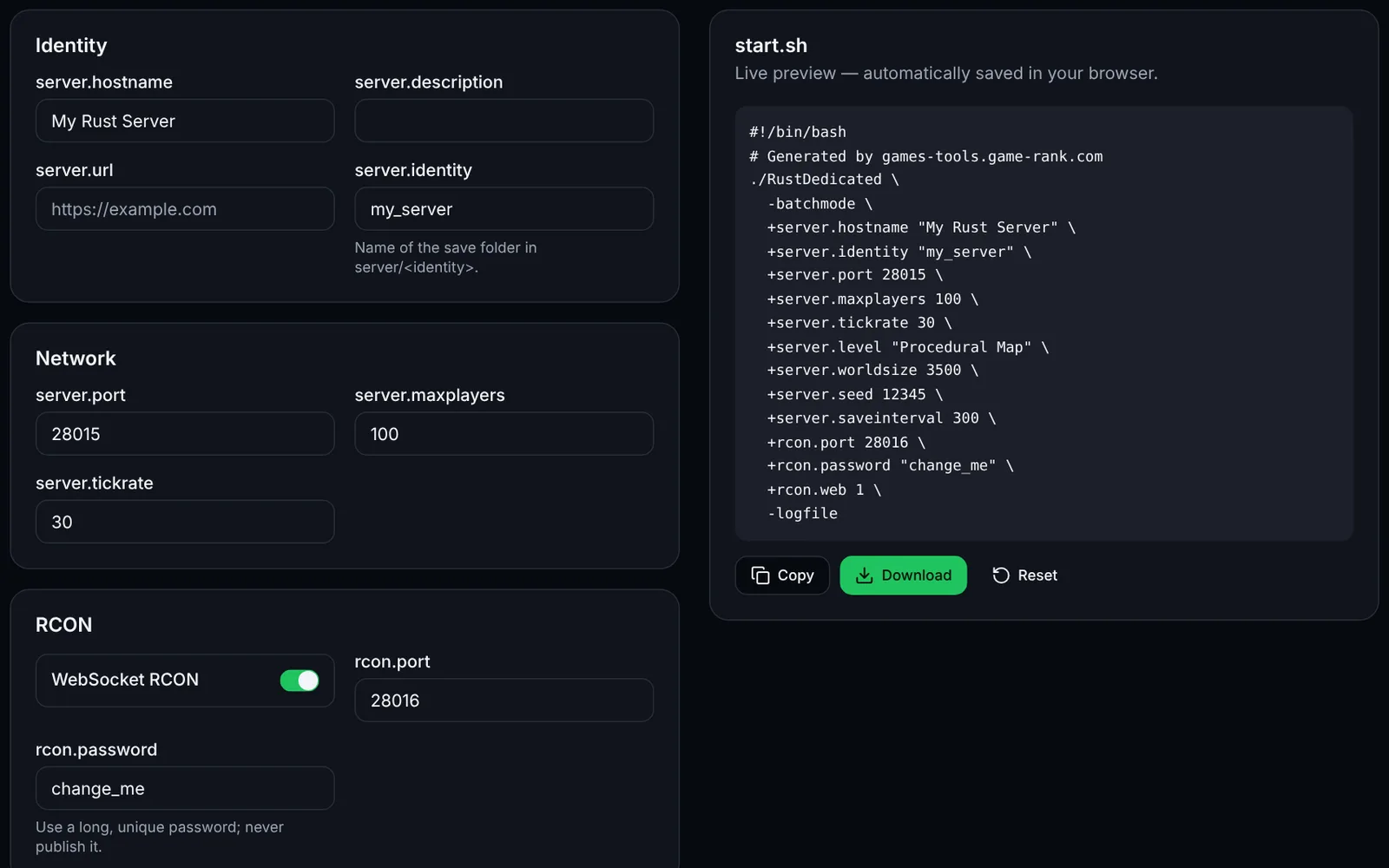
A Rust server's server.cfg lives in server/<identity>/cfg/; each line is a console command without the “+” used on the launch line. This tool builds and imports it without sending anything to a server.
Enter the server name, description and URL.
Set slots, save interval, PvE, decay and stability.
Set a long, unique RCON password, then add free-form directives if needed.
Download server.cfg, put it in server/<identity>/cfg/, then restart the server.
Frequently asked questions
More Rust tools
 RustOpen access