Skip to content
Rust
Rust 100% localFreeOpen access

Rust wipe planner

Plan your Rust wipes: monthly force wipe, weekly or biweekly wipe, BP wipe, shown per time zone.

Last updated: 10/9/2026

100% local processing — saved in your browser.

Documentation
Parameters
Saved automatically in your browser (nothing is uploaded).

19:00 by default; not officially confirmed, check with Facepunch.

Your own server policy, not an official rule.

Schedule
Dates computed locally; verify the force wipe time with Facepunch.

    Script to adapt: server stopped, backup done, file names to check on your version.

    #!/bin/bash
    # Wipe script — verify file names for your Rust version, keep a backup first.
    # Stop the server before running. <identity> = your +server.identity
    cd /path/to/rust/server/<identity> || exit 1
    rm -f proceduralmap.*.map proceduralmap.*.sav*
    
    Server installation guideNo server yet? Install it locally or on a VPS / dedicated server, ports and firewall included.

    How to use Rust wipe planner?

    A Rust server has to be wiped (map reset) at least at every Facepunch force wipe, which ships on the first Thursday of the month. This tool computes the upcoming dates in your time zone and prepares a cleanup script.

    1. Choose the mode: monthly force wipe, weekly or biweekly wipe.

    2. Enter your IANA time zone (e.g. Europe/Paris), day and time; check the force wipe UTC time on Facepunch's site.

    3. If needed, set a BP wipe every N wipes, then read the calendar.

    4. Copy the calendar for your community and adapt the deletion script before using it, with the server stopped.

    Read the full documentation →

    Frequently asked questions

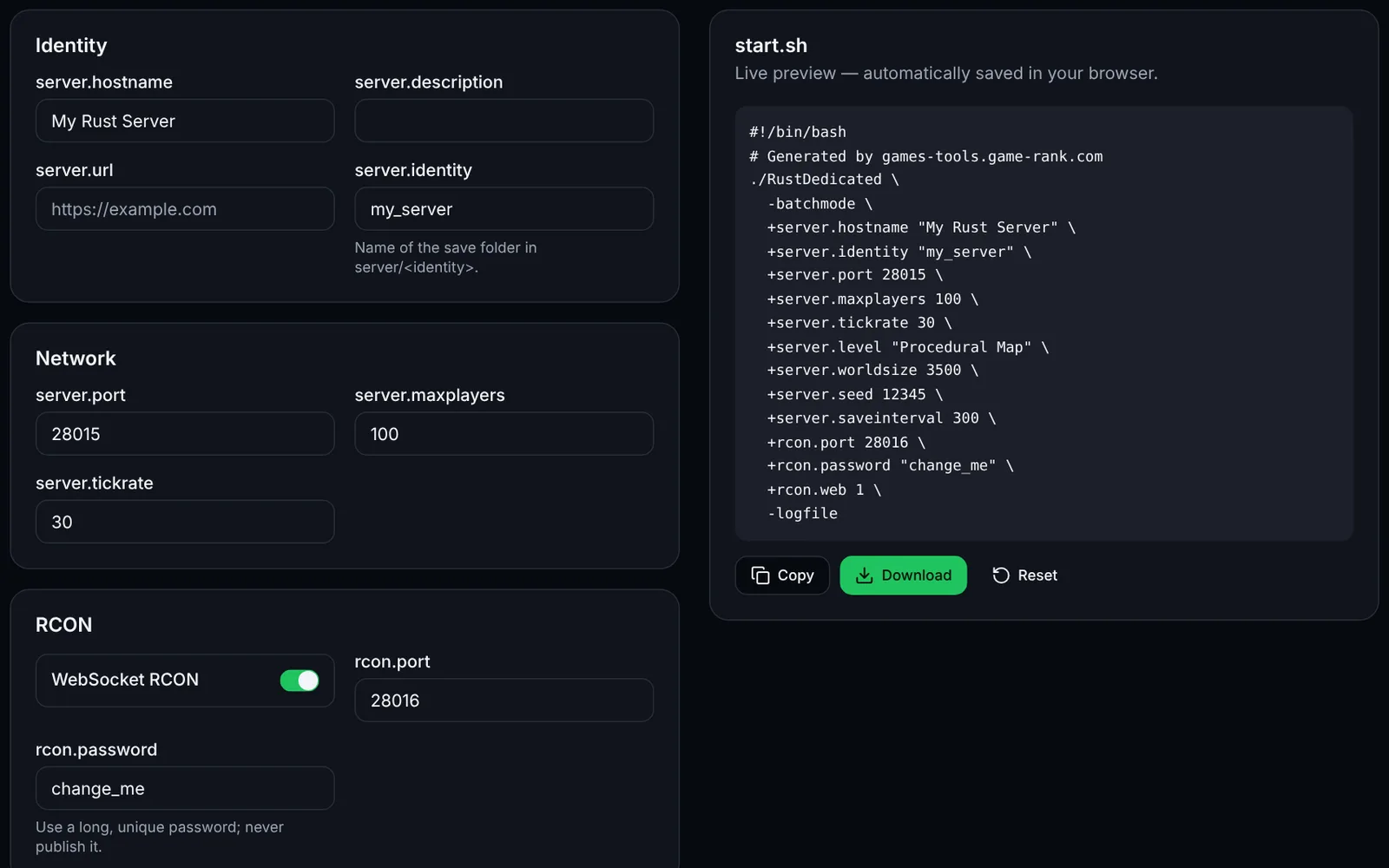
    Screenshot of the Launch command generator toolRustOpen access
    Generate your Rust server launch script: network, RCON, map, seed and rules.
    LaunchConfigurationOpen
    Documentation
    Rust
    RustOpen access
    Generate your Rust server.cfg: name, slots, save interval, PvE, decay, stability and RCON.
    Configurationserver.cfgOpen
    Documentation
    Rust
    RustSign-in required
    Build Oxide/uMod groups, members and permissions: ready-to-paste oxide.group, oxide.usergroup and oxide.grant commands, with import.
    PermissionsOxideuModOpen
    Documentation
    Rust
    RustOpen access
    Estimate the population that suits a Rust map size (1000-6000), validate the seed and copy the launch arguments.
    MapCalculatorOpen
    Documentation
    Rust
    RustSign-in required
    Compose Rust kits (items, amounts, containers, cooldown, permission) and export clean JSON to adapt to your kits plugin.
    KitsPluginsJSONOpen
    Documentation
    Rust
    RustSign-in required
    Edit and validate Oxide/uMod and Carbon plugin JSON config files: raw JSON, fields, formatting.
    PluginsJSONValidationOpen
    Documentation