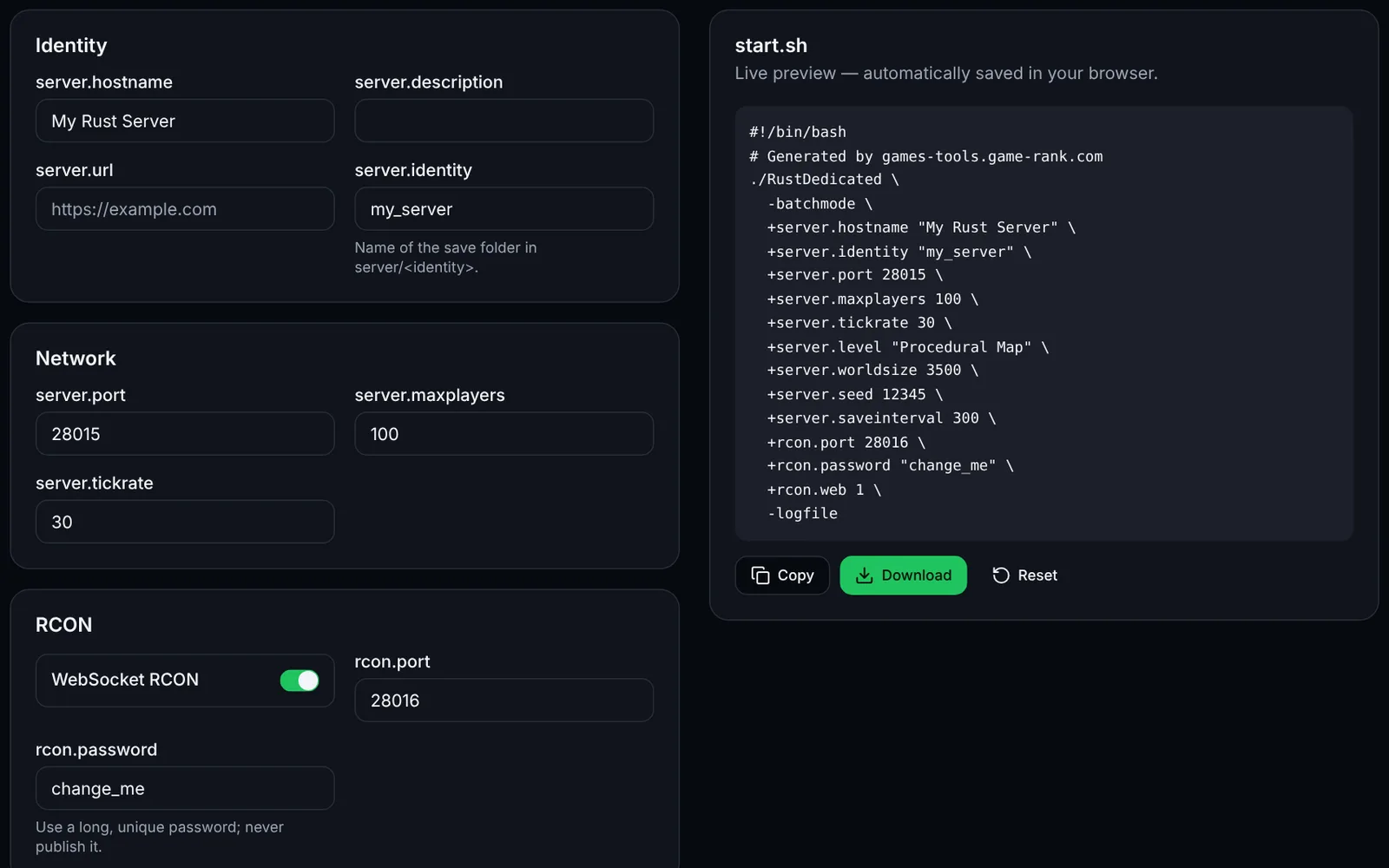
A Rust server's server.cfg lives in server/<identity>/cfg/; each line is a console command without the “+” used on the launch line. This tool builds and imports it without sending anything to a server.
How to use the tool
Enter the server name, description and URL.
Set slots, save interval, PvE, decay and stability.
Set a long, unique RCON password, then add free-form directives if needed.
Download server.cfg, put it in server/<identity>/cfg/, then restart the server.
Launch line vs. server.cfg precedence
According to the Facepunch wiki, server.cfg values override those of the launch line. The folder is the one set by +server.identity. Check variable names on your version (some change): the “find decay” console command lists them. Defaults for fps.limit and decay vary between sources, hence the dedicated checkbox and no imposed value.
Frequently asked questions
- Where do I put server.cfg?
- In server/<identity>/cfg/server.cfg, where <identity> is the +server.identity value (folder created on first launch).
- Why is a value ignored?
- Make sure there is no “+” or “-” before the directive, that the name exists in your version (“find <word>” console command) and that the server was restarted.