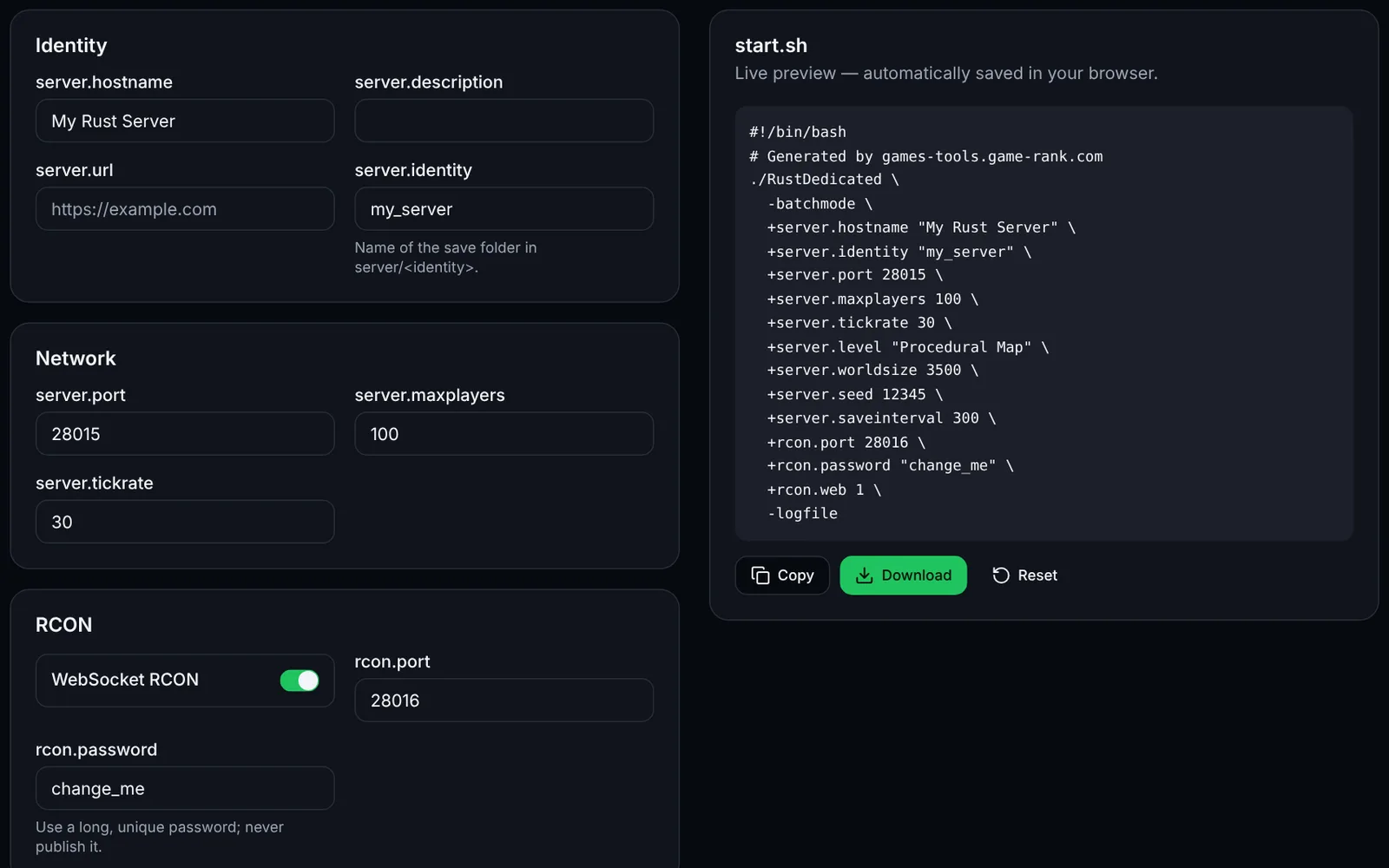
A Rust server has to be wiped (map reset) at least at every Facepunch force wipe, which ships on the first Thursday of the month. This tool computes the upcoming dates in your time zone and prepares a cleanup script.
How to use the tool
Choose the mode: monthly force wipe, weekly or biweekly wipe.
Enter your IANA time zone (e.g. Europe/Paris), day and time; check the force wipe UTC time on Facepunch's site.
If needed, set a BP wipe every N wipes, then read the calendar.
Copy the calendar for your community and adapt the deletion script before using it, with the server stopped.
What is computed and what to verify
The force wipe date is computed as the first Thursday of each month, at an adjustable UTC time (19:00 by default). The exact time could not be confirmed on an official source: check it on Facepunch's site or the wiki's “Server Wipe Timer” page before announcing a date. The script deletes proceduralmap.*.map and proceduralmap.*.sav* in server/<identity>; file names (including player.blueprints.*.db for blueprints) may change, so back up and check them on your version.
Frequently asked questions
- Must I wipe at every force wipe?
- Monthly updates can make old saves incompatible: plan a map wipe at each force wipe and follow Facepunch's announcements.
- Is my data sent anywhere?
- No: everything is computed in your browser and only your settings are stored locally.