A world border limits terrain generation and therefore the size of the world folder. Enter the desired diameter: the tool gives the radius, the number of chunks (16×16 blocks) and region files (512×512 blocks), the estimated pre-generation time and the /worldborder commands to use.
How to use the tool
Enter the border diameter in blocks and its center (0 0 by default).
Enter the view distance and player count to estimate simultaneously loaded chunks.
Adjust the pre-generation speed and average region file size from your own measurements.
Copy the commands: /worldborder center, /worldborder set, then /chunky to pre-generate (Chunky plugin).
What is exact and what is estimated
Radius, chunk and region counts are geometry (1 chunk = 16×16 blocks, 1 region = 32×32 chunks). Pre-generation time (chunks per second) and disk size per region depend on your hardware, version and mods: the defaults are assumptions to replace with your own measurements. For /worldborder the game's maximum diameter is 59,999,968; max-world-size (radius) goes up to 29,999,984.
/worldborder center 0 0
/worldborder set 10000
/chunky radius 5000
/chunky start
Frequently asked questions
- Diameter or radius?
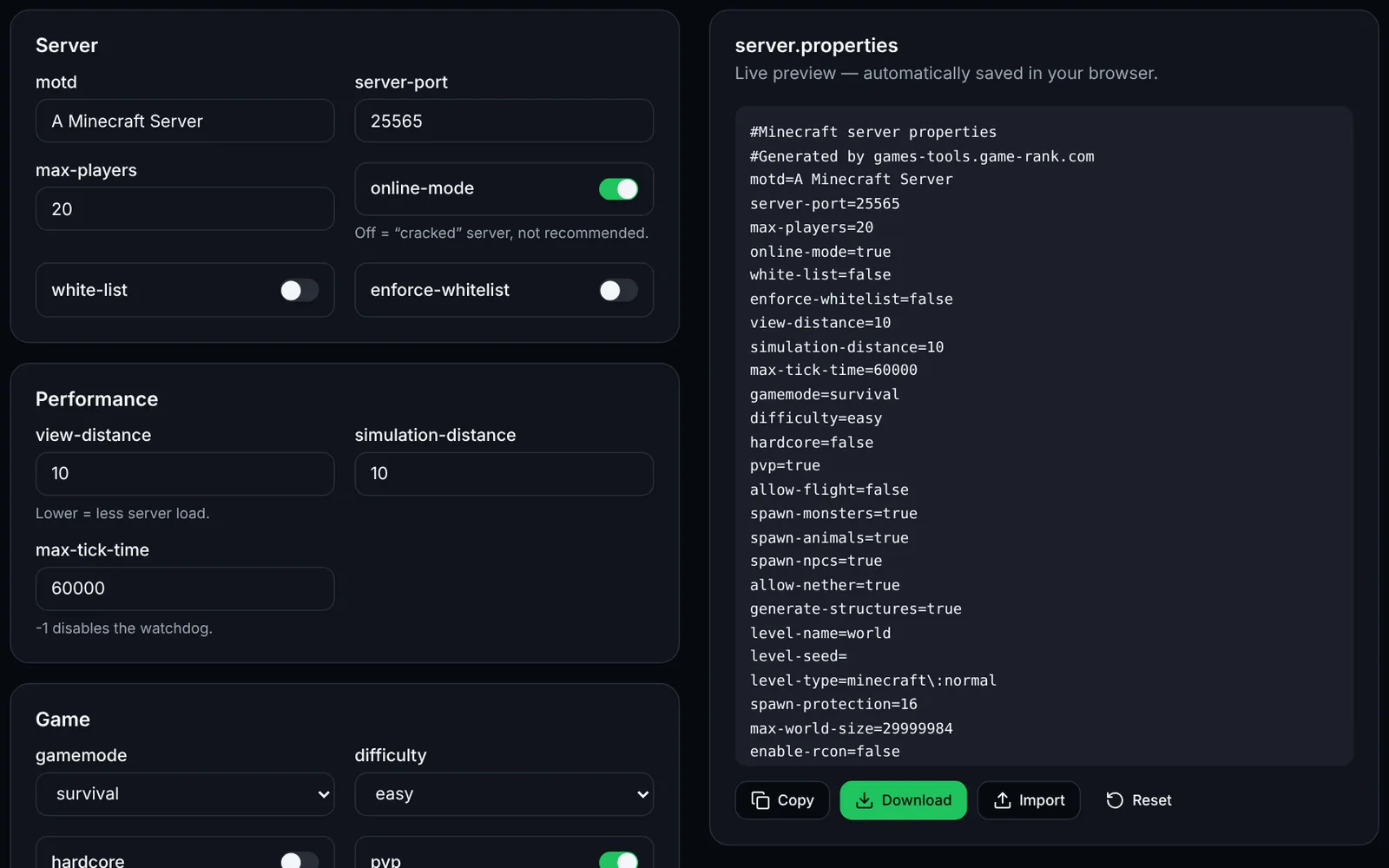
- /worldborder set takes the diameter (the square's side); max-world-size in server.properties is a radius. The tool shows both.
- Should I pre-generate the world?
- It isn't mandatory, but generating chunks while players explore costs CPU. A plugin such as Chunky pre-generates up to the border, preferably outside play hours.