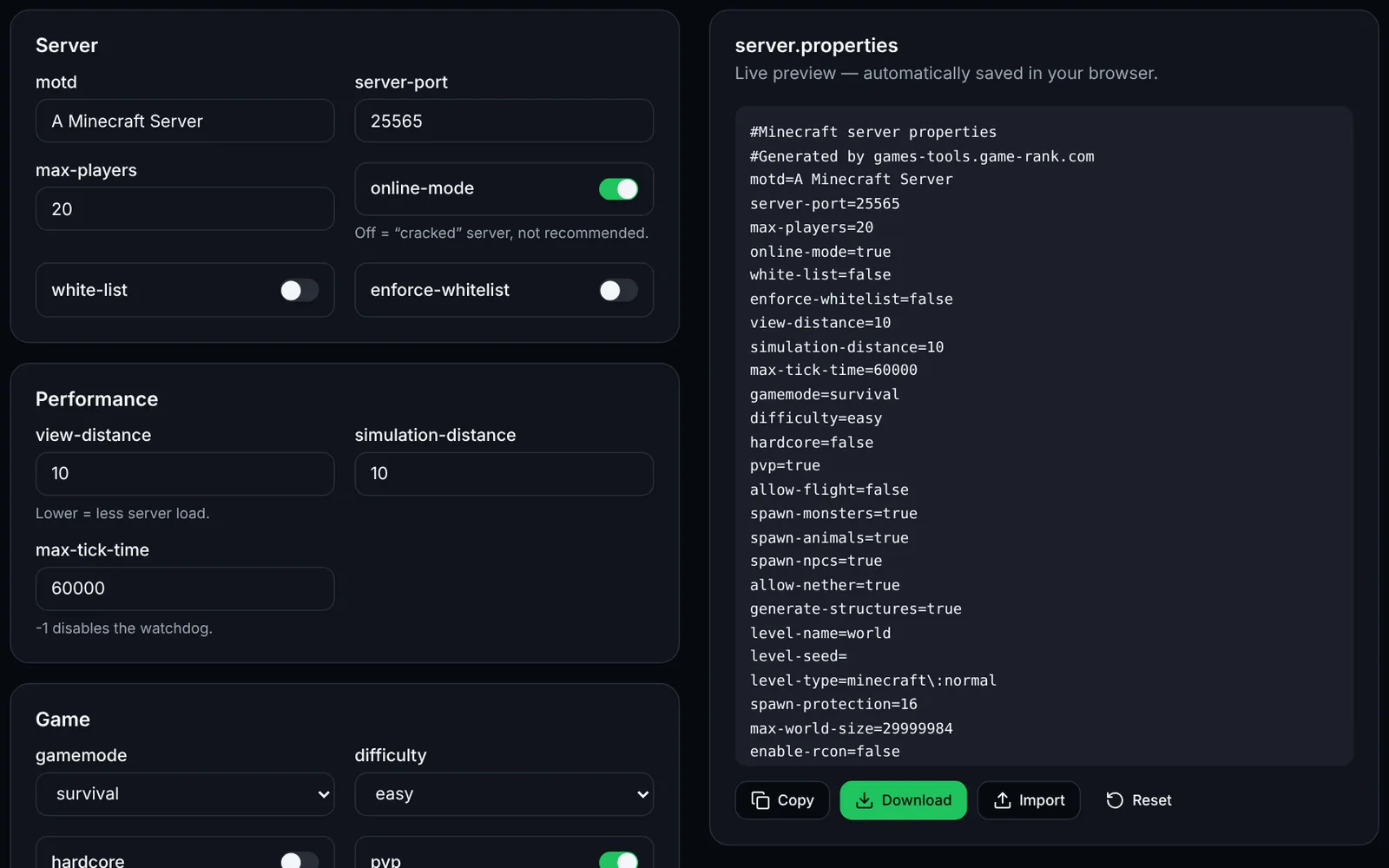
The MOTD is the two-line text shown under the server name in the multiplayer list. Write it with “&” codes (&a green, &l bold, &#RRGGBB hex): the tool shows the preview and outputs the motd= line ready to paste into server.properties.
How to use the tool
Type line 1 and line 2 with “&” codes (or paste text that already contains §).
Click colors and formats to insert them at the cursor; use the picker for a hex color.
Check the preview (the in-game font is slightly different).
Copy the motd= line into server.properties (with the server stopped), then restart the server.
Format in server.properties
The file is read as a Java .properties file: the § symbol is written \u00A7 and the line break \n. Hex colors use the §x§R§R§G§G§B§B sequence (1.16 and newer clients). Minecraft itself does not read MiniMessage: it is meant for plugins that support it.
motd=\u00A76\u00A7lMy Minecraft Server\n\u00A77Welcome!Frequently asked questions
- Why does my MOTD show strange characters?
- A § written as-is in server.properties may get mis-encoded. Use the \u00A7 form generated by the tool, which is pure ASCII.
- How many lines can I show?
- The multiplayer list shows two lines; separate them with \n. Text that is too long is cut off by the client.