Skip to content
Minecraft
Minecraft 100% localFreeOpen access

Minecraft MOTD generator

Create a colored two-line MOTD with live preview: § codes, hex colors, server.properties line and MiniMessage.

Last updated: 10/9/2026

100% local processing — saved in your browser.

Documentation
MOTD text
Codes: &0-&f colors, &l bold, &o italic, &n underline, &m strikethrough, &k obfuscated, &r reset, &#RRGGBB hex.

Inserting into: Line 1

Preview
My Minecraft Server
Welcome! Survival • 1.21

Approximate preview: the game font differs, and obfuscated text (&k) is shown normally.

server.properties
motd=\u00A76\u00A7lMy Minecraft Server\n\u00A77Welcome! \u00A7x\u00A75\u00A75\u00A7f\u00A7f\u00A75\u00A75Survival \u00A77\u2022 1.21
§
§6§lMy Minecraft Server
§7Welcome! §x§5§5§f§f§5§5Survival §7• 1.21
MiniMessage
<gold><bold>My Minecraft Server
<gray>Welcome! <reset><green>Survival <reset><gray>• 1.21
Server installation guideNo server yet? Install it locally or on a VPS / dedicated server, ports and firewall included.

How to use Minecraft MOTD generator?

The MOTD is the two-line text shown under the server name in the multiplayer list. Write it with “&” codes (&a green, &l bold, &#RRGGBB hex): the tool shows the preview and outputs the motd= line ready to paste into server.properties.

  1. Type line 1 and line 2 with “&” codes (or paste text that already contains §).

  2. Click colors and formats to insert them at the cursor; use the picker for a hex color.

  3. Check the preview (the in-game font is slightly different).

  4. Copy the motd= line into server.properties (with the server stopped), then restart the server.

Read the full documentation →

Frequently asked questions

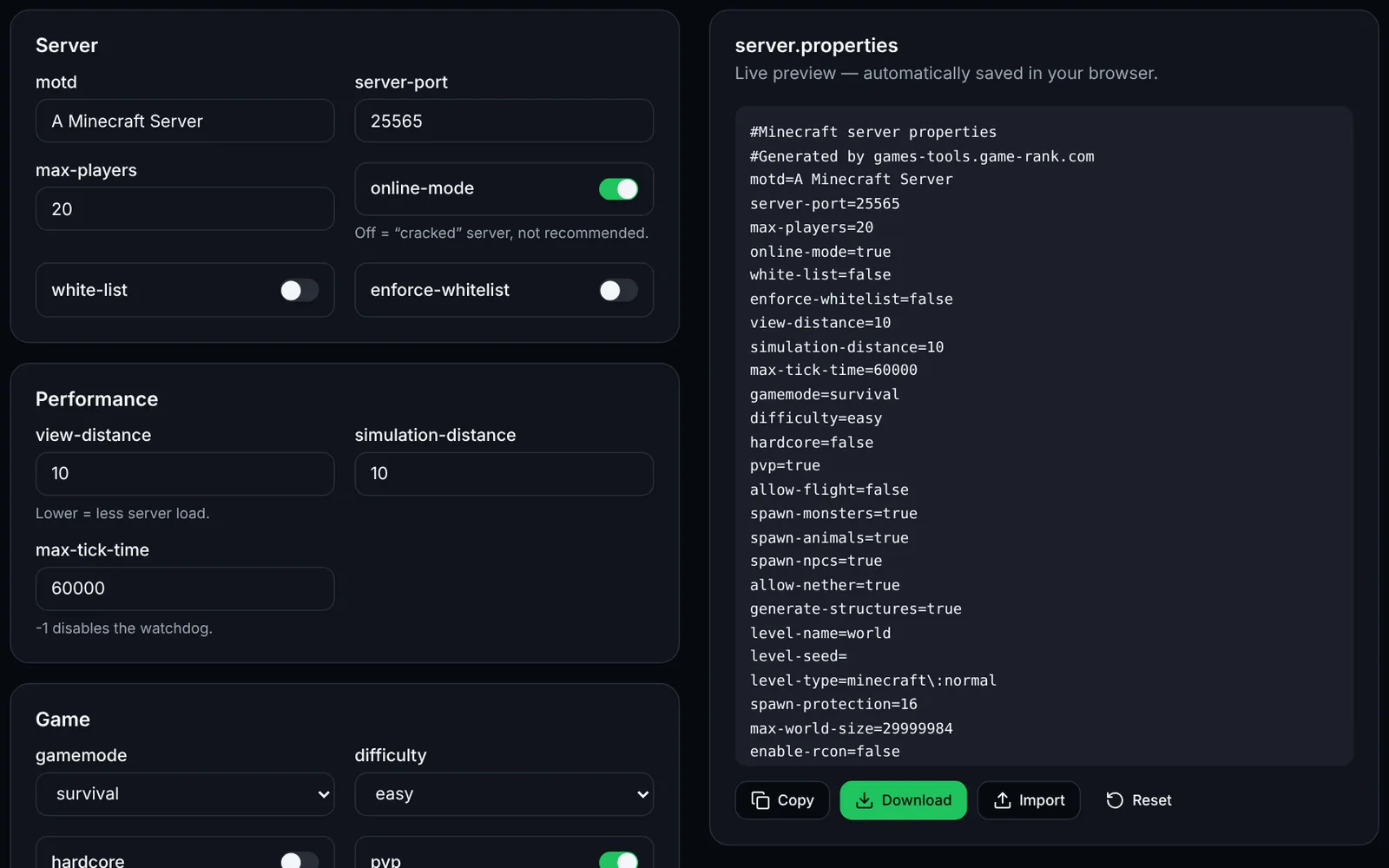
Screenshot of the server.properties editor toolMinecraftOpen access
Configure your Minecraft Java server: players, world, performance, whitelist and RCON.
ConfigurationJava EditionOpen
Documentation
Minecraft
MinecraftOpen access
Generate start.sh for Paper, Purpur, Fabric or Vanilla: RAM, Aikar's flags, --nogui, automatic restart and GC log.
LaunchPerformanceOpen
Documentation
Minecraft
MinecraftSign-in required
Edit your Bukkit, Spigot and Paper YAML files with help on common keys, default values and indentation error detection.
YAMLConfigurationOpen
Documentation
Minecraft
MinecraftOpen access
Generate whitelist.json and ops.json from a list of usernames, with the offline UUID computed locally, no network or Mojang call.
PlayersAdministrationOpen
Documentation
Minecraft
MinecraftOpen access
Compute radius, chunks, regions, pre-generation time, disk space and loaded chunks for your Minecraft world border.
WorldPerformanceOpen
Documentation
Minecraft
MinecraftOpen access
Generate a docker-compose.yml for the itzg/minecraft-server image: server type, version, memory, players, RCON, ops and whitelist.
DockerDeploymentOpen
Documentation