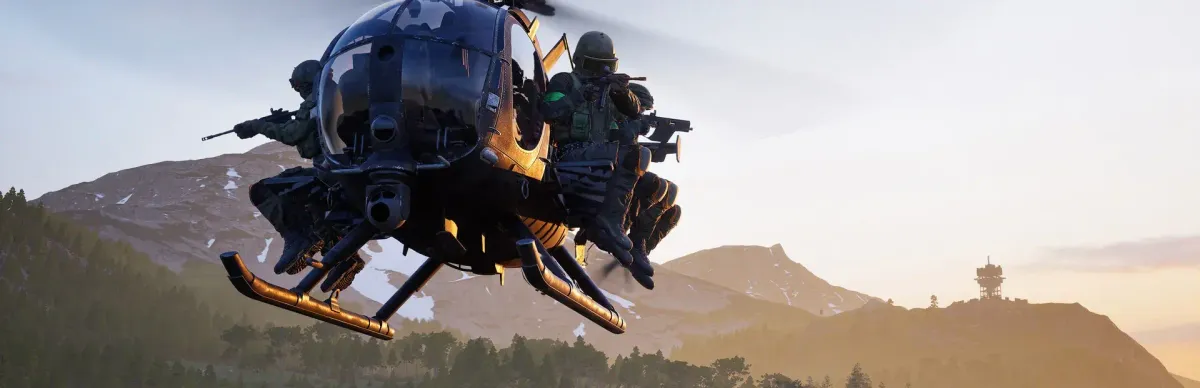
Important: at the date of this guide we found no official documentation on installing a WARDOGS server. Hosts state that the studio (Bulkhead) plans community servers, without the distribution model being confirmed. This guide prepares the ground and explains what to check, without inventing an app ID, port or command.
Step-by-step installation
Check Bulkhead's announcements (Steam, Discord) on community servers.
Determine whether the server will be downloadable or supplied through partner hosts.
If renting, compare offers and check the real status (early access).
Prepare settings, passwords and admins with the site's checklist.
When the official procedure exists, follow it; open only the ports it lists.
Test from outside, then list the server on game-rank.com.
Come back to this guide: it will be completed once official documentation exists.
Requirements
Nothing is established about the hardware, system or licences needed. Hosts already offer plans for 32, 64 or 100 players tuned to the early-access build: these are commercial pitches to verify. A Steam account that owns the game will be useful to test the connection.
Local install, VPS and ports: not documented
No SteamCMD command, systemd service, firewall rule or port forward is given here: without an official source we don't invent them. General rule once they are known: open only the announced ports, with the right protocol, in the system and provider firewalls, and never expose an admin port without a strong password.
Provider firewall and home router (NAT)
At OVH, Hetzner, Scaleway and similar providers, also open the same ports in the provider firewall (security group / panel firewall): it filters before the machine. For home hosting, create a NAT (port forward) rule on your router for each port to the server's local IP, with the right protocol. Test from outside (mobile network); never expose administration ports (RCON) without a strong password.
Listing and finding your server
Once the server is reachable from outside, add it on game-rank.com/jeux/wardogs (the owner's site) so players can discover it.
Troubleshooting
- Host offer “coming soon” or waitlisted: normal until early access settles; watch for orders to open.
- Client/server version mismatch: the server must follow early-access patches; contact your host.
- Contradictory information about the server: favour official channels over commercial pages.
- Server not found in game after setup: browser filter, region, or server not yet restarted after a change.
- Password shared in clear text: change it immediately and limit admins.
Frequently asked questions
- Does WARDOGS have a downloadable dedicated server?
- Not confirmed: the studio announced community servers; one host claims without proof that they will only go through partners. Wait for an official announcement.
- Why are no ports listed?
- Because no official source gives them; inventing a value would make you open the wrong ports.
- Is the site's checklist still useful?
- Yes: passwords, testing, updates and following the official announcement apply whichever route you choose.
- When will this guide be completed?
- As soon as Bulkhead publishes official documentation on community servers.