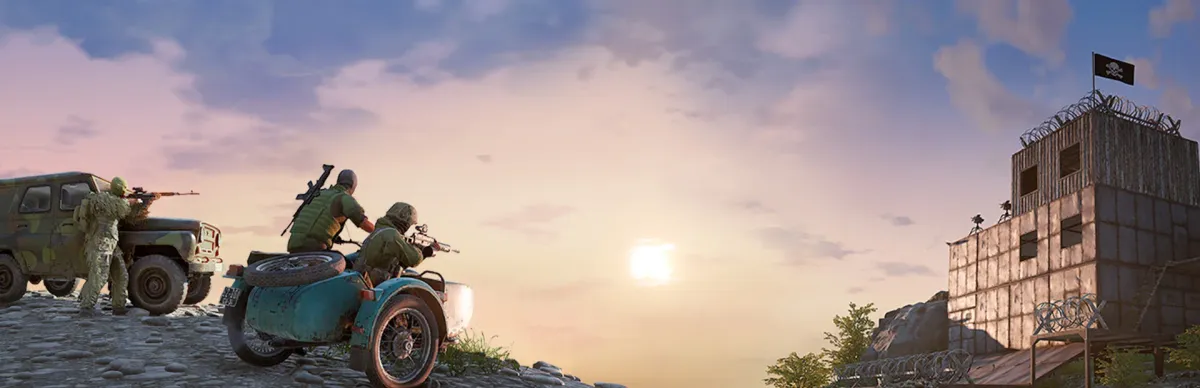
According to the official sources checked, Deadside does not publish a dedicated server you can install yourself: private servers (PC and console) are rented from a host (tinyBuild cites GG Host and GPortal) and managed from the in-game panel. Steam App ID 895400 is the game, not a server. Allow 10 to 20 minutes.
Step-by-step installation
Pick an officially cited host (GG Host or GPortal) and the platform (PC, Xbox, PS5).
Order and activate the server, then name it (no special characters).
Add your admin ID: Steam64 ID (PC, at GPortal) or EOS ID (consoles), with the server stopped.
Start the server and join in game.
Open the admin panel (F10 on PC) and choose the map, PvE/PvP mode and squad size.
Schedule the wipe and daily restart (at least every 24 h) and set the sliders.
Add reserved admin slots and your rules (messages, bans).
Respect tinyBuild's monetisation rule and announce your server.
Requirements
- A subscription at a Deadside server host (GG Host, GPortal): they manage the hardware
- Your admin ID: Steam64 ID (PC) or EOS ID (consoles)
- Local or VPS install (SteamCMD, systemd, Windows Server): not applicable, no downloadable server is published
Ports and firewall
Deadside's ports are not officially documented in the sources checked. At a host they are opened and managed for you (firewall, NAT, security group): do not configure them yourself and do not rely on other games' ports. If your host lists them, follow its documentation.
In-game admin panel
Hotkeys: F10 (PC), LT + RT + X + A (Xbox), L2 + R2 + Square + Cross (PS5). The 8 tabs: server rules, restarts, players, items, messages, logs, gameplay, tools.
- Mode: PvE only, PvP without base raids, or PvP with scheduled raids (start time in UTC, duration in hours)
- Squads (3 is the usual pick), reserved admin slots, wipe: never, weekly, every 2 or 4 weeks
- 0-200% sliders: activity frequency, bot damage and health; daily restart
Updates, backups and restarts
Updates and backups are handled by the host (GG Host offers SFTP access, with no official detail on which files). You manage restarts and wipes from the panel; on PC the panel can also switch to the Public Test Server (PTS) branch. No SteamCMD, cron or systemd command applies.
List and find your server
Once active, the server appears in the in-game list. Also add it on game-rank.com/jeux/deadside. Note: tinyBuild allows personal use, but any paid access, paid gameplay benefit or donation requires its prior written permission.
Troubleshooting
- Admin panel unavailable: your admin ID is not registered (Steam64 ID on PC, EOS ID on consoles); add it with the server stopped and restart.
- Server name rejected or garbled: avoid special characters and use underscores for spaces (GG Host advice).
- Server keeps restarting or is refused: at least one restart every 24 h is required; check the restarts tab.
- Not in the list: wait for startup to finish and check the status at your host; its support handles network access.
- Map mod not loading (PC): enter the exact modded map name in the panel; consoles: mods are managed via mod.io in GG Host's panel.
Frequently asked questions
- What is the Deadside server App ID?
- No downloadable dedicated server is published, so there is no server App ID. 895400 is the game's Steam App ID.
- Which ports should I open for Deadside?
- Not officially documented in the sources checked; at a host, it handles this. Ask it if needed rather than using another game's ports.
- Can I make money from a Deadside server?
- Only with tinyBuild's prior written permission: paid access, paid benefits and donations are all covered.
- How do I update the server?
- The host handles updates; use its panel (restart) or its support if versions get out of sync.